
Parametric landing pages can pull in search traffic and still help people narrow a purchase, but only when they are built around a real buying job. Too many sites treat every filter combination like a page worth indexing, then end up with thin results, duplicate titles, and pages no one wants to land on.
The stronger approach is tighter. Build pages that answer a specific query, then let buyers refine without breaking the page’s purpose. That balance starts with intent.
Start with the query, not the filter logic
Buyer intent should lead every page decision. If someone searches for “men’s waterproof trail running shoes” or “2-bedroom apartments near transit under $3,000”, they are already asking for a narrowed set of options.
That means the page needs to mirror the way people search, not the way the database stores products. A filter stack can be powerful, but a crawlable page should only exist when the combination matches a real search pattern and a real shopping task. Search logs often show those patterns early, and turning site search queries into landing pages can reveal which combinations deserve a static destination.
A useful test is simple. If a buyer would describe the need in one sentence, the page probably has enough focus to exist. If the page only exists because the catalog can technically generate it, the page is probably too weak.
That distinction matters for teams building parametric landing pages at scale. One page can target “women’s leather ankle boots,” while another can target “women’s leather ankle boots wide fit.” Both may deserve a home. A page for “women’s leather ankle boots wide fit size 7 black with lug sole” usually does not.
Build a page template that can flex
A strong template borrows the same backbone across the catalog, then swaps only the pieces tied to intent. That keeps production manageable and keeps the page from feeling stitched together.
Start with a unique H1, a short intro, breadcrumbs, a product count, and a visible filter summary. Then add the elements buyers actually use to compare options, such as price range, delivery notes, ratings, compatibility, size, or material. Static parts hold the page together, while dynamic parts reflect the selected filters.
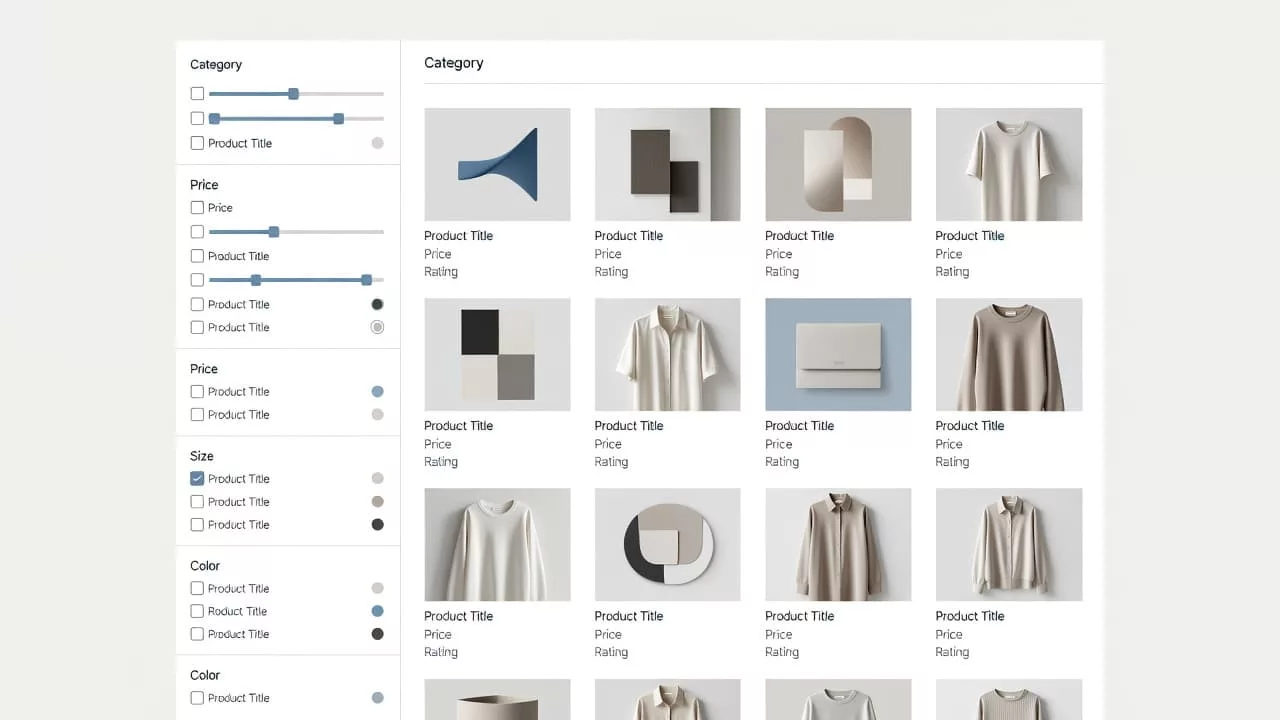
The same structure also supports ecommerce on-page SEO strategy, because titles, copy blocks, and internal links stay under control. When the page is indexable, give it a clean title tag and a meta description that match the main buying intent. When it is not indexable, keep the page useful for shoppers anyway. A helpful page can sit inside the site without needing search visibility.
A page template should also avoid dead zones. Empty spaces, oversized hero banners, and vague brand copy waste attention. Buyers want the fastest route to the right set of products, not a generic sales pitch. The page needs to feel like a useful shelf, with enough context to make a choice.
Which filter combinations should index?
Not every combination deserves a crawlable page. Search demand, inventory depth, and uniqueness all need to line up. If one of them is missing, the page usually belongs in the faceted experience, not the index.
| Filter combination | Example | Index? | Why it works or fails |
|---|---|---|---|
| Core category plus defining attribute | men’s waterproof hiking boots | Yes | Clear intent and enough depth for a useful page |
| Category plus two high-demand attributes | sofa beds queen storage | Yes | Buyers search for this combination and compare real options |
| Category plus one temporary filter | running shoes size 9 | Usually no | Too narrow, inventory changes fast |
| Sort or price only | under $100, newest | No | Changes order, not intent |
A page earns its place when a buyer could bookmark it and use it later. If the inventory shifts every day or the combination only exists because of sort order, keep it out of the index.
If a filter combination only reshuffles the same products, treat it as navigation, not a landing page.
That rule helps teams avoid noisy indexation. It also protects crawl budget, because crawlers spend less time on near-duplicates and more time on pages with real search value.
Stop thin and duplicate pages before they spread
At scale, duplication is the biggest risk. A large catalog can produce dozens of near-identical URLs, and those pages drain crawl attention without helping shoppers.
Set rules early. Keep only one canonical URL for each meaningful cluster, keep low-value states out of the sitemap, and noindex pages with weak inventory or no unique angle. When several filters lead to the same product set, pick one page to own the topic and let the others support browsing only.
A clean path strategy matters, and seo-friendly URL patterns for large catalogs help when several combinations point to the same product set. The preferred URL should be short, stable, and easy to understand. Long parameter strings are fine for live filtering, but they rarely belong in the index unless the page has a strong, repeatable search demand.
A practical threshold helps teams stay consistent. The page should have enough in-stock products to look complete, its own title and intro copy, and at least one unique detail that a plain category page does not have. That detail might be a sizing note, a material guide, a delivery rule, or a compatibility callout.
You can also separate page types by purpose:
- Indexable pages should map to a stable buying intent.
- Support pages should help users refine, sort, or compare.
- Temporary combinations should stay out of search results.
That setup keeps the catalog tidy while still giving buyers the control they expect.
Make filtered pages useful for buyers
Buyers do not want a blank grid with a few filters. They want confidence. The page should tell them what changed after they applied a filter and what still matters before they click.
A good filtered page shows the number of results, the active filters, and the main sorting options. It also gives product cards enough detail to compare quickly, such as price, rating, shipping speed, size range, or material. For a page built around “women’s waterproof trail shoes”, that might mean terrain use, weight, and waterproof rating. For “storage sofa beds”, it might mean mattress size, fabric, and delivery window.
The page should also help the buyer move forward. Related category links, size guides, compatibility notes, and short FAQs all reduce friction. If a shopper lands on a page for “running shoes for flat feet”, a short note about support type is more useful than a brand story. If the page targets “solid wood dining tables”, the buyer may care more about dimensions and finish than about promotional copy.
Sort options deserve care too. Price, rating, and newest can help shoppers, but sort-only URLs rarely deserve indexation. Keep them available in the interface, then control how they appear to crawlers.
The best test is plain and practical. Could a merchandiser use the page without extra explanation? Could a buyer narrow the choice in under a minute? If both answers are yes, the page is doing its job.
Conclusion
Parametric landing pages work when they match a real search job, carry a unique template, and follow firm indexing rules. They fail when every filter becomes a page and every page says the same thing.
The best systems keep browsing rich while reserving indexable URLs for combinations with demand, inventory depth, and a clear buying purpose. When that balance is right, the page ranks because it is useful, and it converts because it helps people choose. That is the standard worth building.