
A large catalog can turn a clean site into a messy one fast. One extra filter, one more subfolder, or one careless migration can create thousands of URLs that fight each other.
A strong ecommerce URL structure keeps the site readable for shoppers and stable for search engines. It also makes life easier for teams that have to maintain the catalog, ship changes, and fix bugs without breaking rankings.
In 2026, the basics still matter. Search systems need persistent URLs, clear paths, and a small number of duplicate versions. The rest of this article breaks down how to build that structure without trapping your store in a rigid taxonomy.
What a large catalog URL should do
A URL is more than an address. For a large ecommerce site, it is a signal about hierarchy, page intent, and page stability.
Good URLs help people understand where they are before they click. They also help crawlers make sense of the catalog without wasting requests on near-duplicate pages. That matters even more now because search systems still rely on crawlable links and stable paths, even when results pages and AI summaries change how clicks happen.
A useful URL should do four things well:
- Show the page type quickly, such as category, subcategory, or product.
- Stay readable when copied, shared, or scanned in a report.
- Hold its shape over time, even if merchandising changes.
- Avoid exposing internal IDs, tracking values, or temporary states.
Google’s own ecommerce URL structure guidance still points in this direction. The message is simple, keep pages easy to reach, easy to distinguish, and easy to keep consistent.
That consistency matters because large catalogs rarely stay still. Products get retired. Facets get added. Collections split apart. A URL system that only works for today’s taxonomy will become expensive very quickly.
If you want a broader SEO baseline for product and category pages, the ecommerce URL structure best practices guide on Ecom Design Pro is a useful companion. It covers the same core idea from a wider site architecture angle.
Build a hierarchy that people can read
A clean path should mirror the way shoppers think about the catalog. The best structures are short, predictable, and easy to extend.
For most large stores, that means a shallow hierarchy with one main category layer, one subcategory layer, and a product layer when needed. You do not need every internal taxonomy level in the public URL. In fact, exposing too much structure usually makes the site harder to manage.
A good pattern looks like this:
/mens/shoes/running-shoes//electronics/phones/android//home/bedding/duvet-covers/
A bad pattern looks like this:
/products?id=32433&cat=8/category/region/season/type/subtype/item9987//store/catalog/footwear/running/mens/performance/neuttral-model-x/
The difference is not cosmetic. Short paths are easier to remember. They are also easier to redirect when taxonomy changes, which matters during launches and migrations.
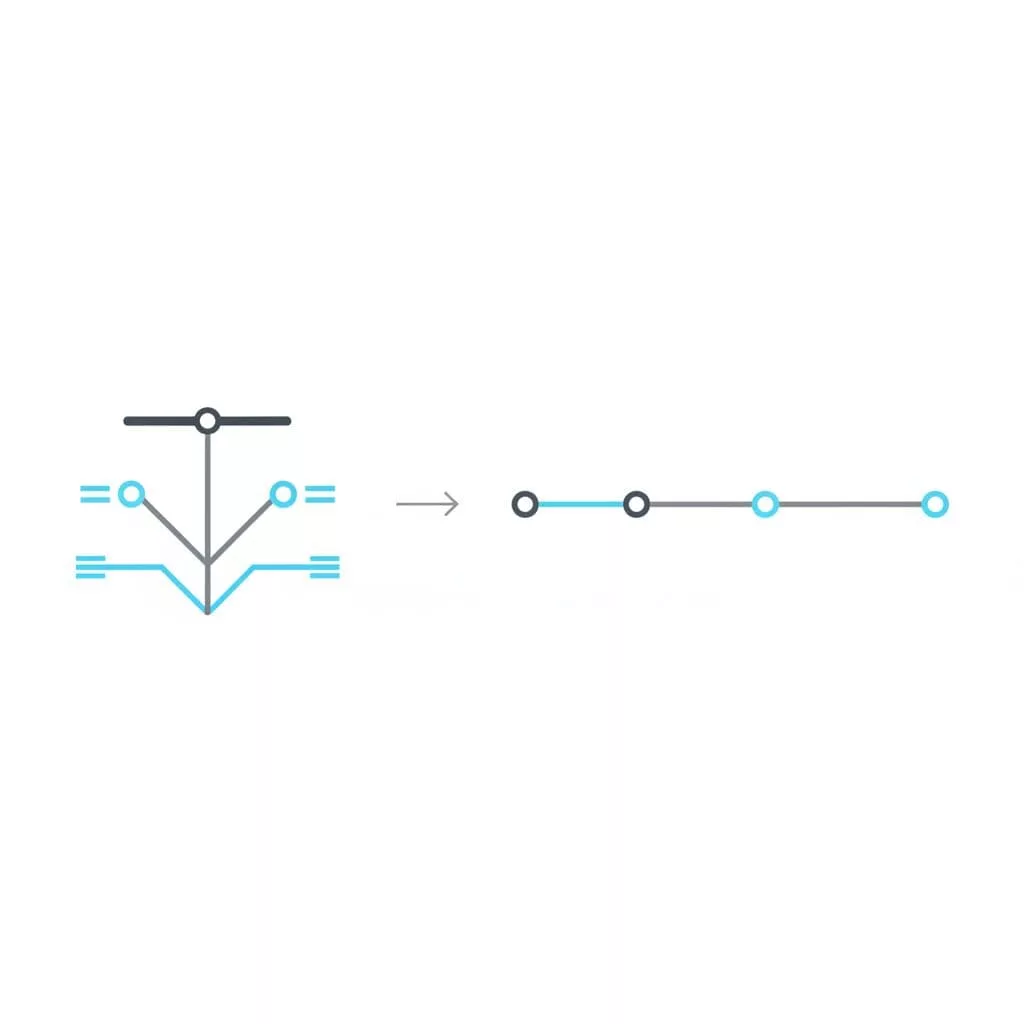
A shallow structure also gives you more room to grow. If the path is already bloated, every new category becomes a technical decision instead of a merchandising one.
Keep the public URL close to the user’s mental model, not the database schema. That is the simplest way to avoid clutter later.
Use static paths for core pages, parameters for variable views
This is where a lot of large catalogs get messy. Teams either push everything into static paths or let parameters multiply without rules. Neither approach works well.
Static paths are best for pages with clear search value and long-term stability. Think top categories, important subcategories, evergreen editorial landing pages, and primary product detail pages. These are the pages that deserve clean, memorable URLs.
Query parameters are better for temporary or user-driven views. Sorting, color filters, size filters, price ranges, and tracking values belong here more often than not.
Here is a simple comparison:
| Use case | Better URL style | Index? | Example |
|---|---|---|---|
| Core category | Static path | Usually yes | /womens/dresses/ |
| Evergreen subcategory | Static path | Usually yes | /womens/dresses/maxi-dresses/ |
| Product page | Static path | Usually yes | /womens/dresses/maxi-dresses/linen-midi-dress/ |
| Color filter | Query parameter | Usually no | /womens/dresses/?color=blue |
| Sort order | Query parameter | Usually no | /womens/dresses/?sort=price-low-high |
| Tracking | Query parameter | No | /womens/dresses/?utm_source=email |
The main rule is simple. If the page represents a stable, index-worthy landing page, give it a static path. If it represents a view of the same inventory, keep it as a parameter.
Google also recommends using ?key=value style parameters where possible. That helps search systems understand what the parameter means. It is better than cryptic values or random query strings.
You can still create static landing pages for high-value filter combinations. For example, if “black running shoes” has real search demand and enough inventory, a curated page like /mens/shoes/running-shoes/black/ may make sense. The key is to treat that as a real page, not a throwaway filter state.
If you need a broader model for URL logic on ecommerce platforms, Shopify URL structure optimization guide is a useful reference point, especially when you are deciding which pages deserve a permanent path.
Faceted navigation needs rules, not guesswork
Faceted navigation is where large catalogs usually create duplicate content at scale. One filter becomes ten. Ten become hundreds. Before long, crawlers are indexing combinations nobody planned to support.
The fix is not to block everything. That usually hurts discovery and makes the site harder to use. The better move is to classify facets by value.
Some facet pages are worth exposing because they map to real search demand or strong merchandising intent. Others are only useful as temporary views. The difference decides whether they get a crawlable indexable URL.
Use these rules:
- Let high-demand, content-rich facet combinations become indexable landing pages.
- Keep low-value combinations as parameterized views.
- Canonicalize duplicate paths back to the main category or curated page.
- Avoid internal links to session IDs, tracking codes, and one-off filter states.
If a filtered page cannot earn traffic on its own, it usually should not compete for indexation.
That rule keeps the crawl space focused. It also protects the category page from splitting signals across too many near-identical URLs.
A common mistake is to let every facet create its own path segment. That looks tidy at first, but it scales badly. Once you have color, size, brand, fit, material, price, and rating, path segments can explode. Query parameters are easier to contain and easier to canonicalize.
Shopify stores need extra care here because product and collection URLs can multiply quickly. If your catalog uses variants heavily, managing Shopify product variant canonicalization can prevent a lot of duplicate URL noise before it spreads.
The best faceted systems feel generous to users and disciplined to search engines. That balance is what keeps a large catalog usable without letting the index balloon.
Pagination, sort order, and duplicate paths need tight handling
Pagination is one of the oldest ecommerce SEO issues, and it still causes trouble in 2026. Large catalogs depend on it, so every paginated page needs a unique, crawlable URL.
Do not collapse page 2, page 3, and page 4 into the same address. Each page should be distinct and internally linked. That lets search systems discover deeper products without guessing.
Google’s URL structure guidance for ecommerce sites is clear on this point, make paginated pages unique and avoid unnecessary duplicate paths. That advice still fits modern catalogs well.
Sort parameters need similar discipline. A sort change often rearranges the same products rather than creating new value. In most cases, sort URLs should not become index targets. They can stay useful for shoppers without competing in search.
This becomes especially important when filters and sort orders stack together. For example, /mens/shoes/?sort=price-low-high&color=black may help a shopper, but it rarely deserves its own index slot.
A clean rule set helps:
- Paginated category pages get unique URLs.
- Sorting views stay parameterized and usually stay out of the index.
- Filter combinations only earn indexation when they support a real landing-page strategy.
- Canonicals point search engines back to the preferred version.
You should also avoid letting internal links point to temporary parameters. Session IDs, internal experiments, and user-specific values create duplicate versions that add no value. They also make reporting harder because the same page appears in several forms.
For very large catalogs, category architecture for 50k+ SKUs is a useful way to think about this problem. The public URL tree should stay lighter than the internal taxonomy.
Pagination and duplicate handling do not sound exciting, but they protect your crawl budget and your reporting. That is a tradeoff worth making.
Enterprise platforms need URL rules before templates go live
The platform matters because different systems give you different levels of control. Some let you shape every path. Others impose fixed folders, variant parameters, or collection structures you cannot remove.
That is why URL planning needs to happen before templates go live. Once merch teams, developers, and SEO teams each create their own path logic, the structure gets hard to unwind.

If you work on Shopify, you already know some parts of the path are fixed. The /products/ and /collections/ folders are part of the system, so the real job is keeping the rest of the structure clean and consistent. For that, correcting Shopify canonical tag configurations matters as much as the slug itself.
On Adobe Commerce, BigCommerce, Salesforce Commerce Cloud, or a headless stack, the issue changes but does not disappear. You may have more control, yet that flexibility can create more versions of the same page. Facets, rewrites, and custom routes all need a clear rulebook.
During migrations, preserve what already works unless there is a strong reason to change it. Stable product slugs are valuable because they have history, links, and user familiarity. If you must change them, build one-to-one redirects and test them at scale.
A migration plan should cover:
- Canonical logic for old and new paths.
- Redirect mapping for retired URLs.
- Rules for variants, collections, and filters.
- How the sitemap will reflect the final structure.
- Which pages must stay stable through merchandising updates.
The best URL system is not the most flexible one. It is the one your team can maintain without surprises.
Keep the structure alive after launch
URL design is not a one-time task. Large catalogs drift over time, and URL rules need regular checks.
Start with a naming policy. Category names should match the public taxonomy, not the internal spreadsheet. Slugs should use hyphens, lowercase letters, and plain words. Avoid underscores, random IDs, and unnecessary product codes unless they add real clarity.
Then audit the site for consistency. The same product should not appear under three different paths without a clear canonical plan. The same category should not alternate between slash formats, trailing slash formats, or mixed parameter styles.
Use monitoring to catch problems early. Watch for:
- New duplicate paths created by filters or sort orders.
- Redirect chains after catalog changes.
- Orphaned pages that no longer sit in the main link structure.
- Parameter spam in internal links and XML sitemaps.
A simple governance process helps more than a long policy doc. Give SEO, dev, and merchandising teams one shared rule set. If a new page type or filter state appears, decide whether it gets a static URL, a parameter, or no indexation at all.
That decision should happen before launch, not after a crawl issue shows up in Search Console.
Conclusion
A strong ecommerce URL structure does not try to show everything. It shows the right things, in a stable order, and leaves the rest to parameters and internal logic.
For large catalogs, the winning pattern is steady, not clever. Keep paths short, keep hierarchy shallow, and give only the important pages permanent URLs. That balance protects crawl efficiency, supports users, and keeps future migrations from becoming a cleanup project.
The stores that do this well usually win on boring details. In a large catalog, boring is good.