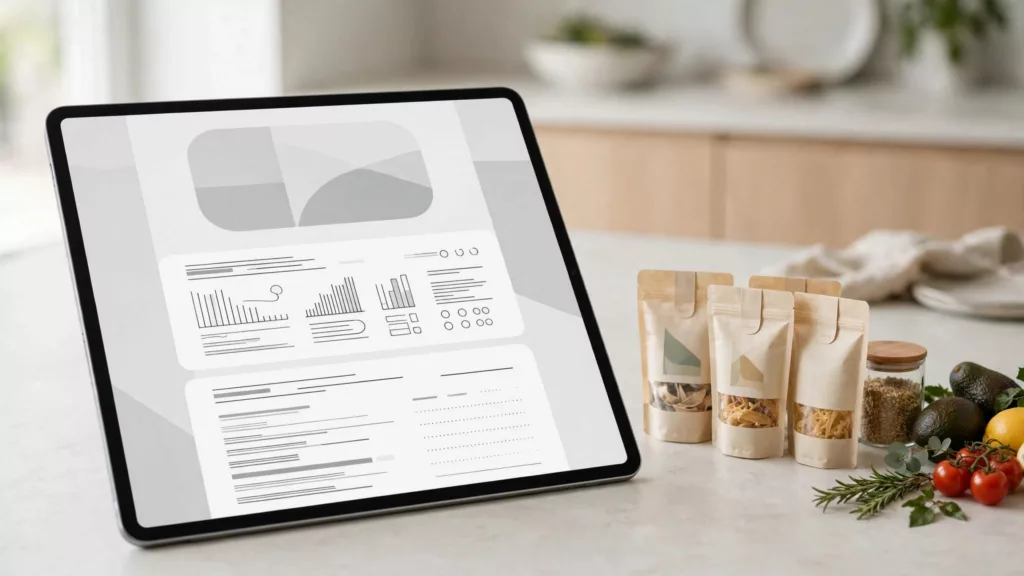
Useful ecommerce nutrition labels help shoppers find serving sizes, understand nutrient amounts, and compare foods before adding them to their cart. A tiny package photo rarely supports those tasks on its own.
For your store, make nutrition information easier to find and use online with a visible summary of the food label and complete, accessible details tied to the selected product. Start with placement, then make the same information work across desktop, mobile, filters, and comparisons.
Put ecommerce nutrition labels near the purchase decision
Nutrition information belongs in the buying flow, rather than several swipes below promotional content. Use a predictable location across your catalog so customers don’t have to relearn each product page.
Keep a useful summary visible
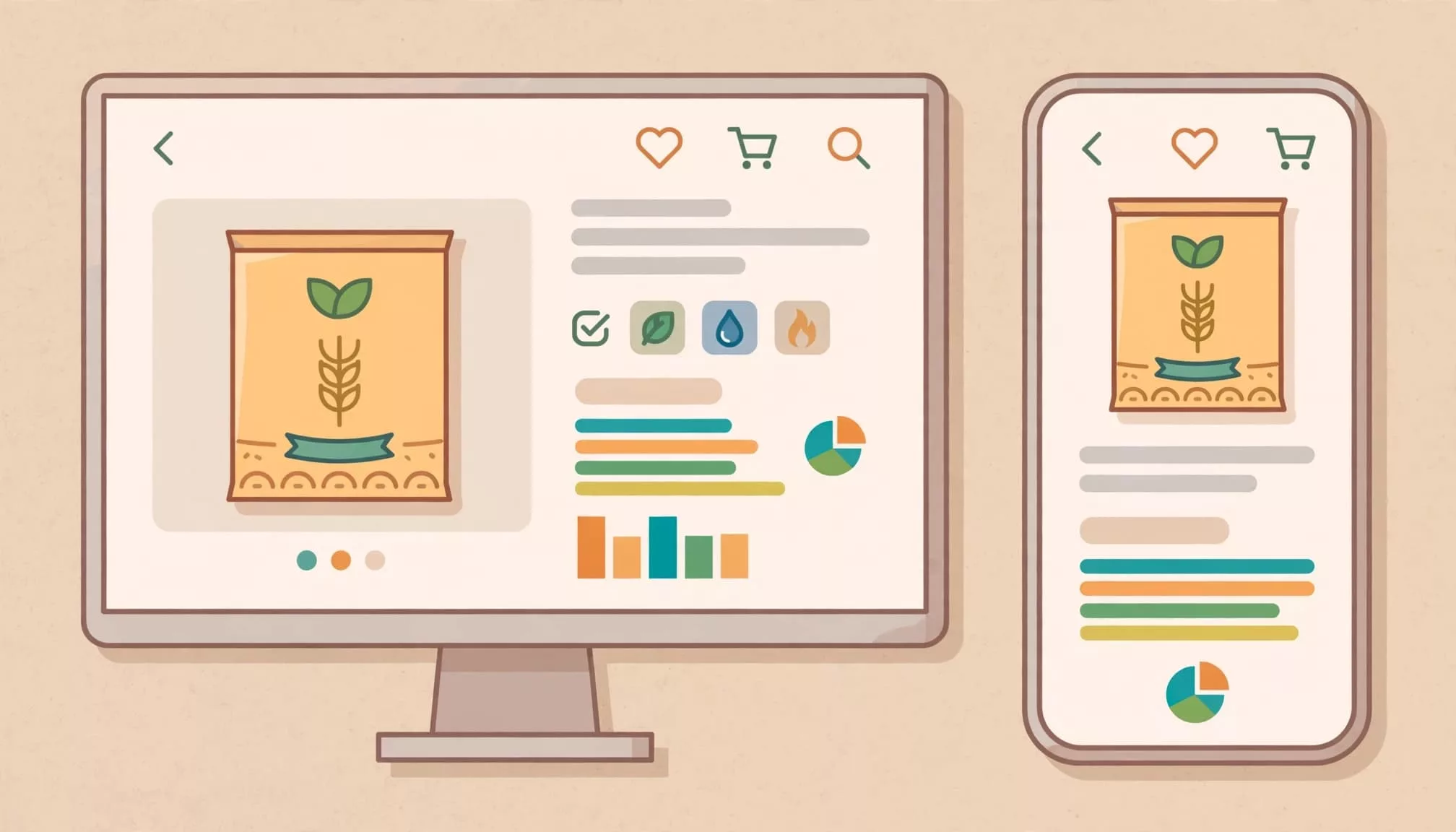
Near the package size and variant selector, show serving size, calories, and a clearly labeled route to full nutrition details. Display the basis beside every number, such as “per serving.”
Keep ingredients and allergen information easy to reach, too. A nutrition summary doesn’t replace them.
On collection cards, show only the attributes that help customers choose within that category. Crowding every card with a miniature label makes scanning harder.
Expand details without hiding their existence
An accordion labeled “Nutrition Facts” can keep long pages manageable. However, its collapsed state should still make the information easy to recognize.
Avoid vague labels such as “More details.” Also, don’t bury nutrition inside a general description tab.
On desktop, an expanded panel may fit comfortably beside supporting product information. On mobile, preserve the visible summary and let customers open the complete panel without losing their place.
Make labels readable and accessible on every screen
A high-resolution Nutrition Facts label image helps customers inspect the packaging, but structured text makes the information usable without zooming into a photograph.
Provide text alongside package images
Render nutrient names, quantities, units, and percent Daily Value as real text. Use meaningful table headers so assistive technology can connect each amount with its nutrient and measurement basis.
Keep the package image available as supporting material. If nearby text already reproduces the label completely, avoid duplicating the entire panel in lengthy alternative text.
W3C’s WCAG overview provides the accessibility framework. It doesn’t determine which legal obligations apply to an individual retailer.
Test controls, zoom, and reading order
Nutrition accordions need keyboard-operable buttons, visible focus, and an announced expanded state. Variant changes should update nutrition information accessibly, without unexpectedly moving focus.
At narrow widths, keep nutrient names attached to their values. Text enlargement shouldn’t clip units or hide the serving basis.
Combine automated checks with real shopping tasks. Our guide to ecommerce accessibility testing tools explains why scans alone can’t establish whether customers can complete a purchase.
Teach a 1-2-3 method for label reading
Short explanations beside the panel can help customers interpret the numbers. The label-reading guide offers a practical foundation for this label reading sequence and for using the Nutrition Facts label.
1. Start with portions and calories
Show serving size and servings per container before asking customers to interpret calories. Serving sizes reflect amounts people typically consume, not recommended portions.
Keep per-serving and per-package values clearly separated, including calories when both appear. Customers eating the whole package need the corresponding total, not an unlabeled number that assumes one serving.
For dual-column labels, preserve both columns instead of cropping the image to fit a narrow card.
2. Review fat and sodium
When reviewing fat and sodium, keep total fat, saturated fat, and sodium distinct. A single “fat” badge removes information shoppers may need.
Explain percent Daily Value in plain language. A general guide treats 5% DV or less as low and 20% DV or more as high.
Those thresholds describe individual nutrients per serving. Don’t turn them into an overall health score, because foods can be high in one nutrient and low in another.
3. Look at fiber and other nutrients
Make dietary fiber and other listed nutrients easy to scan alongside nutrients customers may want to limit. Keep added sugars separate from total sugars.
Educational tooltips should define terms without covering the values customers are reading. Put longer explanations in an optional guide.
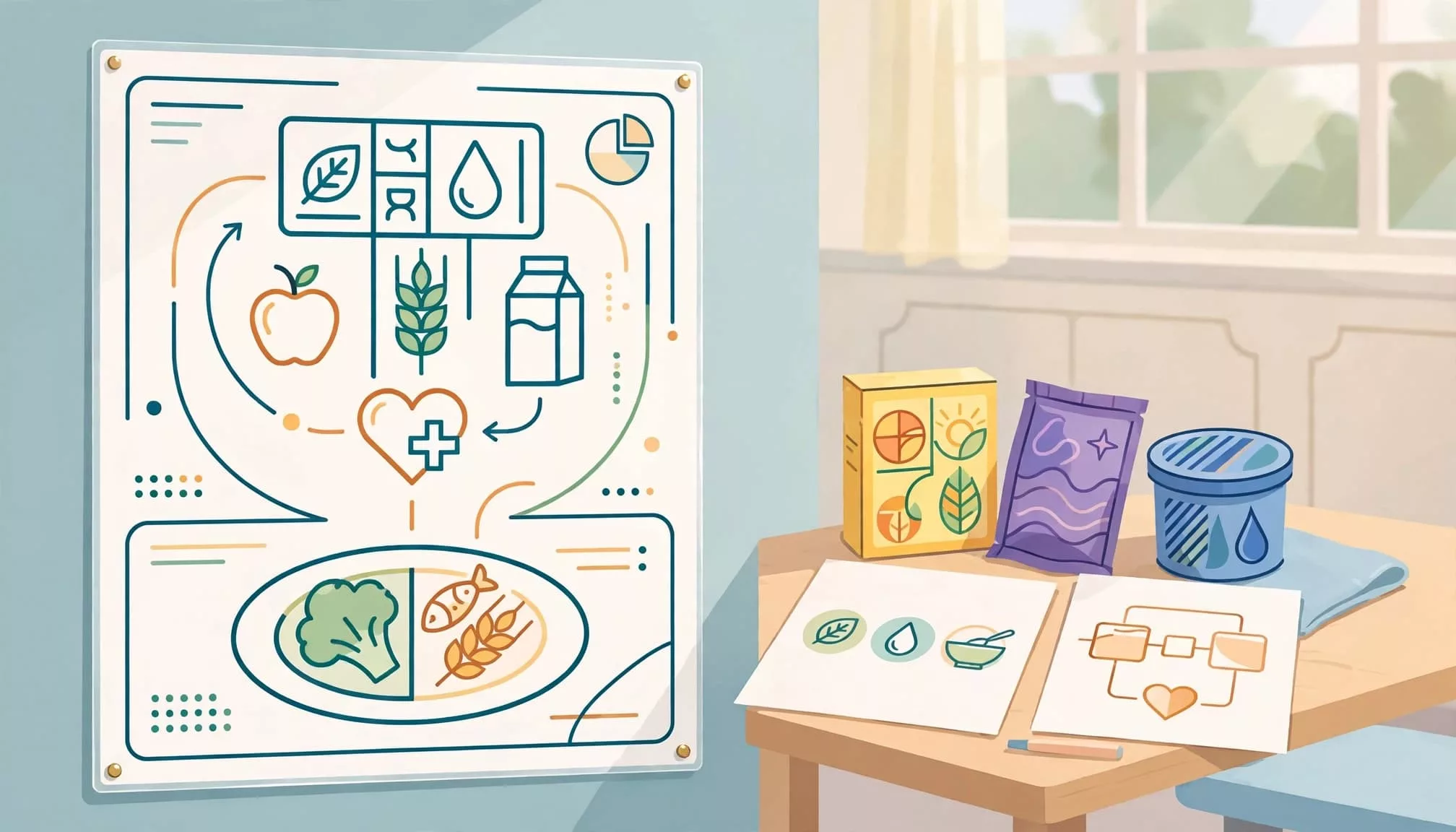
The same sequence also works in a classroom poster or nutrition handout. Online, keep the explanation beside the relevant data instead of making customers download a poster.
Explain added sugars without mixing up guidelines
The FDA’s added-sugars guidance sets the label’s Daily Value at 50 grams, based on a 2,000-kcal diet. Its example shows that 7 grams equals 14% DV.
That reference equals 200 kcal, or 10% of 2,000 kcal. It’s a labeling reference, not broader Dietary Guidelines advice or a personalized daily allowance.
The 2020-2025 Dietary Guidelines advised people aged two and older to keep intake below 10% of daily energy. The current 2025-2030 Dietary Guidelines say no amount of added sugars is recommended and a meal should contain no more than 10 grams.
Keep these references separate in your interface. Explain what the label percentage means without presenting older dietary guidance as current.
Never describe total sugars as this nutrient. They are different fields and support different decisions.
Build filters and comparisons on a shared basis
Nutrition comparisons fail when one product shows values per serving and another shows values per package. Ecommerce nutrition labels need an explicit, consistent comparison basis.
These views answer different shopping questions:
| Comparison basis | What it helps shoppers understand |
|---|---|
| Per labeled serving | Nutrition in the manufacturer’s stated serving |
| Per 100 grams or milliliters | Nutrient concentration across comparable products |
| Per package | The total when consuming the entire package |
Offer the basis that fits the category, and display it above the values. Derived values need reliable source quantities and consistent rounding; retain the original label information alongside them.
Filters also need defined rules. Distinguish a factual nutrient threshold from a regulated claim such as “low sodium.” Don’t invent claim criteria.
Missing nutrition data must remain unknown, rather than becoming zero. Otherwise, incomplete products can incorrectly qualify for a filter.
Preserve selected filters and comparison products when shoppers move between results and product pages. On mobile, let customers compare a few relevant nutrients without squeezing every column onto one screen.
Package quantity should remain visible throughout. Our guidance on clear unit pricing applies the same principle to price comparisons.
Keep nutrition data accurate across variants
Readable presentation only helps when it describes the product customers will receive. Flavor, formulation, size, and market differences can change the information.
Give each field an accountable source
Store nutrition information as controlled product data. Record the supplier source, product identifier, serving basis, units, market, revision date, and responsible owner.
Use category-specific publishing rules. A missing required field should block the relevant product record, rather than disappear into a generic description.
Keep manufacturer-provided values separate from calculated comparison values. Preserve supplied rounding and avoid adding decimal places that imply unsupported precision.
Handle changes and failures visibly
When shoppers select another variant, update the label, summary, ingredients, and applicable comparison values together. Never leave the previous flavor’s nutrition visible while new data loads.
If information isn’t available, say so plainly. Don’t populate the panel with a neighboring product’s values.
Track missing records, supplier discrepancies, and review delays. Repeated mapping errors belong in the intake workflow, where one fix can prevent recurring mistakes across the catalog.
Separate labeling requirements from UX recommendations
This guidance uses the U.S. Nutrition Facts system. Other markets have different labeling and distance-selling requirements.
The FDA oversees labeling for most packaged foods within its jurisdiction. USDA regulates many meat, poultry, and certain egg products. Requirements and exemptions depend on the food and responsible authority.
For many packaged foods under the agency’s jurisdiction, a food label includes product identity, net quantity, ingredients, required allergen declarations, responsible business information, and Nutrition Facts.
Package-label requirements don’t automatically establish an identical online display obligation. The agency’s online-grocery labeling request for information sought input about online access to food-label information. A request for information isn’t a final display rule.
A visible nutrition summary is a UX recommendation, not proof that a product page meets every applicable labeling obligation.
Keep regulatory review and interface design connected, while treating them as separate responsibilities.
Key takeaways
- Keep serving size and a nutrition summary visible near the selected product.
- Provide accessible text, with package images as supporting material.
- Use a shared measurement basis for filters and comparisons.
- Assign nutrition data a source, owner, and review process.
- Separate FDA labeling references, dietary guidance, and your own interface recommendations.
Frequently asked questions
Should shoppers trust online nutrition labels?
Nutrition labels provide standardized information, but an online copy can be outdated, incomplete, or attached to the wrong variant. Retailers build trust by maintaining traceable supplier data and consistent values across the page.
A polished graphic alone doesn’t establish accuracy. The underlying data process matters just as much as the display.
Should the full panel always stay expanded?
No single layout fits every catalog. A visible summary with an accessible expandable panel can work well when complete information remains obvious and easy to open.
An expanded panel may suit nutrition-focused categories. Test whether shoppers can find a nutrient, identify its serving basis, and compare products without assistance.
How should teams measure improvement?
Measure task completion and accuracy alongside shopping behavior. Accordion opens alone don’t show understanding.
Ask shoppers to find serving size, interpret calories per package, and compare sodium on a common basis. Then review support questions and failed interactions to identify remaining confusion.
Make nutrition information usable before checkout
Effective ecommerce nutrition labels connect clear presentation with accurate product data. Customers should understand which product, serving size, and measurement basis every number describes.
Start by testing one common shopping task across desktop and mobile. A label succeeds when customers can use it to make a decision without hunting, guessing, or doing avoidable arithmetic.