
Buyers who need replacement parts usually do not start with a perfect product name. They start with a worn label, a model number, a service note, or a photo taken on a phone in a noisy warehouse, all of which represent the complex data that makes industrial procurement so challenging.
Good cross-reference table UX gives them a clear path from that clue to the right replacement. When the interface design fails to account for the realities of enterprise UX, users are forced to guess, and guessing leads to misorders, support calls, and unhappy repeat buyers.
The strongest parts catalogs make the answer obvious before the buyer has to ask for help. That takes clear data, smart layout, and a table that respects how people actually shop for parts.
Key Takeaways
- Prioritize the buyer’s query: Design tables to answer the user’s immediate question—whether a part fits or replaces their existing item—rather than burying critical compatibility data under marketing copy.
- Use clear, actionable fields: Organize data into logical, two-dimensional tables using intuitive labels that replace internal jargon with information users need, such as OEM numbers, model details, and availability.
- Establish visual hierarchy: Use consistent layouts that put the primary identifier in the first column and sort matches in descending order of certainty to minimize user guesswork.
- Implement confidence signals: Clearly label matches as “verified” or “needs review” to build trust, reduce the risk of costly misorders, and decrease support volume.
- Design for mobile and speed: Ensure tables are responsive for field buyers, utilizing fixed headers, pagination, and short, readable content that allows users to verify compatibility in seconds.
Start with the buyer’s question, not the part number
Replacement-parts buyers are not browsing for fun. By conducting thorough user research, we know they are trying to solve a problem fast, often with incomplete information.
A technician may have an OEM number from an old invoice. A procurement manager may have a brand and model, but no spare on hand. A buyer on the floor may have only the dimensions, the machine series, or a damaged sample.
That means the table should answer one question first: Does this part fit, replace, or supersede the one I have? If the answer is buried under product marketing, buyers lose patience. Effective design patterns allow these users to navigate complex data without friction. By utilizing well-structured data tables, you can present technical specifications in a way that helps buyers verify compatibility immediately without opening five new tabs. That approach supports the same kind of clarity you would expect from best practices for website UX design, because replacement-parts pages live or die on speed and confidence.
Good table UX also helps internal teams. Sales reps spend less time translating part numbers. Support agents spend less time checking compatibility by hand. Buyers spend less time waiting.
The fields that make a cross-reference table useful
A replacement-parts table should feel like a clean evidence board. Each field answers a different part of the buyer’s decision, turning raw technical details into actionable insights. By organizing this tabular data into a logical two-dimensional table, you allow customers to cross-reference specifications at a glance.
| Field | What it should show | Why it helps |
|---|---|---|
| OEM number | The original part number or manufacturer code | Buyers can confirm the exact reference they already have |
| Alternate part number | Superseded, cross-listed, or substitute numbers | Buyers can find valid replacements faster |
| Brand | Manufacturer or catalog brand | Helps filter out mismatched results |
| Model | Machine, device, or equipment model | Reduces guesswork when the same part fits multiple units |
| Fitment notes | Size, revision, voltage, material, or install notes | Prevents small differences from causing big mistakes |
| Availability | In stock, backorder, lead time, or discontinued | Helps buyers choose a part they can actually receive |
| Confidence signal | Verified match, partial match, or needs review | Shows how sure the catalog is about the match |
The table works best when column names are labeled in plain, intuitive language. Avoid internal codes that only the merchandiser understands. If buyers must decode the table structure before they use it, the design has already failed. Furthermore, when managing extensive inventories, effective filtering and sorting options are essential to help users navigate large lists of parts without feeling overwhelmed.
A second rule matters just as much. Show the strongest match near the top, then sort alternatives in a clear, descending order. Buyers should not have to compare ten equal-looking rows to find the safest option.
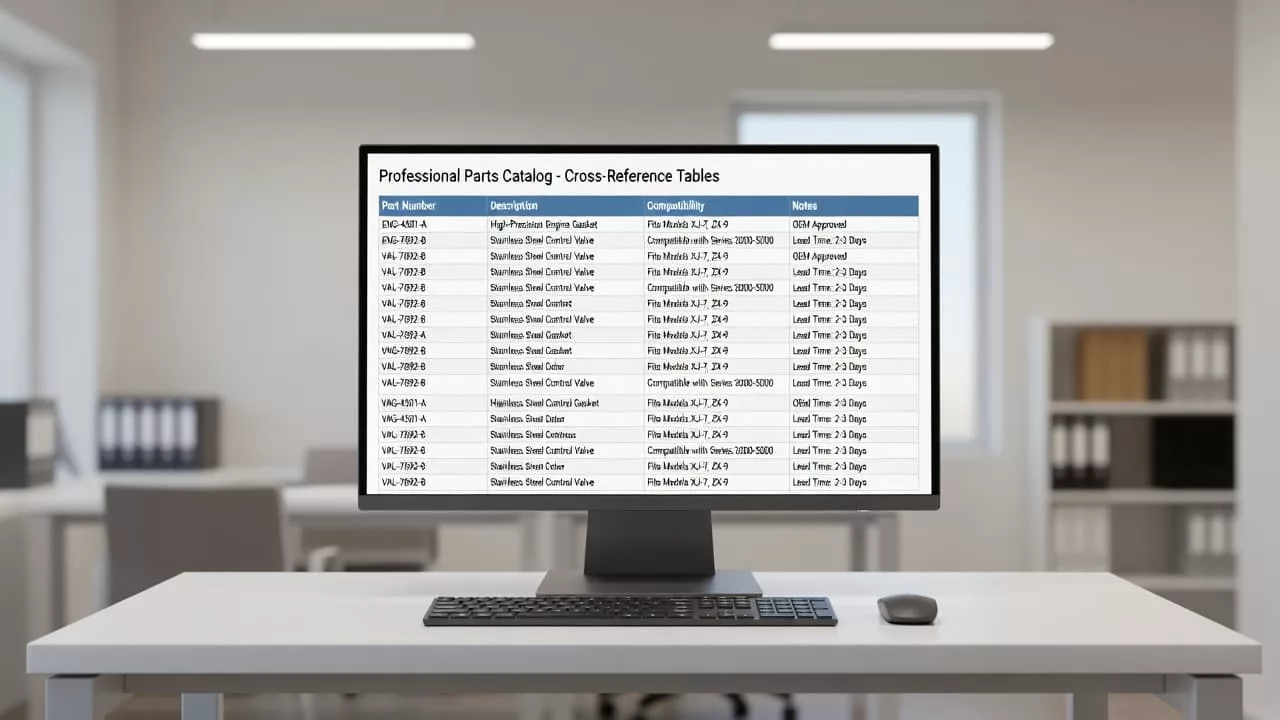
When the right fields are visible together, buyers can make a decision without hunting through the catalog.
If the table hides compatibility, buyers will fill the gap with assumptions.
Make the table easy to scan in seconds
A buyer should understand the table before they read every row. That means the layout has to do real work by establishing a clear visual hierarchy.
Keep the primary identifier in the first column. In most catalogs, that is the OEM number or the buyer search term. Next, show the substitute or alternate number. After that, place the brand and model fields. This order mirrors how people compare parts in the real world.
Short rows help too. Long notes should not take over the table. If a fitment note needs more space, use a tooltip, a note icon, or expandable rows. That keeps the table readable without hiding important information.
Data tables become much more useful when they include effective filtering and sorting options. Buyers often need to narrow results by brand, model, status, or availability. A good filter set cuts down the noise and keeps the table from feeling like a warehouse shelf with no aisle labels.
Mobile behavior deserves extra care. Many field buyers check parts on phones between jobs, so building responsive tables is essential. When dealing with large data grids, implement fixed headers and simple pagination to ensure the layout remains functional on smaller screens. If you want broader site improvements, compare the table against tips for optimizing e-commerce user experience, then apply the same clarity standards to search, navigation, and product detail pages.
The table should also support comparison without making buyers work too hard. A simple status badge, such as Exact match, Supersedes, or Verify fit, can move the eye faster than a paragraph of text. That small label often saves a support ticket, and when paired with clean pagination, it allows users to navigate large parts lists with ease.
Use confidence signals to reduce misorders
Replacement-parts shopping gets risky when buyers cannot tell how certain the match is. Confidence signals remove some of that doubt.
A strong table distinguishes between a verified match and a likely match. It also shows why the system believes the part fits by providing detailed data comparison. That logic might stem from automated cross-referencing based on OEM cross-lists, manufacturer bulletins, dimension matches, or a documented supersession tied to a specific xref element in your backend database.
Availability belongs in the same decision set. A perfect match that ships in six weeks is not always useful. In-stock alternatives, lead times, and discontinued status help buyers pick the part they can use now.
Clear confidence labels do two things at once. They lower returns, and they lower support volume. Buyers stop asking, “Is this the right one?” as often because the page has already answered it.
Use this kind of language in the interface:
- “Verified by OEM documentation”
- “Matched by model and revision”
- “Needs final fit check”
- “Superseded by current part number”
Those labels work because they are direct. They give buyers a reason to trust the result without pretending every match is identical.
The same thinking supports better e-commerce user experience overall. When people can see what the data knows, and what it does not know, they can confidently execute row actions to add items to their cart or request a quote, moving forward with less hesitation.
A practical checklist for replacement-parts catalogs
Use this as a quick review before you ship your page. To ensure your catalog offers a seamless experience, verify that these elements are in place:
- Put the buyer’s known number first so the table matches how people search.
- Show the alternate part number beside it so cross-references are easy to spot.
- Add brand and model columns for faster filtering and sorting, which helps users avoid dead ends.
- Write fitment notes in plain language and keep them short.
- Display availability near the match so buyers do not choose an unusable option.
- Use confidence labels that tell buyers how certain the match is.
- Keep the layout readable on mobile with sticky headers and pinned identifiers.
- Separate verified matches from possible matches so people can choose faster.
- Implement pagination for long lists to keep load times fast and the interface responsive.
- Offer a CSV format export option for power users who need to take their research offline.
- Provide resizable columns and inline editing capabilities to give users full control over their data view.
If a row fails this checklist, buyers will feel it right away. They may not know exactly why the page feels off, but they will recognize that the navigation is difficult and move on to a competitor.
Frequently Asked Questions
Why should I avoid using internal product codes in my cross-reference table?
Buyers often come to your site with external references like OEM numbers or industry-standard codes. If your table uses internal, proprietary codes, users will struggle to verify compatibility, leading to confusion, support calls, and a higher likelihood of them leaving your site to find a more transparent competitor.
How can I make large parts lists easier to manage without overwhelming the user?
Implement robust filtering and sorting options that allow buyers to narrow down results by brand, model, or status. Additionally, use pagination or infinite scroll for very large datasets and ensure you provide clear column headers to keep the interface feeling organized and navigable.
What are confidence signals and why are they important?
Confidence signals are visual or textual indicators that tell a buyer how certain the system is about a specific part match, such as “Verified by OEM” or “Needs final fit check.” They remove ambiguity from the decision-making process, helping users make safe purchasing choices while simultaneously reducing return rates.
How should I handle long technical notes within a table?
To maintain a clean and scannable interface, avoid cluttering your table with long, verbose descriptions. Instead, use tooltips, note icons, or expandable rows to house detailed information, ensuring the core data remains the primary focus of the user’s view.
Conclusion
Replacement parts buyers need proof, not marketing. A strong cross-reference table UX provides the essential evidence they need in a format that is both efficient and inclusive. By prioritizing accessible tables, you ensure that every buyer can verify compatibility regardless of their technical constraints. These data tables serve as the backbone of your catalog, simplifying complex information so users can identify the right components in seconds.
When the layout clarifies the relationship between rows, buyers can easily distinguish between original equipment and potential replacements. Providing clear compatibility notes, real-time availability, and confidence signals helps your customers make informed choices. Ultimately, this approach reduces misorders, lowers the burden on your support team, and removes frustration from a process that is often inherently stressful.
The best parts catalogs do one simple thing well. They turn a confusing set of numbers into a clear, decisive path forward.