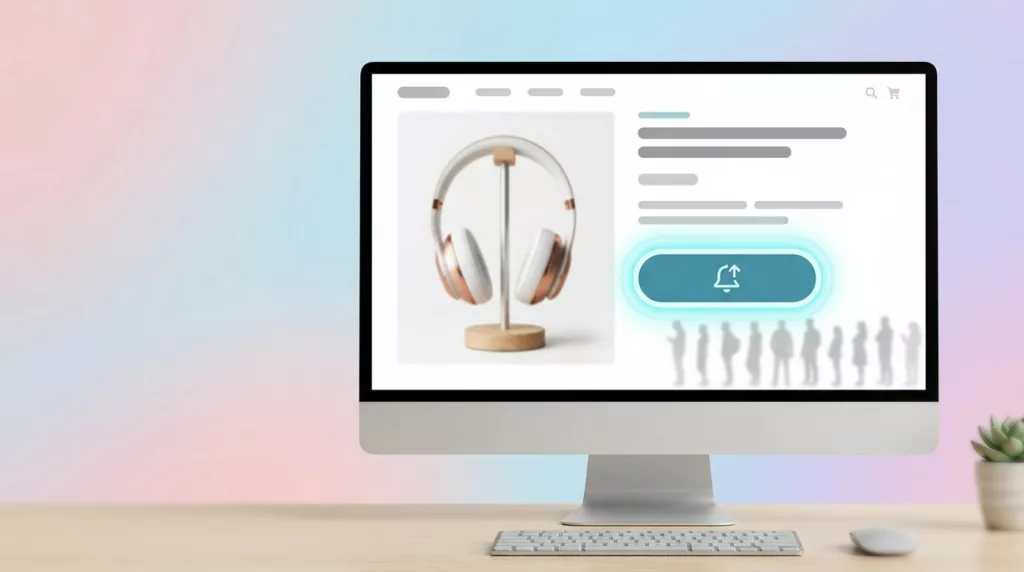

A stockout feels like a dead end, but it often marks the highest-intent moment on the page. Shoppers who join back in stock alerts have already picked the product. They’re not browsing for ideas. They’re waiting for permission to buy.
That’s why this flow deserves more than a generic “notify me” form. Done well, it recovers lost demand, lifts return-visit conversion, and softens the frustration of an out-of-stock page. Done poorly, it collects low-quality leads, creates channel fatigue, and sends people to a competitor.
Why stockout UX can lift conversion instead of hurting it
Back-in-stock subscribers are closer to purchase than most list signups. They’ve seen the item, checked availability, and stayed anyway. In other words, the waitlist is a queue of hand-raisers.
Results can be strong when the flow is tight. A MarketingSherpa case study on back-in-stock emails reported a 22.45% conversion rate, while Swym’s reported benchmarks show strong click-through and conversion on alert traffic. Those numbers won’t match every catalog, but they point to the same truth: alert traffic is high-intent traffic.
If a shopper asks for a restock notice, the job is no longer demand creation. It’s demand recovery.
This is also a customer experience issue. A blank “sold out” state tells shoppers to leave. A smart alert module keeps context intact, shows what’s happening, and gives them a clear next step. That matters even more on mobile, where patience is short and exits are easy.
For brands already using save-for-later behavior, connect alerts to wishlist back-in-stock alerts. Then the revisit starts with a known item, not a cold homepage session.
Designing low-friction opt-ins on product pages
The best product pages don’t replace the buying experience with a form. They keep the product visible, preserve selected variants, and place the alert CTA in the same visual zone as the add-to-cart button. That way, the stockout state still feels like part of the purchase flow.
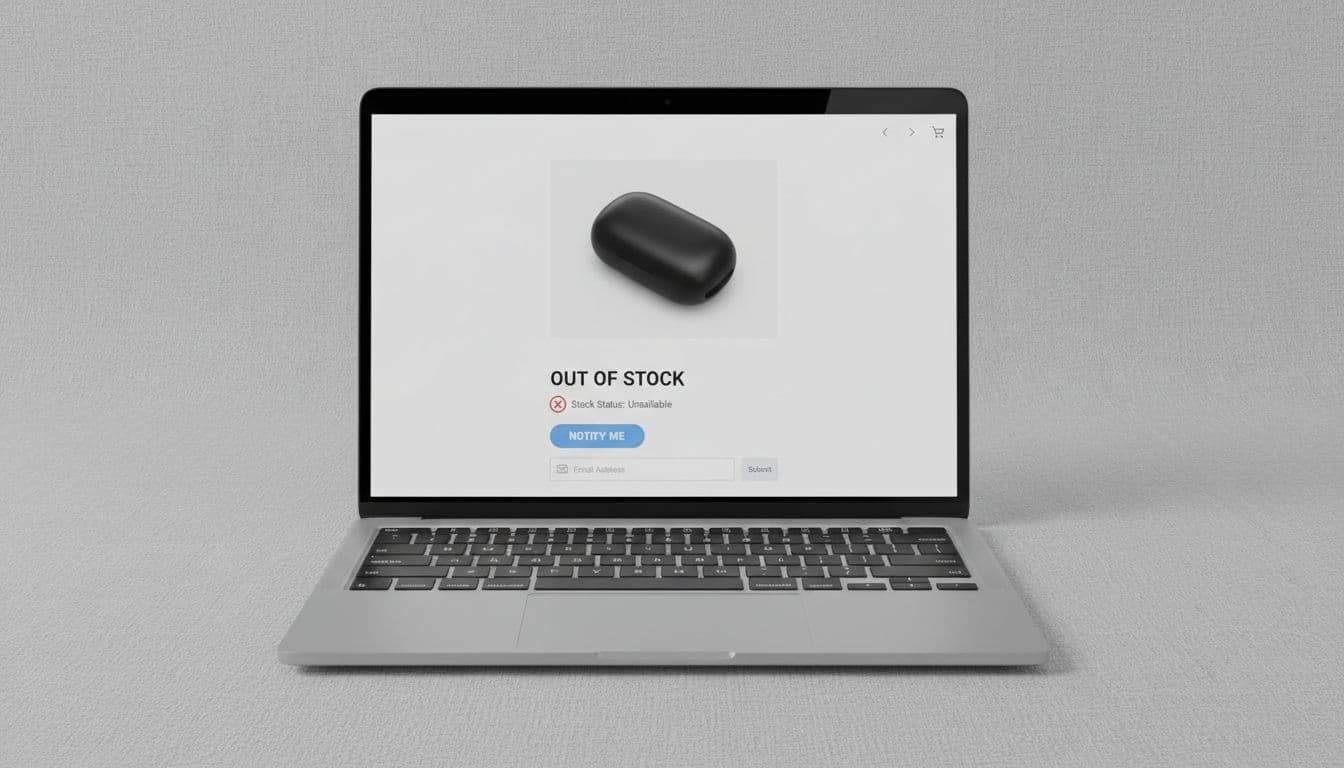
Keep the first step light. Ask for one field, usually email, unless SMS clearly fits the product and audience. Capture the chosen size, color, or bundle before the opt-in. A product-level alert that ignores variant choice creates false demand and bad follow-up.
A few patterns work well in 2026:
- Pre-fill when possible: Logged-in shoppers shouldn’t retype contact info.
- Use progressive profiling: Ask for channel preferences later, not before signup.
- Set expectations up front: Tell users whether they’ll get one alert or a short series.
- Separate consent: Restock notices and promo marketing shouldn’t share one checkbox.
That last point matters. For email, SMS, and push, keep consent language clear and channel-specific. Store timestamped records, honor opt-outs fast, and don’t auto-enroll alert subscribers into broader campaigns. If regional rules or carrier policies apply, match the signup copy to them.
Context also helps conversion. Nearby shipping, returns, sizing, or compatibility info reduces doubt before someone joins the waitlist. A good product page FAQ UX module often supports alert signups because it answers the last objection.
For Shopify and DTC teams, speed matters most. A practical starting point is a variant-aware app plus ESP flow, similar to patterns covered in AMP’s guide for Shopify brands. Larger retailers usually need more plumbing, especially around store-level inventory, identity matching, and contact governance.
Notification cadence, segmentation, and tests that create orders
Once inventory returns, timing does heavy lifting. The first alert should fire as soon as sellable stock is live. If stock depth is healthy, a second reminder can work. If inventory is thin, blasting the whole waitlist at once can create a fresh disappointment loop.
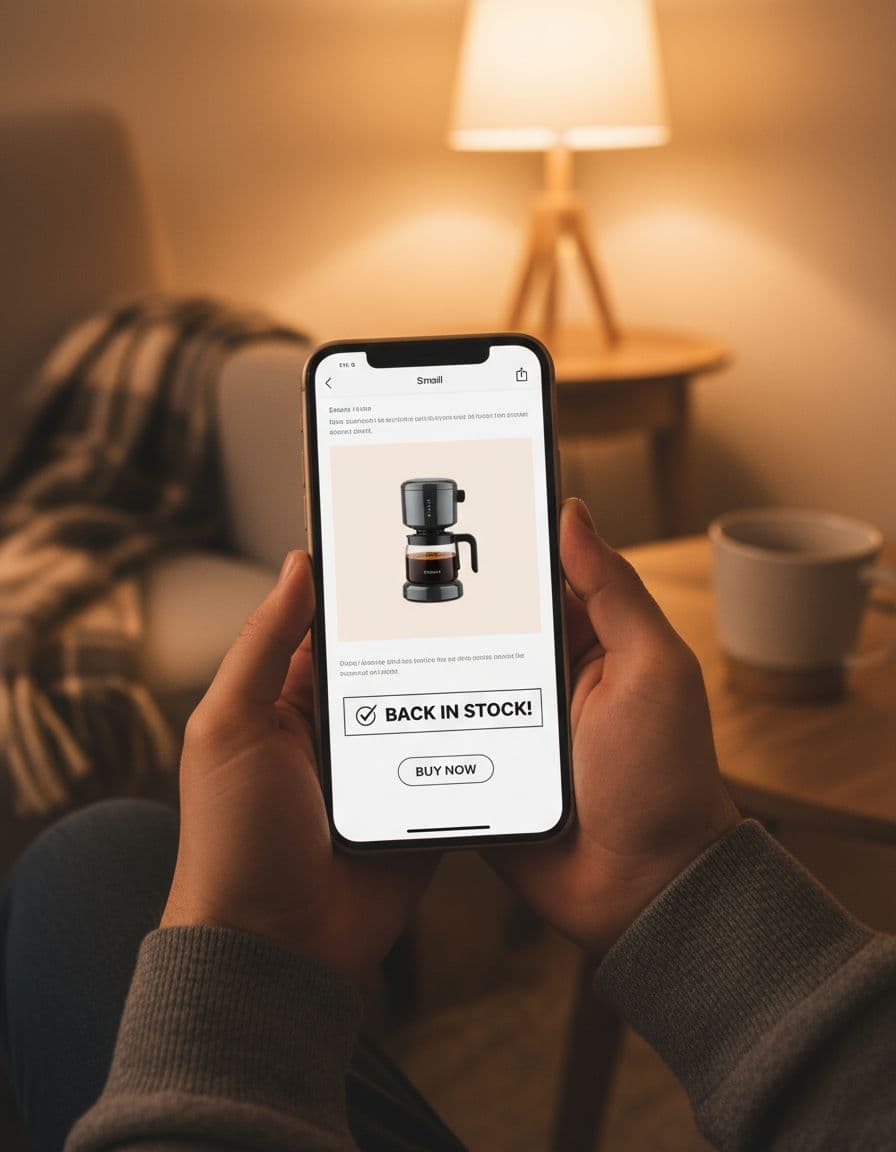
A smart cadence is usually simple: immediate alert, one reminder if inventory remains, then stop after purchase or stock depletion. Controlled follow-ups often beat a single send, which lines up with STOQ’s guidance on restock alert frequency. Still, frequency caps should sit above the flow so one shopper doesn’t get email, SMS, and push within the same hour.
Segmentation matters just as much. Split by variant, channel consent, customer status, and product economics. A VIP shopper waiting on a hero SKU may deserve early access. A new subscriber on a low-margin item may only get email. Larger retailers can go further with store-level availability, nearest fulfillment node, and suppression rules across brands or business units.
This quick comparison helps frame the setup:
| Team type | Best default | Main risk |
|---|---|---|
| Shopify or DTC brand | Variant-level alerts tied to ESP and onsite module | Sending the same flow to every subscriber |
| Large retailer | Inventory feed, identity layer, channel governance | Alerting at product level when the chosen variant is still out |
| Omnichannel retailer | Store-aware or ship-to-home logic | Over-messaging across email, SMS, and push |
The takeaway is simple: the bigger the catalog and org, the more your UX depends on clean data.
A/B testing should stay close to behavior. Test the opt-in label, field count, module placement, reminder timing, urgency treatment, and deep-link destination. Then measure signup rate, alert CTR, click-to-order conversion rate, recovered revenue, unsubscribes, and complaint rate. If one variant drives clicks but raises opt-outs, it’s not a win.
Concise implementation checklist
- Keep the alert CTA in the purchase area, not buried below recommendations.
- Save the exact variant before collecting contact info.
- Separate restock consent from promotional consent.
- Send one immediate alert, then one controlled reminder if stock supports it.
- Suppress sends after purchase, opt-out, or renewed stockout.
- Track recovered revenue, not just list growth.
Back in stock alerts work best when they feel like a service, not a campaign. The shopper already told you what they want. Now the UX has one job: make the return path fast, accurate, and worth the wait. When that happens, the waitlist stops being a holding pen and starts acting like a revenue channel.