Backorders slow down B2B buying, but a weak substitute flow can stall the order even more. The problem is usually not the replacement item. It’s the missing context around price, policy, and who gets to say yes.
For B2B teams, substitute item approval UX has to work across account hierarchies, buyer permissions, partial shipments, and contract pricing. It also has to fit ERP and OMS rules without asking support to clean up the fallout later.
The interface needs to make the tradeoff clear in seconds. That starts with the approval path itself.
Why backordered substitutions need a different approval path
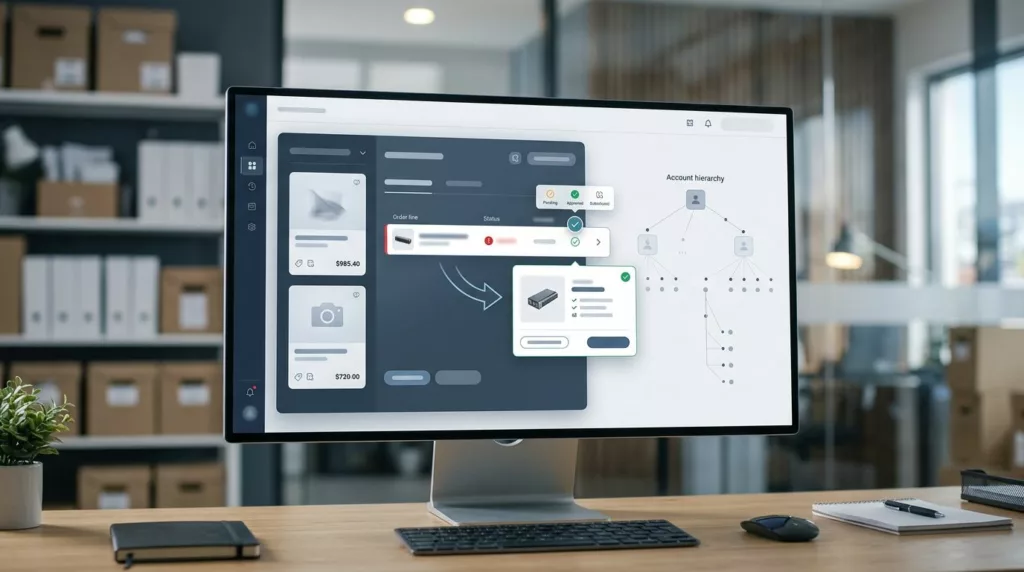
A substitution is not just another approval. It’s an exception path on top of an exception. Backordered orders already involve delay, inventory uncertainty, and split shipments, so the system has to keep the original line, the substitute, the pricing rule, the shipping promise, and the audit trail in sync.
That gets harder in B2B because one person rarely owns the full decision. A frontline buyer may choose the alternative, while procurement owns the budget. A parent account may set the policy, while a branch account places the order. On top of that, an approved vendor list can limit which replacements are allowed at all.
If your team already uses order approval workflow UX, substitution should follow the same mental model, but with more line-level detail. The user needs to know what changed, why it changed, and what happens next.
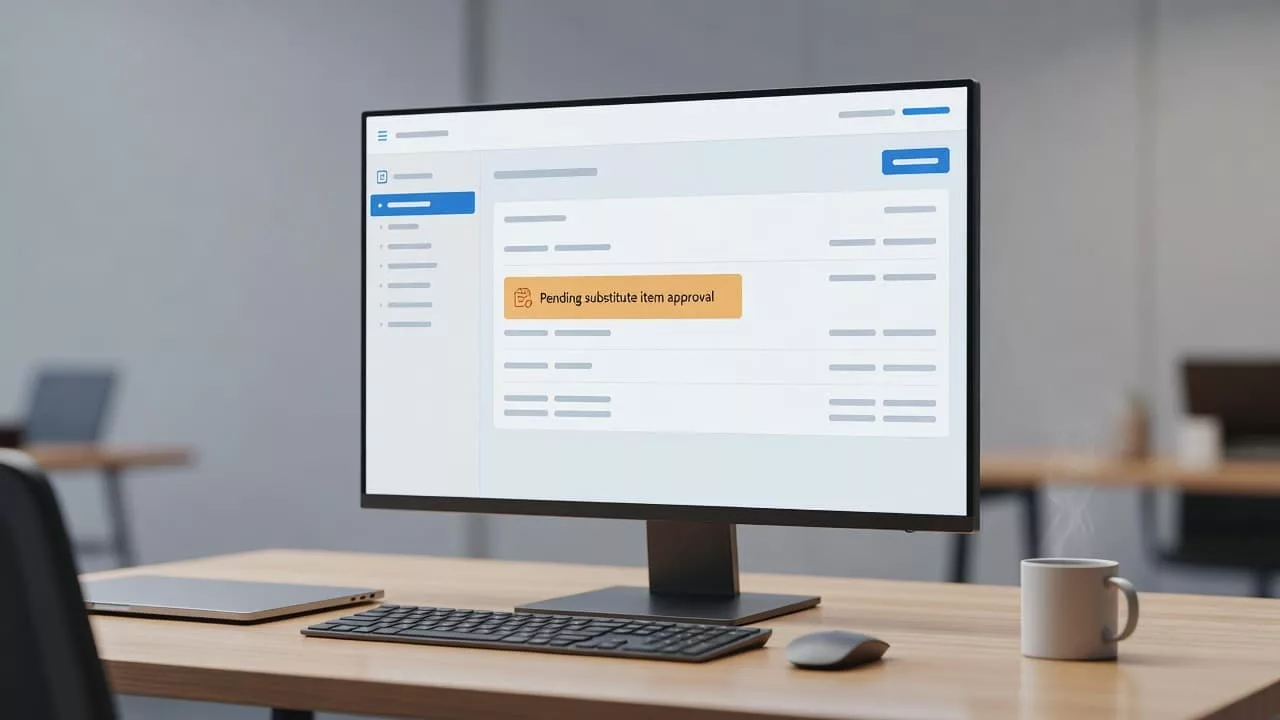
This is where many flows fail. They treat the substitution like a checkbox, then hide the impact until checkout or ERP sync. That creates surprises around freight, tax, PO references, and shipment splits.
What a useful approval state looks like
Before a buyer clicks anything, the state should answer three questions: what is unavailable, what is being offered instead, and what rule applies.
| State | What the buyer sees | Typical trigger |
|---|---|---|
| Pending review | Original line, substitute option, price difference, expected ship date | Buyer can suggest a replacement but lacks approval rights |
| Approved | Confirmation that the original item is replaced or added, updated totals, shipment status | The choice fits policy, pricing, and vendor rules |
| Needs escalation | “Requires procurement review” with a reason | Price exceeds threshold, vendor is not approved, item is restricted |
| Rejected | Replacement denied, with a clear next step | The substitute violates policy or contract terms |
The best copy is plain and specific. It should name the exact item, the pack size, the contract price, and the ship estimate. If the substitute is allowed only for a child account, or only when stock falls below a threshold, say that directly.
“Your original item is backordered until Aug 12. Approve this substitute to keep the order moving at contract price.”
A message like that does more than notify. It gives the buyer enough information to act without hunting through another system.
Good states also separate informational updates from final decisions. “Pending approval” means the order is waiting on a person. “Approved for substitution” means the rule passed. “Confirmed in OMS” means the backend has accepted the change. Those labels reduce confusion when the order later splits into multiple shipments.
UX patterns that reduce friction without losing control
Keep the decision on the line item
A substitution decision should live next to the item itself. The buyer should see the original SKU, substitute SKU, quantity, UOM, vendor, price, and expected ship date in one row or card. If the replacement changes from case to each, or from one brand to another, the interface needs to call that out.
The most useful action set is simple: “Approve substitute”, “Choose another item”, and “Keep backordered”. Anything more forces extra thinking at the exact moment you want a fast decision.
That matters even more for repeat buyers using B2B quick order forms. They already know what they want. When one line goes out of stock, the substitute path should preserve the same pricing cues and item structure, not make them rebuild the cart.
Partial shipments need special handling too. If only part of an order ships, mark the substitute as shipment-specific. Keep the original PO reference visible. Buyers and warehouse teams both need to know which units were filled, which were replaced, and which are still waiting.
Make permissions visible
Account hierarchies often hide the real source of friction. A buyer may be allowed to request a substitute but not approve one above a threshold. A regional manager may approve across several child accounts, yet not override contract pricing. A site admin may control the approved vendor list, while a procurement lead controls exceptions.
The UI should explain those rules where the choice appears, not in a policy document nobody opens.
- Show the approver’s role next to the action.
- Explain why a substitute needs review, using the actual policy trigger.
- Flag approved vendor list matches and misses.
- Keep comments and overrides tied to the exact line item.
When the buyer sees why a button is disabled, they can move faster. When they see a blank or generic error, they open a ticket.
How ERP and OMS constraints shape the interface
Substitution UX breaks when it promises something the backend can’t finish. If the ERP can’t reprice instantly, the screen should say “Price will confirm after ERP validation” before the buyer approves. If the OMS handles split shipments separately, the UI should show which shipment the substitute belongs to.
Integration limits also affect trust. If inventory refreshes every 15 minutes, do not present second-by-second certainty. If tax or freight recalculates after substitution, show the buyer the pending total before final approval. The same applies to PO numbers, credits, and invoice references. When the system can remap them, say so. When it can’t, stop and make the buyer confirm.
Support teams need that history later. Clean record-keeping matters, especially when someone comes back days later asking why the line changed. Order history filters help teams find the original order, the approval event, and the final fulfillment status without digging through email threads.
A little honest friction is better than a false success message. If the OMS is still syncing, say “Waiting for ERP confirmation”. That message is less polished, but it is more useful.
Common mistakes that create support tickets
Most problems come from small interface choices that create big confusion later. A few patterns show up again and again.
- Hiding the backorder reason until after approval.
- Letting a substitute bypass contract pricing checks.
- Sending approvals only by email, then losing the record.
- Showing “approved” when the OMS has only queued the change.
- Ignoring approved vendor lists or account-level restrictions.
- Using one generic message for every role, even when permissions differ.
If the buyer cannot tell whether the substitute is informational, pending, or final, they will call support or abandon the order. Clear labels prevent that. Use state names that match the system reality, such as “Pending approval”, “Approved for substitution”, “Rejected by policy”, and “Confirmed in OMS”, only if those states really exist in your stack.
The same goes for messaging tone. Keep it direct. “This item ships in 10 days” is better than “A slight delay may occur.” “This substitute exceeds your contract price by 8%” is better than a vague warning. Precision builds confidence, and confidence keeps the order moving.
Conclusion
Backordered substitutions are a test of trust. Buyers want speed, but they also need control over price, policy, and fulfillment. The best substitute item approval UX makes that tradeoff visible without burying the order in extra steps.
When the line item shows the right details, the role-based rules are clear, and ERP or OMS limits are honest, the approval feels deliberate instead of risky. That is what keeps a backorder from turning into a support problem.