

A lot of Shopify stores don’t have an indexing problem. They have a crawl control problem. Google keeps spending time on filtered URLs, search results, and duplicate parameter pages instead of your money pages.
That matters more in 2026 because stores often create far more crawlable states than they intend. If you edit Shopify robots.txt without a plan, you can also block the wrong pages and make discovery worse. The fix is simple once you separate crawl rules from indexation rules.
What Shopify blocks by default, and why that matters
As of April 2026, Shopify already publishes a default robots file for every store. You can view it at /robots.txt, and Shopify says the default setup is right for most stores in its Help Center guide to editing robots.txt.liquid.
The default file blocks common low-value or sensitive paths, including /search, /cart, /checkout, and /account. Those defaults exist for good reasons. Search results create thin, duplicative pages. Cart and checkout paths should stay out of search, both for privacy and for abuse prevention.
What matters for store owners is this: Shopify’s default robots rules are already handling the obvious junk. You usually do not need to add broad sitewide blocks. You need targeted changes for URL patterns that waste crawl budget on your specific store.
Shopify also doesn’t let you delete or fully replace the platform’s robots behavior with a separate server file. Instead, you customize it through robots.txt.liquid in your theme. That means your edits should be small and deliberate, not a copied template pasted in blind. A recent 2026 write-up on Shopify robots.txt and sitemap defaults makes the same point: most stores only need a few customizations.
Crawl control is not the same as indexation control
This is where many Shopify robots.txt setups go wrong. A robots rule tells crawlers what not to request. It does not reliably remove a URL from Google’s index.
Robots.txt stops crawling. It does not guarantee deindexing.
If Google finds links to a blocked filtered URL, that URL can still appear in search without a full page title or snippet. So if your goal is “don’t let this duplicate page rank,” the better tool is often a noindex meta tag, a canonical tag, or both.
That’s especially true for faceted collection pages. If a filtered URL is already accessible to users and linked internally, blocking it in robots.txt may hide the page from crawling before Google sees the noindex or canonical signal. For many stores, the cleaner setup is to keep those URLs crawlable long enough to read the directive, then control indexation in the theme. If filters are your main problem, this Shopify faceted navigation SEO checklist is the right next read.
Use robots.txt for crawl waste. Use noindex and canonicals for indexation.
Rule patterns that usually make sense for ecommerce URLs
The safest Shopify robots.txt changes are usually narrow. You want to block repeatable junk, not core landing pages.
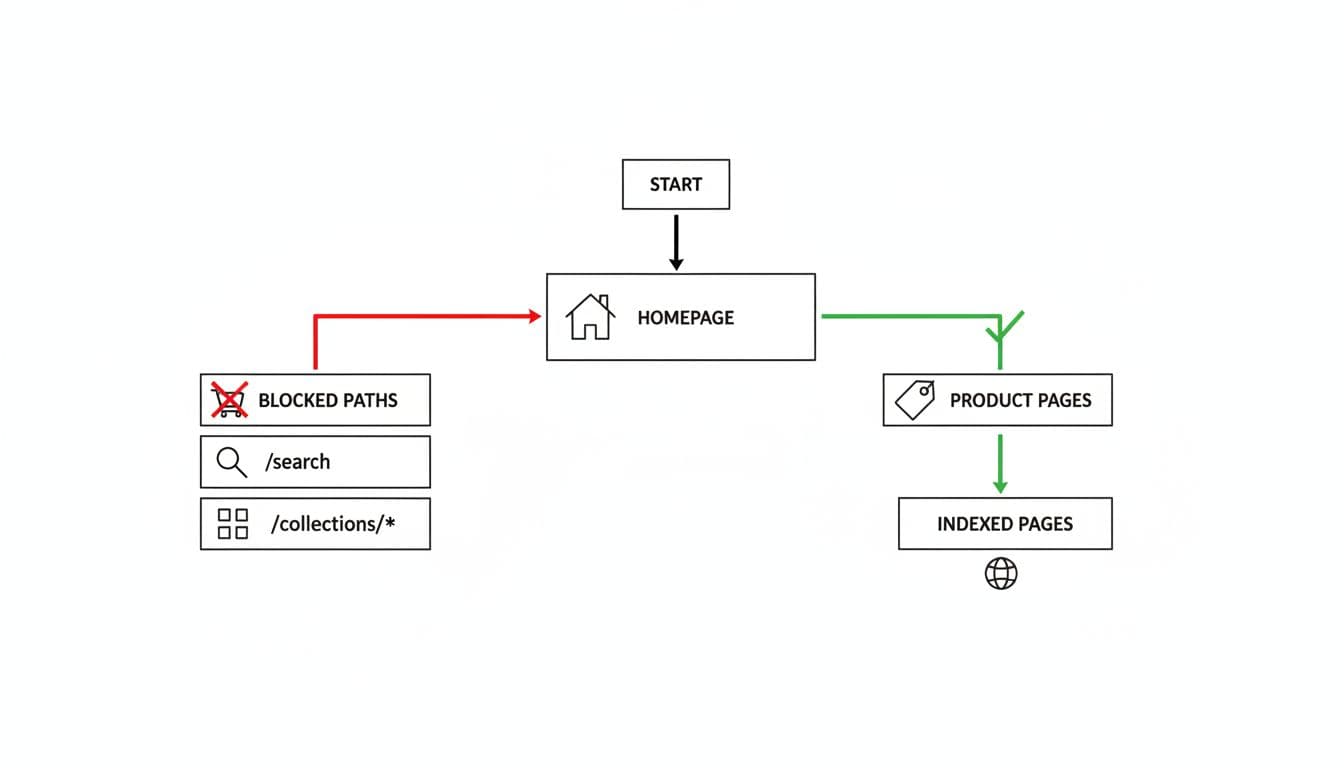
This quick reference shows the usual pattern:
| URL pattern | Typical action | Notes |
|---|---|---|
/search and /*?q= | Block crawl | Internal search pages rarely deserve crawl time |
/cart, /checkout, /account | Keep Shopify defaults | Sensitive or low-value paths |
/*?sort_by= | Often block crawl | Sorting creates duplicates with no unique intent |
filter params such as /*?filter. | Case by case | Good for crawl control, but pair with canonical or noindex logic |
/collections/handle?page=2 | Usually allow | Pagination helps product discovery |
/products/ and /collections/ | Never block broadly | These are core organic landing pages |
A few common additions are Disallow: /*?q=, Disallow: /*?sort_by=, and a tested rule for filter parameters if your store generates many thin states. Tag-based collection URLs can also be crawl waste on some setups, but test your actual URL patterns first.
Do not block all of /collections/. That wipes out category discovery. The same goes for /products/, JS, CSS, image assets, and CDN resources. Google needs those files to render pages correctly.
Also, don’t block pagination by default. Collection page 2, 3, and 4 often help crawlers reach deeper products. If your theme relies on infinite scroll, keep crawlable paginated links in the HTML. This guide on Shopify pagination vs infinite scroll SEO explains why those links still matter.
If a page should stay discoverable but not rank, robots.txt is usually the wrong tool.
Editing robots.txt.liquid without creating blind spots
In Shopify, the implementation point is templates/robots.txt.liquid. If that file doesn’t exist, your store uses the platform default. When you create it, keep Shopify’s generated groups in place and add small edits. That’s safer than hardcoding a fully manual file, because Shopify can update default behavior over time.
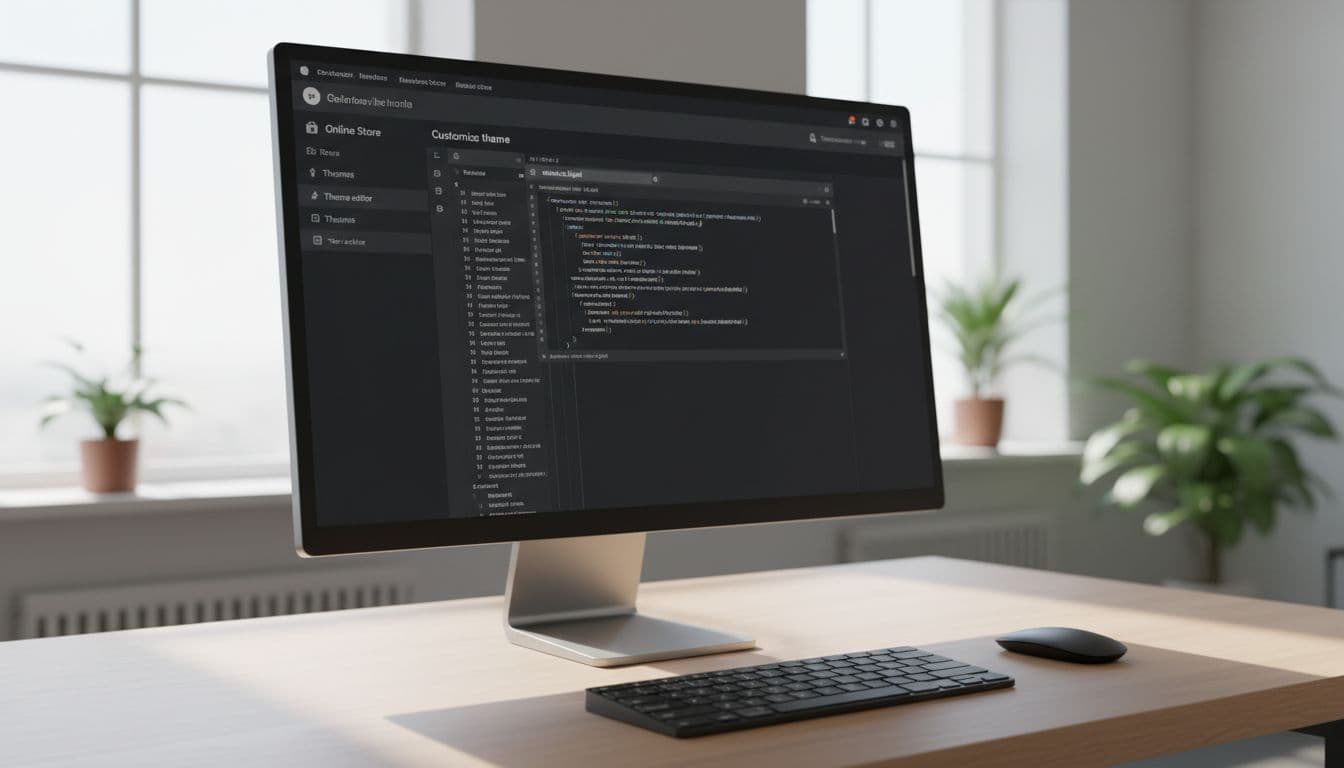
Short best-practices checklist
- Keep Shopify’s default disallows unless you have a tested reason to change them.
- Block only repeatable low-value patterns, not entire product or collection directories.
- Use
noindexand canonicals for duplicate pages you still need crawled. - Re-check
/robots.txtafter theme changes, because the live output matters more than the template. - Test in Google Search Console’s URL Inspection and monitor Coverage and Crawl Stats.
Troubleshooting common mistakes
If indexed junk URLs keep growing, your robots rules may be too late in the process. Add or improve canonical and noindex handling on filtered templates.
If product discovery drops after a change, look for an over-broad pattern. A rule aimed at filter parameters can accidentally catch useful collection URLs. Watch for wildcard rules that block more than intended.
If Google can’t render pages well, review asset access. An old habit of blocking scripts, styles, or broad query strings can hurt modern rendering on Shopify.
Final thoughts
The safest approach to Shopify robots.txt in 2026 is restraint. Keep the platform defaults, add only a few store-specific crawl blocks, and handle indexation with page-level signals.
When you treat robots.txt as a scalpel instead of a broom, Google spends more time on pages that can rank and sell.