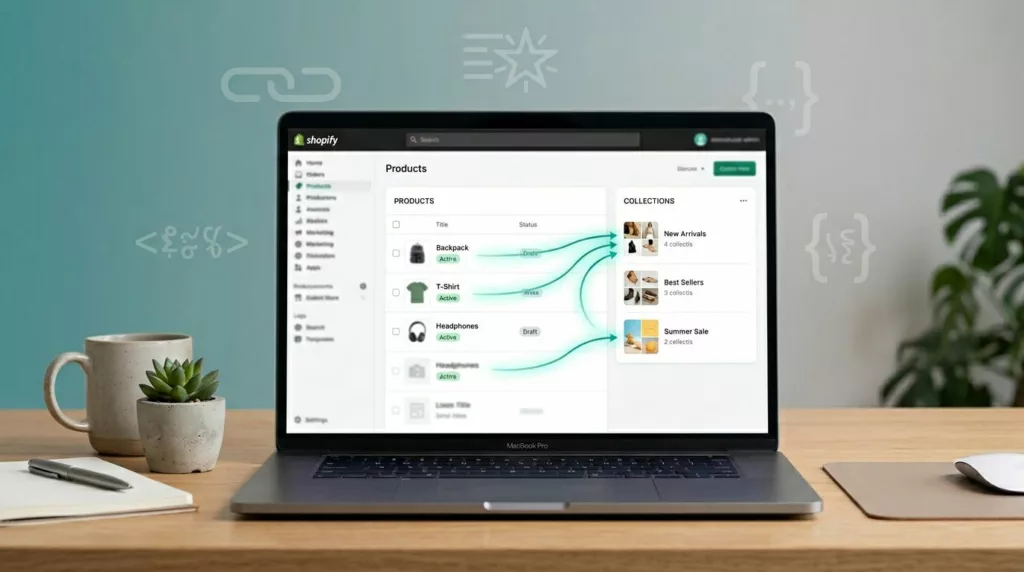
One bad canonical can make Google ignore the page you meant to rank. On Shopify, that problem shows up fast when a product sits in many collections and every variant creates a new URL.
The good news is that most Shopify canonical tags are already sensible. The hard part is knowing when to keep the default, when to override it, and when a canonical is the wrong tool.
How Shopify usually handles canonicals
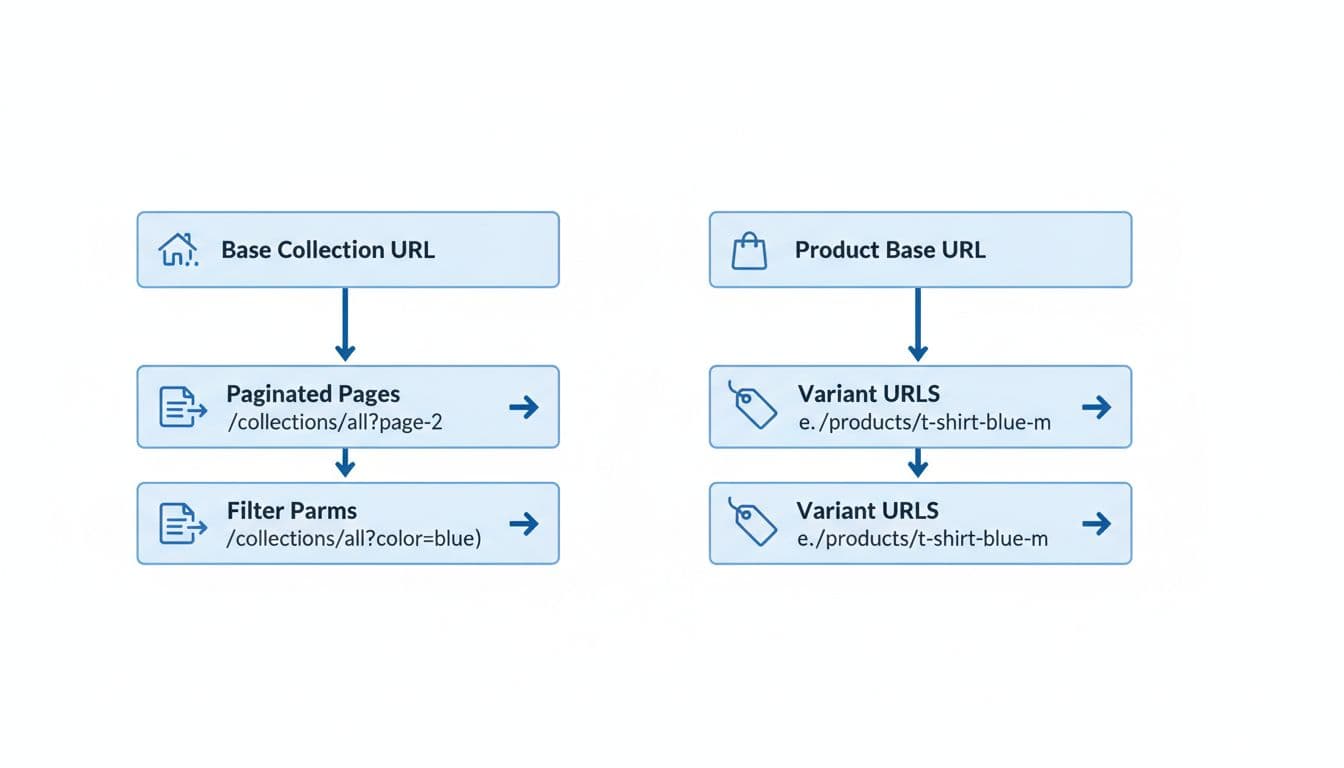
Shopify does a solid job with product duplication out of the box. A base product URL such as /products/classic-tee usually gets a self-referencing canonical. If the same product is reached through a collection path like /collections/mens-shirts/products/classic-tee, Shopify usually points the canonical back to the root product URL.
The same logic applies to variant parameters. A URL like /products/classic-tee?variant=45781234 normally canonicals to /products/classic-tee. For most stores, that’s correct because the page content is still the same product page with a different pre-selected option.
Main collection pages usually self-canonical too. Where things get murkier is filtered, sorted, and paginated collection URLs. Those states often come from theme logic or apps, so you need to verify what your store outputs instead of guessing.
A simple way to think about the common URL patterns:
/products/classic-tee-> canonical to itself/collections/mens-shirts/products/classic-tee-> canonical to/products/classic-tee/products/classic-tee?variant=45781234-> canonical to/products/classic-tee/collections/mens-shirts?filter.v.option.color=blue-> usually should point to the main collection, unless you intentionally built an indexable landing page
This matches the guidance covered in First Pier’s Shopify canonical guide, and it’s still the baseline setup worth keeping in 2026.
Where stores get canonical strategy wrong
The first mistake happens in theme links. Many Shopify themes use collection-based product URLs in grids so breadcrumbs and back-navigation feel better. That’s fine for shoppers, but if every product card links to /collections/.../products/..., you create extra crawl paths. Google can still consolidate them, yet you’re making search engines work harder than needed.
Another mistake is forcing all variant-related pages back to one parent when a variant has its own search demand. If “red running shoes” needs its own content, images, and rankings, a ?variant= URL is not the right page type. In that case, use separate products or a child URL structure with its own self-canonical. Ecom Design Pro’s guide to self-referencing canonicals for variant pages covers that decision well, and Craftshift’s separate products vs variants guide is a useful second opinion.
If a URL should rank on its own, it needs its own content and its own canonical.
You also need the right tool for the problem. A canonical is not a redirect, and it is not a noindex tag.
Here is the quick comparison that matters most:
| Method | What it does | Best use |
|---|---|---|
| Canonical | Suggests the preferred duplicate URL | Same content at multiple URLs |
| 301 redirect | Sends users and bots to a new URL | Old page is retired or merged |
| Noindex | Keeps a page out of search results | Thin filters, search pages, utility URLs |
| Parameter handling | Controls query-string states through canonicals, noindex, and link patterns | Filters, sorts, tracking params, variant params |
The key takeaway is simple. Use canonicals when the page should stay live for users but shouldn’t compete in search. Use redirects when the old URL no longer deserves to exist. Use noindex when a page helps shoppers but adds no search value.
Theme and app checks that matter in 2026
Most canonical problems in Shopify stores don’t come from Shopify itself. They come from theme edits, SEO apps, filter apps, search apps, and head-injection tools that all try to “help” at the same time.
Start by checking page source on five URL types: the base product, the collection-path product, the variant URL, the filtered collection, and at least one paginated collection page. Then inspect the rel="canonical" value and compare it to your indexing plan.
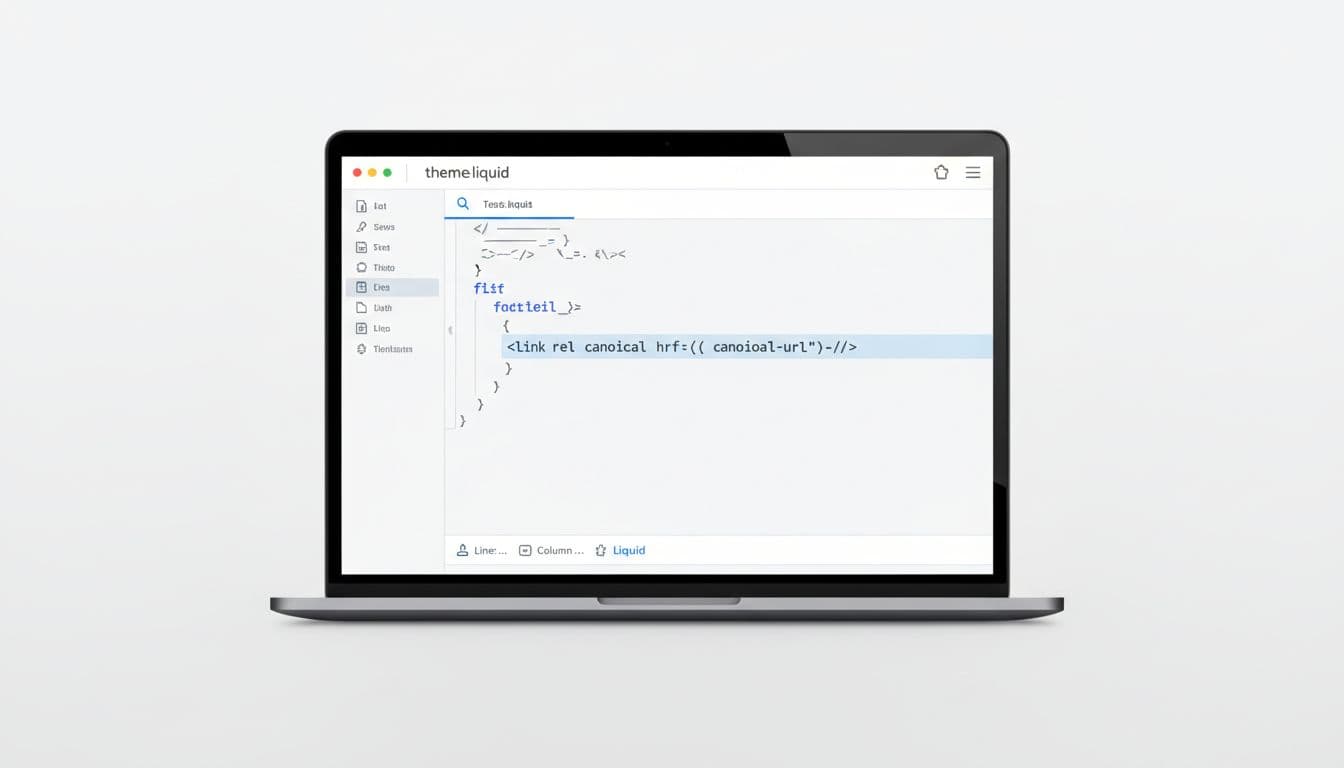
Watch for duplicate canonical tags too. If your theme outputs one tag and an app injects another, Google gets mixed signals. That happens often after app installs or theme upgrades. Manual fixes for Shopify canonicals can help when you need to trace theme-level overrides.
Collections need extra care because filter apps create many parameter URLs. In most stores, those filtered pages should not be indexed. Canonical them to the clean collection, or use noindex,follow when the filtered result set is thin or temporary. If you’re sorting out filters, brand pages, and facet states, this Shopify faceted navigation SEO checklist is a practical reference.
Pagination deserves a policy too. Page 2 and beyond rarely need to rank on their own, but stores handle them inconsistently. Pick one rule, document it, and apply it across templates. Mixed signals across pagination, filters, and app-generated URLs create the mess.
Best-practices checklist
- Keep the base product URL as the canonical target for normal variant parameter URLs.
- Let collection-path product URLs canonical back to the root product URL.
- Link to canonical product URLs in templates whenever possible.
- Treat filter and sort parameters as control URLs, not ranking pages, unless you built a true landing page.
- Use redirects for retired pages, not canonicals.
- Use noindex for low-value utility pages that should stay live but out of search.
- Audit theme and app output after every major update.
- Confirm canonical choices in page source and Google Search Console, not only in app settings.
Final thoughts
Canonical tags work best when they match page intent. A single product with swatches needs one main product URL. A true child page that deserves rankings needs its own self-canonical and its own content.
That is why the safest 2026 approach is also the simplest: keep Shopify’s defaults for normal duplicates, fix theme and app overrides, and reserve custom canonicals for pages with a clear indexing plan.