

A product video can do more than persuade shoppers, it can also help search engines understand the page. That only happens when the markup fits the video, the product, and the visible content.
If your PDP already has a demo, unboxing clip, or setup walkthrough, video schema ecommerce setup is worth getting right. A messy script can miss rich results, confuse crawlers, or create a mismatch between what shoppers see and what search engines read.
Which schema types belong on product video pages
For ecommerce product pages, Product is the anchor. It tells search engines what item the page sells. VideoObject adds the video layer, which is what you want when the page includes a product demo or other relevant clip.
If the page shows price and stock status, keep Offer or AggregateOffer inside the Product markup too. Video schema does not replace product data, it sits beside it.
For a broader setup, the ecommerce schema markup guide is a useful base. Then use the Schema.org VideoObject definition as your property reference.
| Schema type | When to use it | Main job on the page |
|---|---|---|
| Product | Every product detail page | Identifies the item being sold |
| VideoObject | The page has one primary product video | Describes the video content |
| Offer or AggregateOffer | Price or variant pricing is visible | Shares current selling details |
The cleanest pattern is simple, product markup first, video markup second, with no contradictions between them.
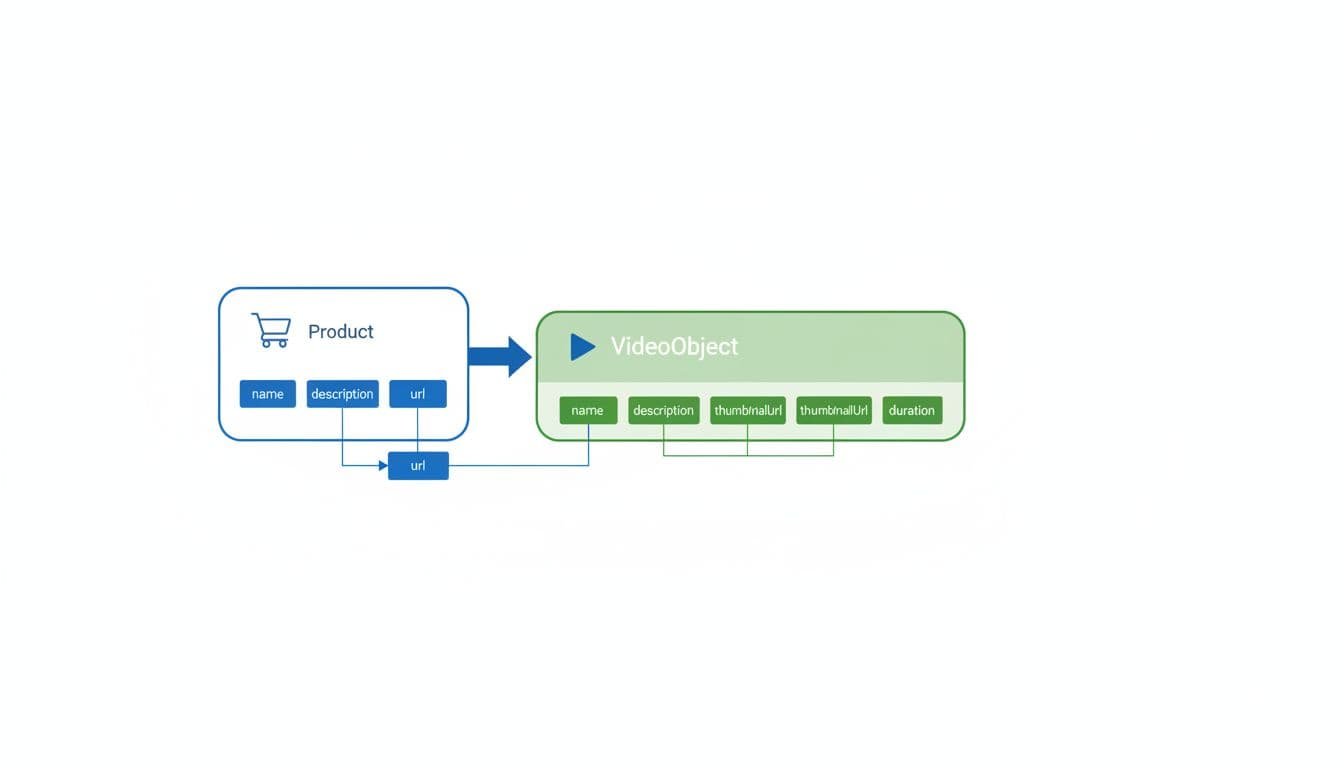
What VideoObject needs on a product page
Google video features depend on a small group of fields. Treat these as the core of the setup:
| Property | Priority | Why it matters |
|---|---|---|
name | Required | Gives the video a clear title |
description | Required | Summarizes what the video shows |
thumbnailUrl | Required | Supplies the preview image |
uploadDate | Required | Tells search engines when it was published |
duration | Recommended | Adds runtime in ISO 8601 format |
contentUrl | Recommended | Points to the video file itself |
embedUrl | Recommended | Useful when the video sits in a player |
expires | Optional | Fits time-limited or seasonal videos |
A simple product-page example looks like this:
{ “@context”: “https://schema.org“, “@type”: “VideoObject”, “name”: “Leather Tote Demo”, “description”: “A short video showing size, texture, and interior pockets.”, “thumbnailUrl”: “https://example.com/images/tote-thumb.jpg“, “uploadDate”: “2026-04-01T08:00:00+00:00”, “duration”: “PT1M18S”, “embedUrl”: “https://www.youtube.com/embed/VIDEO_ID” }
If the page has more than one video, mark up the main one only. That keeps the signal focused. For the product side of the page, the product schema for rich results article shows how the sale details should stay aligned with the page copy.
How to implement it without breaking the page
Place the JSON-LD in the page head or near the end of the HTML. Then match the markup to the actual video on the page. The title, thumbnail, and upload date should all line up with what shoppers can see.
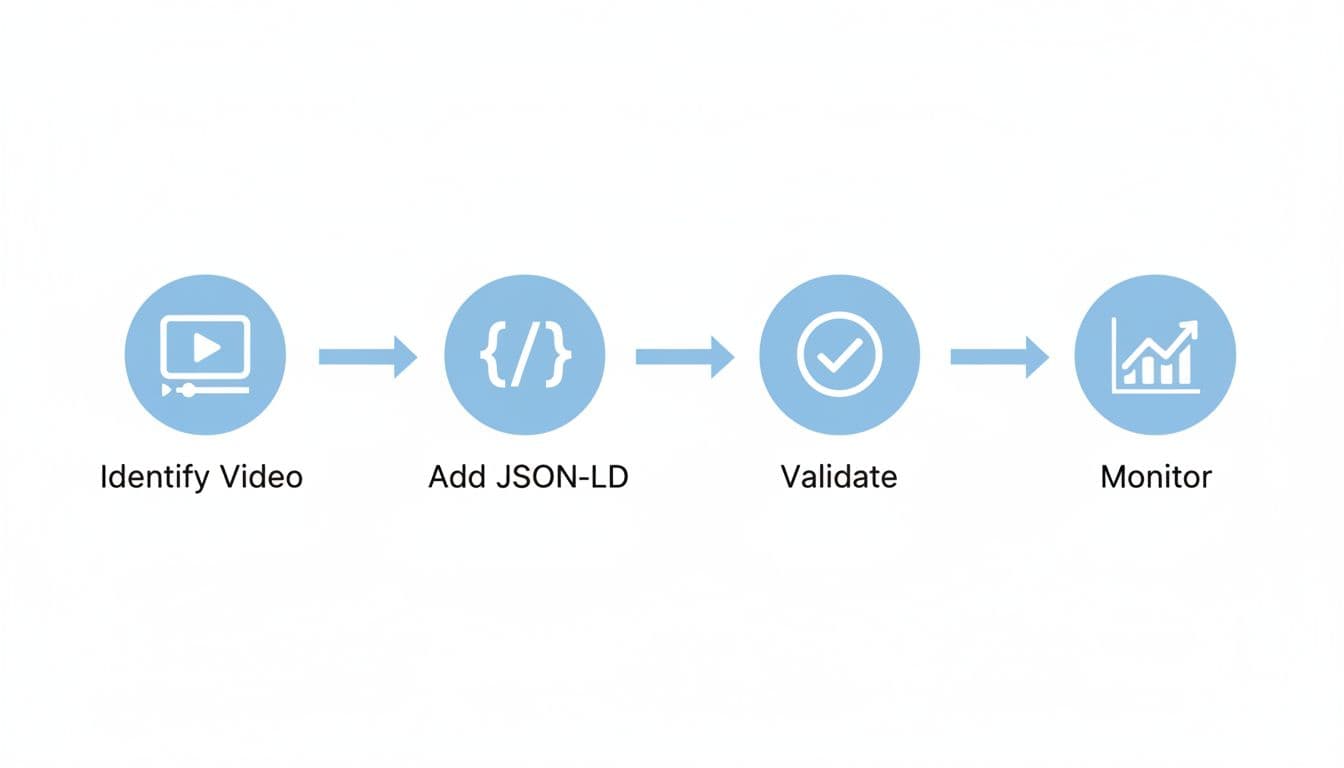
A practical rollout usually follows four steps:
- Pick one primary video for the product page.
- Write a short, accurate
nameanddescription. - Use a crawlable thumbnail and a direct
contentUrlorembedUrl. - Publish the markup, then test it before the page goes live.
That setup works well for PDP videos like demos, fitting guides, and unboxings. For more ideas on how video supports product discovery, video content SEO strategies can help shape the page content around the clip.
Validation, monitoring, and common mistakes
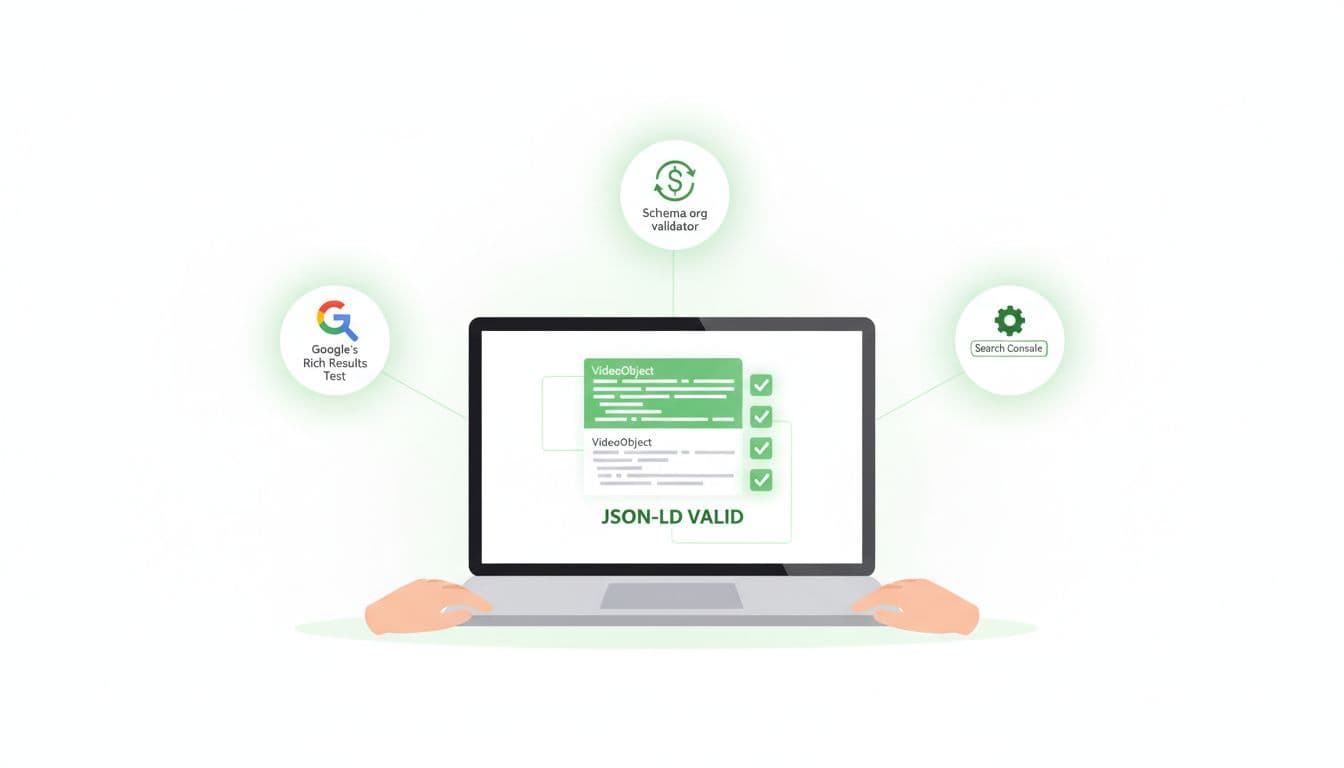
Testing matters because small errors can stop video eligibility. Run the page through Google’s Rich Results Test, then check the structured data in Search Console after indexing. For a second pass, how to validate VideoObject schema gives a useful field-by-field check.
A few errors show up often on ecommerce pages:
| Error | What goes wrong | Fast fix |
|---|---|---|
thumbnailUrl is blocked | Google cannot fetch the preview image | Use a crawlable image URL |
contentUrl points to a page | The video source is unclear | Use a direct file or proper embed URL |
uploadDate is vague | Dates fail to parse cleanly | Use ISO 8601 format |
| Markup says one thing, page shows another | Trust drops | Match the visible video and the schema |
If your site uses many product videos, add a video sitemap as well. It helps discovery, especially when new products launch often. The main goal is consistency, because search systems read the markup as a promise.
Conclusion
A strong product-page video setup is simple. Keep Product markup clean, add VideoObject for the main clip, and make sure the thumbnail, title, and dates all match the page.
When those pieces line up, the page gives search engines a clear story. That is what improves the chance of richer visibility in 2026, without adding clutter or confusion.