
A store locator that only shows pins on a map leaves money on the table. In 2026, store locator SEO is about turning each physical location into crawlable location pages that can rank for local searches and help shoppers act fast.
For multi-location ecommerce brands, that matters for local SEO because buyers search by city, neighborhood, service, and pickup option. A single finder helps them browse, but it usually gives search engines too little to work with.
Key Takeaways
- Build dedicated, crawlable location pages for each store with SEO-friendly URLs like
/locations/chicago-downtown/, using a hub-and-spoke structure for internal linking and authority flow. - Add unique local content including services, photos, landmarks, and FAQs that cannot be templated, to match shopper intent and rank for city- or neighborhood-specific queries.
- Ensure lockstep consistency across page content, LocalBusiness schema markup, and Google Business Profile data for NAP, hours, and services to build trust and rankings.
- Optimize UX with mobile-friendly search, filters, CTAs like directions or pickup, and track page-level metrics for traffic, engagement, and conversions.
- Avoid common pitfalls like single-page locators, duplicate content, JS-only rendering, and mismatched data that block local SEO gains.
Why a store finder alone does not win local search results
A basic store finder solves a browsing job. An SEO-friendly location page solves discovery, trust, and conversion at the same time.
One page with a map can show every store, but it only gives Google one URL and one set of signals. That limits how well the page can rank in local search results for specific searches like “Brooklyn curbside pickup” or “Dallas running shoe store”. Dedicated pages let you answer local intent with the details that matter, such as hours, pickup options, parking, and local contact info.
Here is the difference in practice.
| Page element | Basic store finder | SEO-friendly location page |
|---|---|---|
| URL structure | One locator URL for the full network | SEO-friendly URLs, one per store |
| Content depth | Map, address list, maybe hours | Unique local copy, services, photos, FAQs |
| Search signals | Weak, mixed, or generic | Strong local business data and internal links |
| User action | Browse stores | Call, get directions, reserve, buy online |
| Local rank potential | Limited | Much better for city, neighborhood, and store queries |
If your current locator still lives on one URL, that is the first thing to fix. Search engines do not guess which store matters most. They need a clear page for each location.
For interface patterns that improve user experience while keeping the page usable, store locator UX best practices is a useful reference once the content structure is in place.
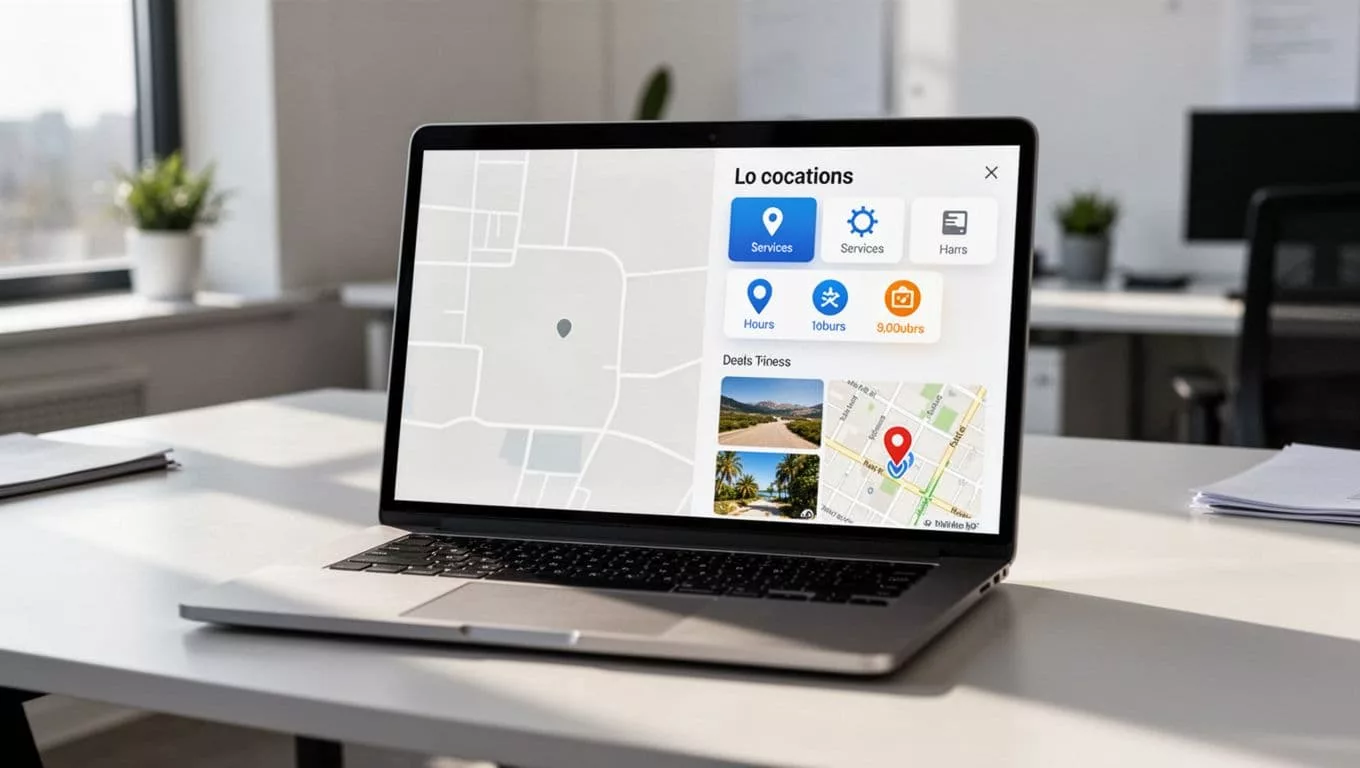
The takeaway is simple. A finder helps people look around. Location pages help them choose.
Build location pages Google can crawl
The first technical rule is simple, every store needs its own URL. That means a structure like /locations/chicago-downtown/ or /stores/austin-south/, not a single page that swaps out data with JavaScript.
A clear hierarchy helps both users and search engines. A hub page can list every store, and each location page can link back to that hub with internal links. That keeps crawl paths short and gives every store page a way to inherit SEO authority from the broader site.
Mapular’s multi-location SEO guide makes the same point on multi-location SEO, because location pages only work when they are individual assets, not fragments hidden inside one directory page.
For large brands, a hub-and-spoke structure is usually the cleanest choice. The homepage links to the locations hub. The hub links to each store page. Then each store page links to nearby stores, relevant categories, or service pages when that makes sense. This setup also supports link building as a secondary benefit by creating natural internal linking opportunities.
That structure also helps during redesigns. If you are changing platforms or URL patterns, ecommerce migration SEO matters more than most teams expect, because broken store URLs can erase traffic that took years to build.
The same idea applies to brand hubs. If your site has strong brand or collection pages, they should send users into the right store pages, which is why brand page SEO tactics belong in the same planning conversation.
The goal is not just crawlability. It is clarity. When a shopper lands on a page, the page should tell them exactly where they are, what store they are viewing, and what to do next.
Write local content that cannot be copied
Most thin location pages fail for a simple reason; they read like templates with the city name swapped in, creating duplicate content. That may look efficient, but it gives Google little reason to rank the page.
Every strong location page needs details that only apply to that store. Hours and address are table stakes. The real value comes from localized content that helps a shopper decide whether to visit, order, or keep looking.
A useful location page usually includes:
- Nearby landmarks or neighborhoods.
- Store-specific services, such as curbside pickup, same-day delivery, or returns.
- Photos of the actual store, not stock imagery.
- Local FAQs, such as holiday hours or pickup rules, and clear call-to-action buttons.
- Customer reviews that mention the branch or its service experience.
If a page can survive a find-and-replace city swap, it needs more local substance.
A location page should help a shopper decide, not just identify a place on a map.
This is where many ecommerce brands leave easy gains on the table. They create local landing pages for compliance or directory coverage, then stop before they add real local value. That is the wrong finish line.
Search has also become less forgiving of generic pages. Local results in 2026 reward pages that match search intent by answering a nearby shopper’s next question without making them hunt. If someone wants “what time does the store close” or “can I pick up online orders here”, that answer should be on the page.
When teams scale to dozens or hundreds of locations, consistency matters too. A content model, a page template, and reusable fields help, but the finished page still needs a few store-specific sentences. That is what separates location pages from a database export.
Schema markup and Google Business Profile consistency
Search engines need the same facts in three places, the visible page, the structured data, and the business profile. If those facts drift apart, trust drops.
Use LocalBusiness markup on every store page
Each of your location pages should carry LocalBusiness schema, or a more specific subtype when it fits the business. Include the basics, address, phone number, geo coordinates, opening hours, and the page’s canonical URL. If the page belongs to a larger brand, connect it with branchOf or parentOrganization where that model fits your site architecture.
For the implementation patterns, the ecommerce schema markup guide is a strong companion, because the same discipline applies to product, breadcrumb, and FAQ data.
Schema App’s LocalBusiness schema guide is also helpful for multi-location setups. It shows how to keep branch data organized without making every page look identical.
Keep the profile data and the page data identical
Google is clear about accurate business details in its Google Business Profile guidelines, which power google maps displays. Use the same NAP details (Name, Address, Phone) and hours everywhere. Do not use a P.O. box where a real storefront exists. Do not let one page say “St.” while the profile says “Street” if the rest of the site uses the shorter version. Pick one format and stick to it.
That consistency helps users too. A shopper who sees one set of hours on Google and another on your site loses trust fast.
Keep the page, the profile, and the schema in lockstep. When one drifts, rankings tend to drift with it.
This lockstep consistency is crucial for local seo. Photos, customer reviews, and service details matter here as well. They reinforce that the store is real, active, and worth visiting. If your profile looks stale while your site looks fresh, the mismatch weakens both.
Make the locator easier to use on mobile and desktop
A location page can be indexed and still underperform if shoppers hate the user experience, especially without proper mobile optimization. That is why store locator UX and store locator SEO should be planned together.
Start with search. Let people enter city and zip code, neighborhood, or current location. Then sort results by distance and open hours. After that, add filters that match the business, not vanity filters that nobody uses. Pickup, returns, curbside, same-day delivery, wheelchair access, or EV charging are all useful if they change a visit.
Google’s Locator Plus guide is a solid baseline for the interactive map and directions layer using Google Maps. It focuses on helping people find a location, see useful details, and act without friction.
The best locators also work without forcing the interactive map to do all the work. A list view should be available. The content should load before heavy scripts when possible, improving loading times. On mobile, an interactive map that takes over the screen too early often slows the whole experience.
A strong location page gives people clear call-to-action buttons, such as:
- Call the store.
- Get directions.
- Reserve online.
- Buy online or check pickup.
Those actions do more than help conversion. They also produce stronger engagement signals. When shoppers click, call, and select locations, the page shows real utility.
If your team is still deciding on search, filter, and action patterns, store locator UX best practices is worth a look once the page structure is set.
Measure local search performance at the page level
Organic traffic alone will not tell you whether the locator works. You need to measure each location page on its own.
Start with a simple view of the data.
| Signal | Where to check | What it tells you |
|---|---|---|
| Organic traffic | Search Console | Whether location pages appear for local queries |
| Calls and directions | Google Business Profile, analytics events | Whether shoppers act on the page |
| Revenue or lead value by location | Ecommerce and CRM reports | Which stores actually influence business |
| Crawl and index coverage | Search Console and server logs | Whether search engines can reach the pages cleanly |
When impressions rise but clicks stay flat, the title tags or meta descriptions are off. When clicks rise but conversion rate stays flat, the page content or call to action needs work. When one store underperforms while similar stores do well, compare their content, schema, and internal links.
Track more than pageviews. Event data matters for map clicks, phone taps, directions requests, and store selections. Those actions tell you more than a bounce rate ever will.
If you are rebuilding the locator or moving platforms, ecommerce migration SEO is the place to protect these baselines. Keep the old URLs mapped, preserve analytics tags, and test the pages that drive in-store visits before launch day.
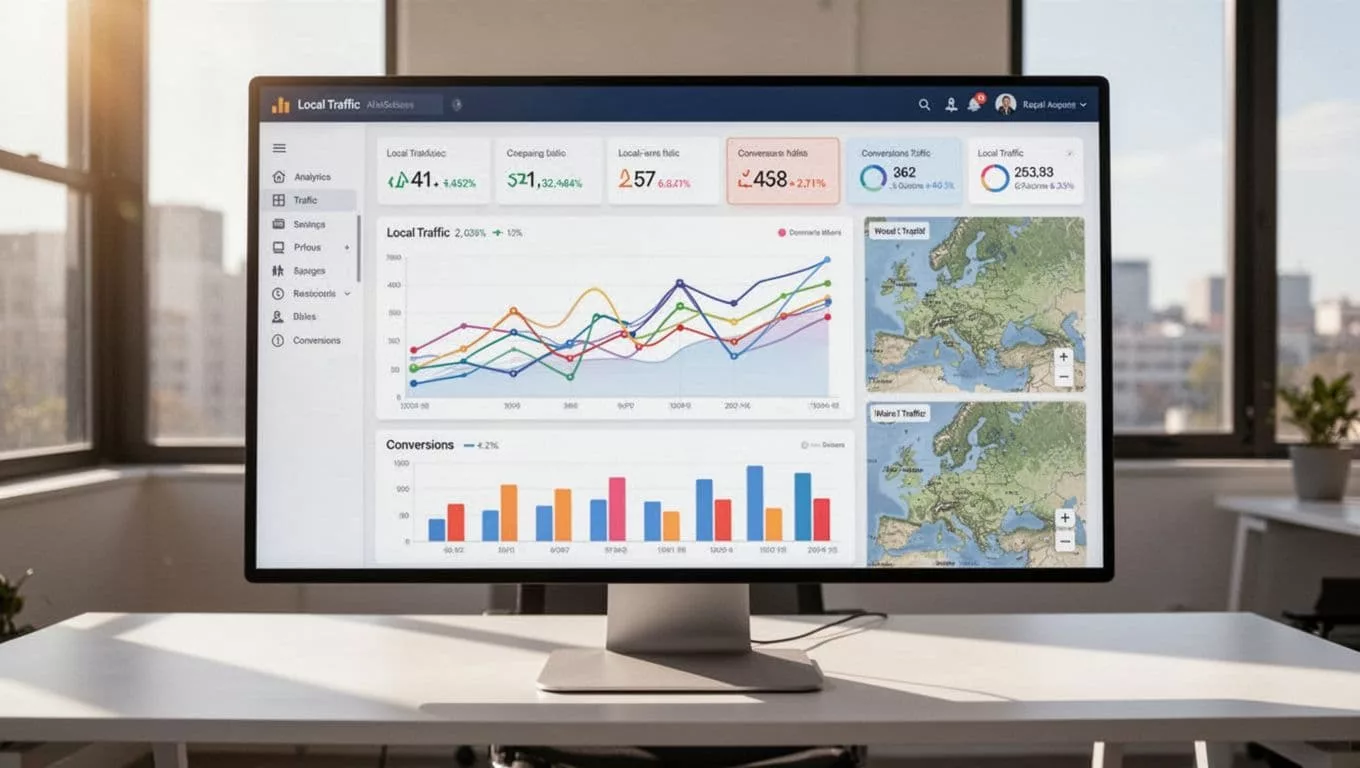
The best measurement setup is boring in the best way. It shows which stores are visible, which pages convert, and which pages need work.
Common mistakes that still hold back multi-location brands
A lot of store locator problems are old, but they still show up on large ecommerce sites, keeping them out of the local pack.
The biggest ones are easy to spot:
- One page for every store.
- Copy that only changes the city name.
- Hours, phone numbers, or addresses that do not match the Google Business Profile.
- JavaScript-only pages from store locator software that hide local content from crawlers.
- No internal links from the homepage, brand pages, or category pages.
That last point on internal links matters more than many teams think. If a shopper lands on a brand page and can reach local inventory or pickup pages from there, the site feels connected. If not, the store locator sits off to the side like an afterthought.
Generic content is another quiet problem. In 2026, local search results are less patient with pages that lack localized content. A location page should answer real local questions, show the store as a real place, and give the user a next step. If it cannot do that, another retailer probably can.
There is also a platform issue. Some ecommerce teams build a clean frontend, then hide the useful store data behind client-side rendering. That can look fine in testing, but it often weakens local SEO indexation. The safest move is still clear HTML, sensible schema, and stable URLs.
Fix the structural issues first. Then improve user experience. Cosmetic changes can wait.
Frequently Asked Questions
Why doesn’t a single store locator page win local search results?
A basic store finder on one URL provides weak, mixed signals for specific local queries like “Brooklyn curbside pickup”. Dedicated pages per store deliver strong local content, schema, and actions that match intent. This setup lets each location rank independently for city, neighborhood, or service searches.
How do you build crawlable location pages?
Use unique URLs for each store, like /stores/austin-south/, with a hub page linking to all locations and backlinks from homepage or categories. Avoid JavaScript-only swaps that hide content from crawlers. This hub-and-spoke model keeps paths short and supports SEO authority.
What local content makes location pages rank?
Include store-specific details like nearby landmarks, pickup options, real photos, and local FAQs beyond basic hours and address. Generic templates create duplicate content that Google ignores. Pages that help shoppers decide—on hours, services, or next steps—earn visibility.
Why is consistency with Google Business Profile crucial?
Mismatches in NAP, hours, or services between pages, schema, and profiles erode trust and rankings. Use identical formats everywhere, with LocalBusiness markup linking branches to the parent brand. This reinforces the store as real and active in local results.
How do you measure store locator SEO success?
Track organic traffic, impressions, and clicks per page in Search Console, plus events for calls, directions, and conversions in analytics. Compare underperformers to check content, links, or schema. Protect baselines during migrations to avoid losing local traffic.
Conclusion
A store locator is not a directory anymore. It is a network of local landing pages that represent the new standard, earning search visibility, trust, and in-store visits.
When the page content, schema, Google Business Profile data, and UX all match, each location can pull its own weight. That is what turns a map widget into a real local growth channel.
For multi-location ecommerce brands, the win comes from treating each store like a search asset in your local SEO and store locator SEO strategy, not a pin on a screen.