Authorization reserves funds; payment capture turns that reservation into a charge and starts settlement. For ecommerce orders, capture immediately when fulfillment is straightforward, or delay capture for review and shipment within the authorization window.
Understanding payment authorization vs capture helps you connect charge timing to what happens after checkout. Start by separating the customer’s temporary hold from a completed payment.
Key Takeaways
- Authorization reserves funds, but your business hasn’t collected payment yet.
- Delayed capture works when review or fulfillment fits inside the authorization window.
- Void uncaptured payments when orders are canceled; refund payments that have already been captured.
Payment Authorization vs Capture: The Two Stages
Authorization creates a temporary hold
For card-not-present transactions, payment authorization asks the issuing bank to approve a transaction. The issuer checks card validity, account standing, and available funds or credit.
If approved, the pre-authorization places a temporary reserve on the authorized amount without completing a charge. On a debit card, that hold reduces the customer’s spendable bank balance. On a credit card, it reduces available credit.
An authorized order therefore isn’t the same as a paid order. Your payment gateway can report approval while the transaction still awaits capture.

Capture starts collection and settlement
Capture submits the approved transaction for collection. Funds then move through clearing and settlement toward the merchant account, and the payment progresses from pending to completed.
However, capture doesn’t mean your payout immediately reaches your business bank account. Settlement and payout schedules are separate.
Authorization always precedes capture, and both steps are necessary for a completed card payment. Some checkout flows authorize and capture a sale in one action, so shoppers rarely notice the distinction.
How the Payment Flow Works
A typical integration follows three steps:
- Your checkout creates a payment through the payment processor’s API, including the amount, currency, and payment details.
- The payment gateway sends the authorization request through the acquiring bank and card network to the issuing bank, where the card issuer makes the decision.
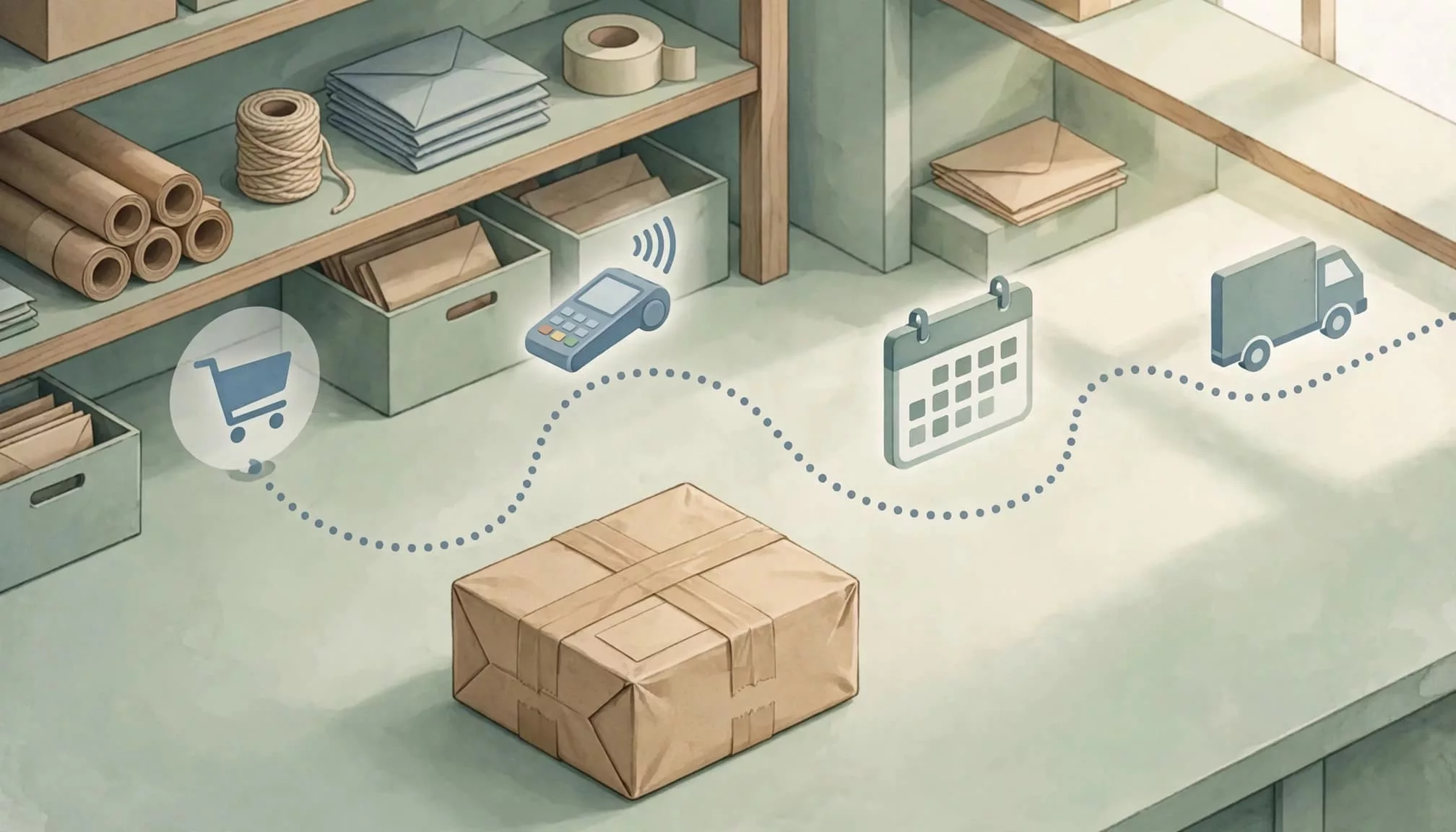
- After approval, your system captures automatically or sends a separate capture request later.
Delayed capture can also be automatic. In J.P. Morgan’s delayed capture API, the default delay is 120 minutes. Actual capture can occur up to 15 minutes before or after the scheduled captureTime.
That setting is a provider-specific scheduling rule, not an authorization expiry rule.
Also, authentication is separate from authorization. Completing a bank verification challenge doesn’t guarantee payment approval. Our guide to 3D Secure checkout UX covers that handoff and the different outcomes shoppers can encounter.
How Long Authorization Holds Last
Authorization windows aren’t universal. The usable authorization hold and its expiry depend on the processor, card network, issuer, transaction type, and eligibility for extended authorization.
Shopify Payments provides a standard seven-day authorization period. Its extended periods apply to eligible Shopify Plus stores using Shopify Payments, rather than every Shopify merchant.
Shopify lists these card-brand limits for extended authorizations:
| Card network | Listed authorization period |
|---|---|
| Visa and Mastercard | Up to 30 days |
| Discover and JCB | Up to 10 days |
| Diners Club and China UnionPay | 7 days |
The practical deadline is the applicable payment’s expiry, not the longest period available to its card brand.
Under Shopify’s authorization rules, manually capturing after the standard seven-day period adds a 1.75% charge on top of standard credit card fees where that extended-capture arrangement applies.
Stripe describes about seven days as typical for online card authorizations. Checkout.com describes typical holds of seven to ten days and a maximum of 30 days before a new authorization is needed. These aren’t interchangeable promises.
For operations teams, record the expiry alongside the order. Schedule capture early enough to leave room for processing failures, rather than treating the final available day as the target.
When to Capture Different Ecommerce Orders
Capture immediately for straightforward fulfillment
Immediate capture suits digital downloads, subscriptions, and in-stock retail orders when no additional review is needed. It reduces manual work and the risk of forgetting to collect payment.
Shopify defaults to automatic capture at checkout. Manual capture adds a delay and another processing step, so it needs an operational reason.
For digital products, confirm successful payment before granting access. If file delivery fails after payment succeeds, retry delivery without charging again. Browser redirects alone aren’t reliable proof of payment.
Delay capture for review or uncertain fulfillment
Manual capture gives teams time for fraud detection and review, inventory confirmation, and orders whose final payable amount may change. Review can help identify suspicious orders, but it doesn’t guarantee fraud prevention. Automatic capture at fulfillment can also connect collection to dispatch where the platform supports it.
For a preorder, a merchant can authorize at purchase and capture when the product is ready to ship, provided shipment falls inside the authorization window. A months-long preorder needs a different payment arrangement, such as an agreed deposit or later payment collection. Collecting later can delay payment and affect cash flow, so weigh timing against fulfillment plans.
Hotels illustrate variable totals: they often authorize more than the expected bill to cover incidentals. At checkout, they settle the final amount and release the unused hold.
For made-to-order goods, choose charge timing around production commitments and disclosed payment terms. A temporary authorization can’t finance work that continues beyond its expiry.
Partial Capture, Voids, and Refunds
Partial capture collects a smaller final amount
Partial capture lets you collect less than the approved amount, such as when one item becomes unavailable.
For most standard single-capture transactions, the unused balance is released. Stripe’s capture guidance explains that you generally can’t return later and collect the remainder from that same authorization. Another charge requires a new authorization.
Eligible multicapture arrangements allow multiple captures for split shipments. Support varies; J.P. Morgan documents that JCB doesn’t support multicapture.
Partial capture also differs from partial authorization, where an issuer approves only part of the requested amount because funds are insufficient.
Void before capture; refund afterward
To void authorization before capture, cancel the uncaptured payment through the provider. No captured payment moves back because collection never happened.
After capture, returning money requires a refund. The customer may then wait for the returned funds to post, and the merchant may retain processing costs or incur additional charges under its pricing agreement.
Voiding can avoid costs associated with returning funds, but there’s no universal fee for returning funds. Release timing also depends on the issuer, so a successful void doesn’t guarantee the pending entry disappears immediately.
What to Do When Capture Fails or Authorization Expires
An expired authorization no longer provides a valid hold for collection. Stripe’s authorization documentation says the funds are released when the authorization expires; an uncaptured PaymentIntent becomes canceled.
A capture error needs a different response. Before retrying, establish whether the processor rejected the request or completed it without returning a successful response.
An uncertain capture response is a reconciliation problem before it’s a reason to collect payment again.
Compare the order with provider authorizations, captures, refunds, and pending transactions. Our Shopify checkout incident response guide covers this payment-recovery sequence.
For developers, use idempotency controls on supported payment requests and handle duplicate webhook events safely. Record transaction identifiers, amounts, and timestamps.
If authorization has expired, obtain a new authorization through an appropriate payment flow. Explain any required customer action clearly, and revalidate inventory, pricing, shipping, and taxes before another payment attempt.
Don’t ship an order based solely on an old authorization or an ambiguous capture result.
Frequently Asked Questions
What will customers see on their statements?
Authorization usually appears as a pending transaction. After capture, the issuer generally replaces or updates that entry with a posted charge.
However, display timing varies. Shopify says authorization holds can remain visible for up to 30 days after the original authorization, even after capture or cancellation.
Support teams should explain whether the payment is authorized, captured, voided, or refunded. Avoid describing every pending entry as a completed charge or promising immediate removal.
Can the final charge exceed the authorized amount?
A standard capture must stay within the approved amount. Some transaction types support incremental authorization or other adjustments, but those are separate capabilities with their own rules.
For ordinary ecommerce orders, don’t treat approval of one total as permission to increase it later. Present revised shipping, tax, or product charges for customer approval before collecting more.
Likewise, authorization doesn’t correct inaccurate tax calculations. The amount displayed, accepted, and submitted for payment should agree.
Does authorization protect against fraud and chargebacks?
Authorization approval confirms the issuer approved that transaction at that moment. It doesn’t prove the legitimate cardholder placed the order or remove all chargeback exposure.
Qualifying authentication, including certain 3D Secure transactions, may shift liability for some fraud chargebacks under applicable rules.
Delayed capture gives your team time for fraud review. However, approval alone shouldn’t replace that review when an order shows meaningful warning signs.
Choose Capture Timing Around the Order
The payment authorization vs capture decision should follow fulfillment needs and the actual authorization deadline. Immediate capture reduces work for straightforward orders; delayed capture gives you time to review or finalize them.
Keep payment state separate from order state. An accepted order can still be uncaptured, and a canceled order can still show a temporary hold.
Build expiry monitoring and payment reconciliation into the workflow, so every shipped order has a clear collection outcome.