
Shopify checkout incidents require distinguishing store-controlled failures from Shopify or payment-provider incidents, then containing harm within your control. Assign one decision-maker, preserve evidence, and restore sales only after validating payments and orders.
A checkout error doesn’t automatically mean a security breach, but suspected payment-data exposure needs immediate escalation. The priority is safe continuity: protect shoppers without turning a limited failure into a store-wide outage.
Key Takeaways
- Separate Shopify outages, provider failures, merchant configuration errors, and suspected compromise.
- Name the person authorized to disable integrations, restrict sales, and approve recovery.
- Reconcile payment and order states before encouraging retries or restarting recovery campaigns.
Prepare Your Checkout Incident Response Plan
Use seven operational steps: prepare, detect, analyze/identify, contain, eliminate, recover and restore, and debrief.
NIST and SANS are reference frameworks, but this seven-step sequence isn’t NIST’s current lifecycle. NIST SP 800-61 Rev. 3, finalized in April 2025, places Detect, Respond, and Recover within broader cybersecurity risk management.
Assign Authority Before an Outage
Your incident response plan should name an incident commander, technical owner, payments owner, operations owner, support owner, and communications lead. Together, they form the incident response team. Small teams can combine roles, but every responsibility needs a backup.
The incident commander can pause campaigns, approve merchant-controlled actions, and escalate to Shopify or vendors. For a major cross-functional checkout event, use an incident command system to guide decisions and escalation. Finance owns payment reconciliation; support owns customer cases.
Record who can authorize sales restrictions. Avoid waiting for an unavailable founder while shoppers encounter repeated payment failures.
Map Apps, Rules, and Payment Dependencies
Shopify hosts checkout, while merchants manage apps, business rules, and integrations around it. Inventory payment providers, checkout apps, Shopify Functions, pixels, and external services. Record each configuration owner, vendor contact, permissions, and rollback procedure.
Distinguish visible checkout blocks from business rules and tracking. Removing a block doesn’t necessarily disable its app’s rules.
Our checkout extensibility app review checklist covers placement, compatibility, and ownership. Keep your playbook tied to your actual plan and checkout configuration, not a vendor’s demonstration store.
Detect and Analyze the Checkout Failure
Separate Merchant Issues From Provider Incidents
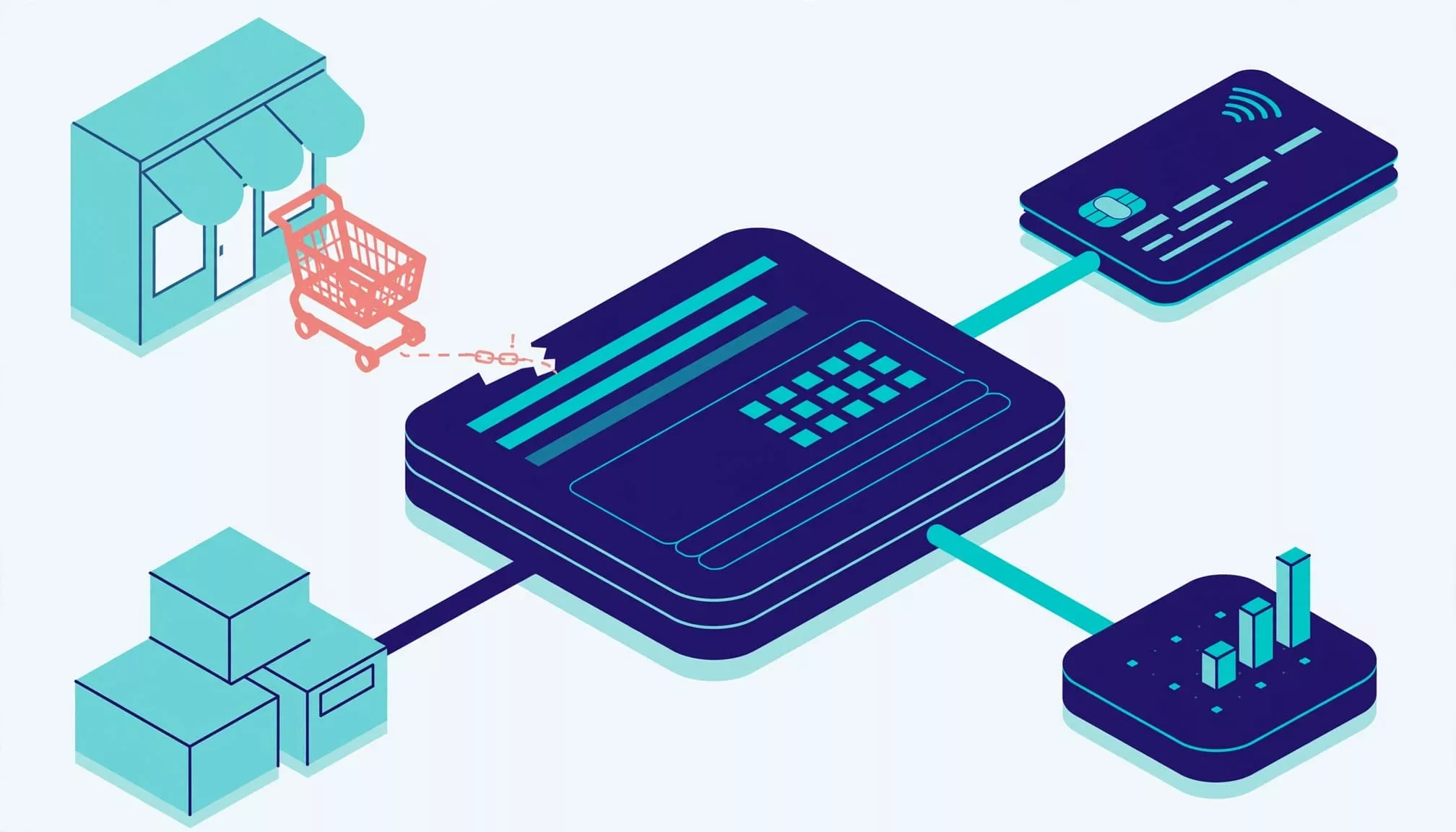
Open Shopify Status and the payment provider’s status channel. Compare affected services and record timestamps. A green status page doesn’t rule out a newly developing or store-specific incident.
During detection, identify the failing step: address validation, shipping, discount application, authentication, authorization, or confirmation. Record which payment paths are affected.
Failures after a configuration change suggest a merchant-controlled cause, such as a store or app issue. Failures across unrelated payment methods suggest a broader provider or platform incident. One issuer decline usually belongs in customer support unless similar reports cluster.
Preserve Evidence and Escalate by Impact
Preserve relevant forensic evidence, including UTC timestamps, error codes, affected devices, markets, payment paths, recent changes, and resulting order IDs. Redact personal information from screenshots.
Use abandoned-checkout histories and order timelines as described in Shopify’s payment gateway troubleshooting guidance. Never collect raw card details, passwords, or authentication codes.
Declare a critical incident for widespread inability to purchase, suspected skimming, unauthorized payment redirects, or payment-account compromise that points to a cyber incident. A localized app error can receive lower severity unless it creates financial or data risk.
Use the First Hour to Establish Control
Use these windows in your incident response plan as targets, not recovery promises.
| Time | Owner | Required action |
|---|---|---|
| First 10 minutes | Incident commander | Open an incident record, assign severity, freeze unrelated changes. |
| Minutes 10 to 20 | Technical and payments leads | Reproduce safely, verify current Shopify and provider status, identify affected paths. |
| Minutes 20 to 40 | Authorized owner | Contain merchant-controlled causes or escalate provider evidence. |
| Minutes 40 to 60 | Communications and finance | Publish an update, identify uncertain payments, define recovery tests. |
The incident response team should establish an accountable owner and document decisions, even when Shopify controls the fix. For a high-impact, cross-functional event, use an incident command system to coordinate teams. The incident commander owns the next decision and update time, and escalates provider-controlled issues.
Record what happened, when it started, what shoppers experience, actions taken, and the next update time. Document any containment decision, and separate confirmed facts from open questions.
Contain Harm Without Expanding the Outage
Reverse Merchant-Controlled Changes Carefully
Keep containment proportionate to the evidence. Freeze deployments, then roll back the implicated configuration when evidence supports that action. Use supported admin controls to disable an affected app feature or extension.
Before uninstalling an app, preserve its configuration and check which rules or integrations removal affects. Change one implicated component at a time.
For phishing, malware, or ransomware, use separate security playbooks. Isolate affected staff devices and revoke compromised sessions or credentials from a clean device. An infected workstation doesn’t automatically require shutting down the storefront.
Escalate Provider Failures and Suspected Compromise
For a Shopify outage, send support the store identifier, timestamps, symptoms, affected paths, and incident reference. Merchants can’t patch Shopify’s hosted checkout infrastructure.
For a provider-specific failure, retain already-tested alternatives where appropriate. Don’t rush an untested gateway into production. Record the containment boundary between merchant-controlled actions and escalation to Shopify or a provider.
Suspected active card-data theft warrants immediate restriction of the affected purchase path, security escalation, and coordination with Shopify and the payment provider. Involve counsel for notification duties.
Pausing ads reduces incoming traffic, but existing shoppers can still reach checkout. Treat traffic reduction and technical containment as separate decisions.
Eliminate the Cause Before Restoring Changes
For configuration incidents, remove the faulty rule or replace the broken integration with a supported configuration. Use Shopify’s checkout payment troubleshooting guidance to distinguish authentication failures, declines, loops, and gateway errors.
For a security incident, including a cyber incident, follow the security investigation and escalation path. After containment, trace the attack from the quarantined component to the entry point. Identify exploited vulnerabilities, stolen credentials, unauthorized apps, and persistence mechanisms.
Complete eradication by removing malicious access and fixing the entry point before reconnecting systems. Otherwise, restoration can reintroduce the compromise.
Shopify owns eradication inside its platform. Your team owns affected accounts, endpoints, custom services, and merchant-managed integrations.
Recover and Restore Checkout Safely
Test the Complete Purchase Journey
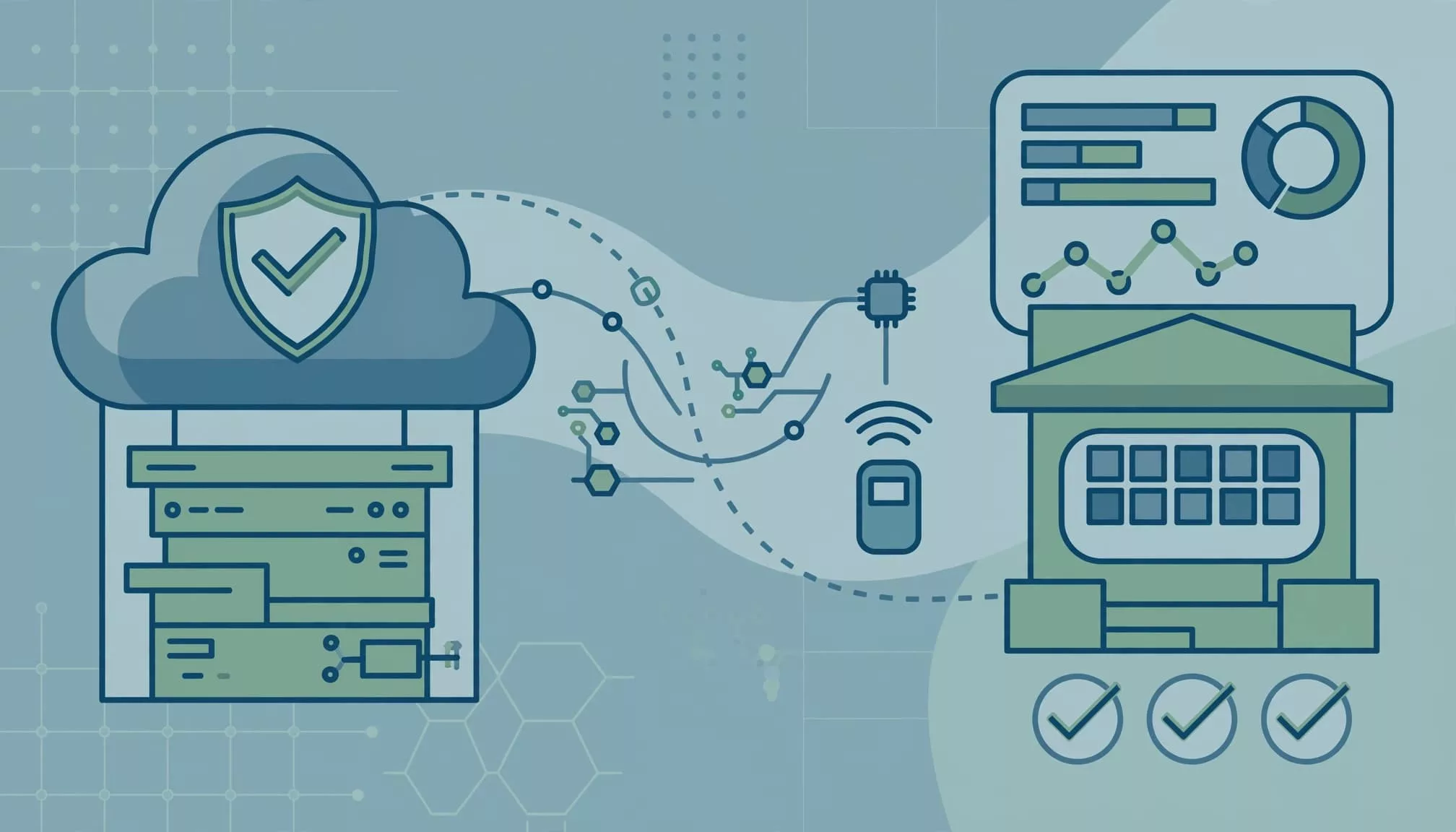
Verify relevant, known-good backups or recovery points for merchant-managed data and configurations before restoring them. Theme backups don’t restore Shopify’s hosted payment infrastructure.
For larger incidents, restore dependencies in a documented order, prioritizing secure payment completion before optional features.
Use a focused recovery checklist:
- Test guest and signed-in purchases on mobile and desktop, including Shop Pay where available.
- Exercise address changes, discounts, delivery options, and bank authentication.
- Confirm final totals, payment state, the Shopify order, and confirmation delivery.
For affected interfaces, include keyboard and screen-reader testing. Re-enable app features individually so another failure remains traceable.
Reconcile Payments Before Inviting Retries
Compare Shopify orders with provider authorizations, captures, refunds, and pending transactions. Authentication success doesn’t prove payment authorization succeeded.
Don’t tell a shopper to pay again while the first attempt remains uncertain. Our guidance on checkout recovery and duplicate order prevention explains why expired sessions and payment outcomes need separate handling.
Revalidate inventory, prices, shipping, taxes, and discounts before another attempt. Then resume campaigns gradually while watching failures and support reports.
Tell Customers What Is Known
Publish updates through channels you control, such as storefront announcements, support replies, and email where appropriate. Don’t assume your plan supports custom messaging inside every checkout surface.
A useful outage message is:
“Some customers can’t complete payment. We’re investigating. If you submitted payment but haven’t received confirmation, contact support before trying again. Our next update will be at 14:30 UTC.”
Use that wording only when it matches the incident. Avoid unsupported recovery estimates, claims that no data was exposed, or guarantees that nobody was charged.
For suspected breaches, coordinate notices with security, legal, and payment partners. Support agents must never request passwords, full card numbers, or one-time codes.
Debrief With Owners and Deadlines
Build a timeline covering detection, escalation, containment, eradication, restoration, and reconciliation. Preserve forensic records and document exploited vulnerabilities, affected assets, customer impact, and delayed decisions.
Separate the initiating cause from conditions that increased damage. A faulty app release and missing rollback authority require different fixes. Review whether containment decisions limited harm and whether eradication actions addressed the cause.
Write the incident report with a factual summary, scope, evidence, actions, payment outcomes, and remaining risks. Assign each improvement an owner, measurable goal, and deadline, including an owner to update the response playbook based on findings.
Track time to detect, time to contain, time to restore, failed payment attempts, duplicate charges, and unresolved orders. Review operational checkout failures separately from ordinary checkout abandonment.
Budget for Security Without Misusing Benchmarks
CTO Input’s executive incident-response guide reports that about 46% of 2025 security incidents affected companies with fewer than 1,000 employees. For executive budgeting context, it cites ransomware affecting roughly 37% of small businesses and breach costs of about $164,000 to over $3 million.
PurpleSec’s incident-response guide gives a different measure: breaches at businesses with fewer than 500 employees recently averaged almost $3 million in breach costs. These are attributed security estimates, not forecasts for a checkout outage.
Similarly, ExtraHop cites IBM’s 2020 report for a 73-day average containment period after identification. That historical breach metric isn’t a suitable service-restoration target. Network detection and response tools don’t diagnose Shopify checkout failures or replace checking Shopify and payment-provider status.
Budget around your payment dependencies, exposure, and recovery requirements.
Keep Warehouse Safety Decisions Separate
For businesses with industrial control systems, ICS incident response and equipment shutdown decisions must remain separate from Shopify checkout recovery.
The SANS and Dragos ICS response webinar prioritizes safety and reliability, authorized shutdown decisions, and an incident command system led by senior leadership. It recommends two or three tabletop exercises.
ICS incident response exercises should include forensic acquisition practice, since operational technology access may offer only about 30 minutes per window. Keep that procedure separate from Shopify troubleshooting, with qualified operational staff controlling physical-system decisions.
Frequently Asked Questions
How do you tell whether a checkout failure is store-specific or provider-related?
Check Shopify Status and the payment provider’s status channel, then identify which checkout step and payment paths are affected. Failures after a configuration change can point to a merchant-controlled cause, while failures across unrelated payment methods can point to a broader incident.
Who should authorize checkout restrictions?
The incident commander should be named in advance and can approve merchant-controlled actions, including sales restrictions. Record a backup for each responsibility so decisions don’t depend on an unavailable team member.
When should a purchase path be restricted?
Restrict the affected path when evidence points to active card-data theft or another serious security risk. For a limited configuration failure, contain the implicated component rather than shutting down the whole storefront.
When is it safe to ask shoppers to try payment again?
First compare Shopify orders with provider authorizations, captures, refunds, and pending transactions. Don’t ask shoppers to pay again while the first attempt remains uncertain, and verify the purchase journey before resuming campaigns.
Restore Sales With Evidence
A useful checkout playbook makes ownership clear before revenue is at risk. It also separates merchant actions from fixes only Shopify or a payment provider can deliver.
Make verified recovery the release condition: a working purchase path, understood payment outcomes, and accountable follow-up. Checkout is ready when shoppers can complete purchases safely and your team can explain what happened.