

Shoppers move fast, but they spot fake scarcity even faster. When low stock messaging feels inflated, urgency turns into doubt, and doubt drags conversion down.
The best stock cues don’t shout. They confirm a real limit, help people decide, and stay accurate from product page to checkout. That means the goal isn’t to “make it feel scarce.” It’s to show what’s true, in a way people can trust.
Start with inventory truth, not persuasion
Low stock messaging should appear only when stock is both limited and reliable. If counts lag, vary by warehouse, or ignore the selected variant, a precise claim can mislead.
That matters most on products with options. “Only 2 left” helps only if it means two of the chosen size or color. Otherwise, the message feels like a trap after the click. Teams improving mobile product variant pickers should tie stock copy to the same variant logic as the add-to-cart button.
Before you set copy, align on confidence levels.
| Inventory confidence | What to show | Example |
|---|---|---|
| High, exact sellable count | Exact count | Only 3 left in Medium |
| Medium, some feed lag or split stock | General scarcity | Low stock in your selected color |
| Low, uncertain, or restocking fast | No scarcity claim | In stock |
This simple rule prevents overstatement. It also keeps teams out of support trouble later.
If fulfillment is messy, raw ERP numbers are not enough. Exclude safety stock, store-only units, canceled returns, and anything not truly sellable online. Also, never imply a reservation unless the cart really holds stock. “Saved for you” sounds helpful, but it breaks trust when the item still disappears.
If support can’t stand behind the message, don’t ship it.
Fake scarcity is like a smoke alarm that chirps all day. At first, it gets attention. Soon, people tune it out.
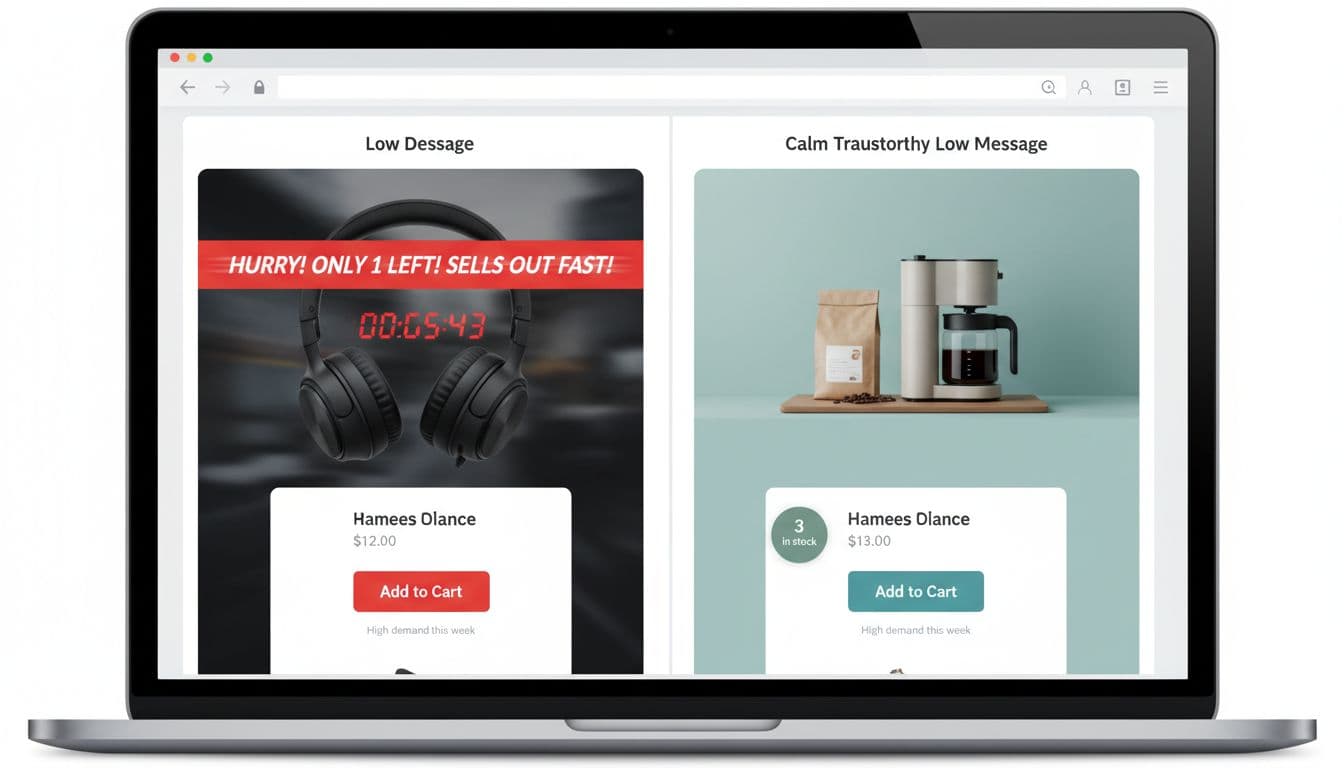
Write low-stock copy that feels calm, clear, and honest
Precise wording does more work than louder styling. A small note beside the CTA often outperforms a giant warning banner because it helps at the exact decision point.
Good copy is short, plain, and tied to the shopper’s context. For example:
- Use exact counts when confidence is high: “Only 3 left in Medium.”
- Use softer scarcity when counts may shift: “Low stock in your selected color.”
- Pair urgency with service info when it’s true: “Only 2 left, ships tomorrow.”
- Switch to recovery when stock runs out: “Sold out, get a restock alert.”
What should you avoid? “Hurry!!!” in all caps. “Selling out fast” with no proof. “Only 1 left” showing on every variant for weeks. Countdown timers that restart on refresh. Those patterns may lift clicks for a moment, but they leave a bad aftertaste.
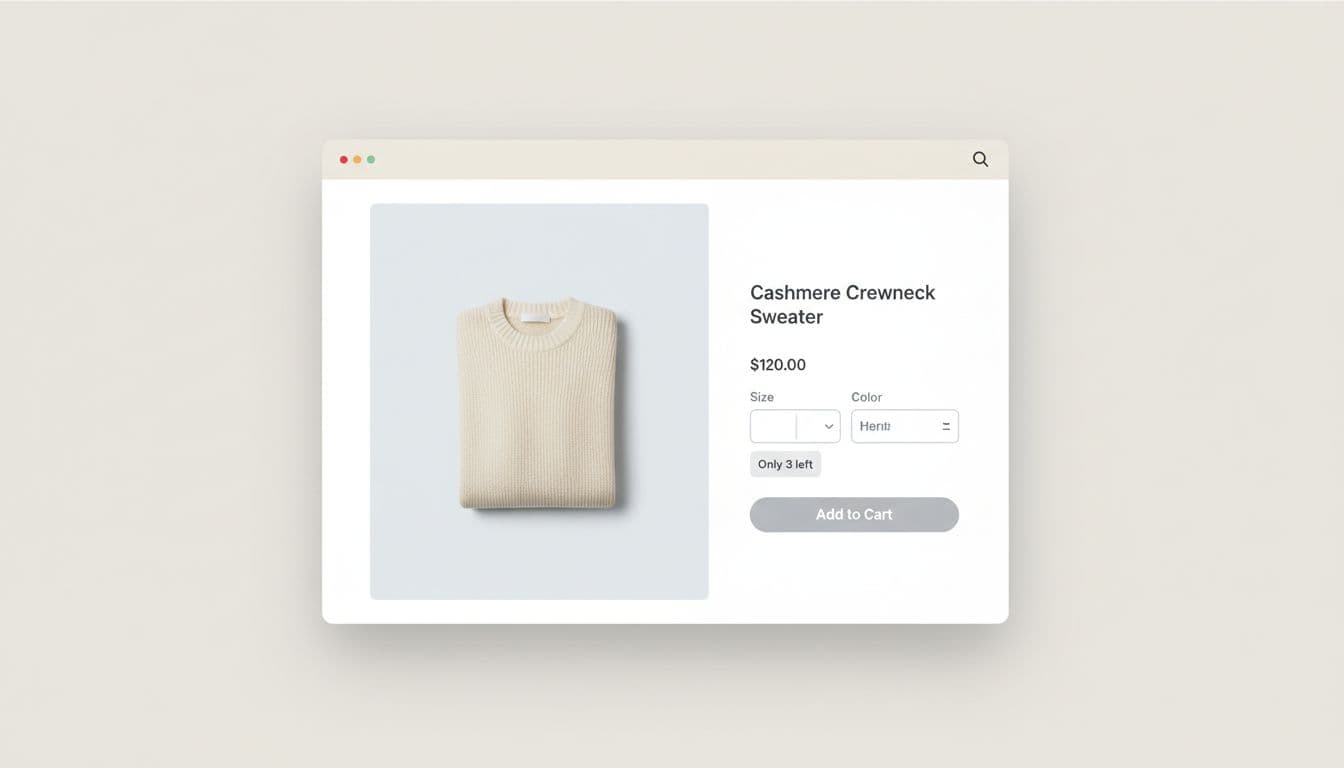
Brand voice still matters, but meaning comes first. A playful brand might say, “Going fast.” A more understated brand may prefer, “Low stock.” Both can work if the trigger is real and the message stays easy to understand.
Visual tone matters too. Use color with restraint. A soft badge, helper text, or small icon is enough for most brands. Flashing red bars, pulsing badges, and stacked urgency cues feel like a fire drill. Low stock messaging should feel like a yellow light, not a siren.
Place the message where it reduces hesitation
Urgency works best where choices happen. On the product page, put the stock cue near price, variant selection, and add to cart. On long mobile pages, thumb-friendly sticky purchase bars can keep both the CTA and stock status in view without forcing the shopper to scroll back.
In the cart, low-stock messaging should confirm risk, not repeat noise. If inventory may run out before purchase, say so in a calm way. A short note can be enough to move someone forward without pressure.
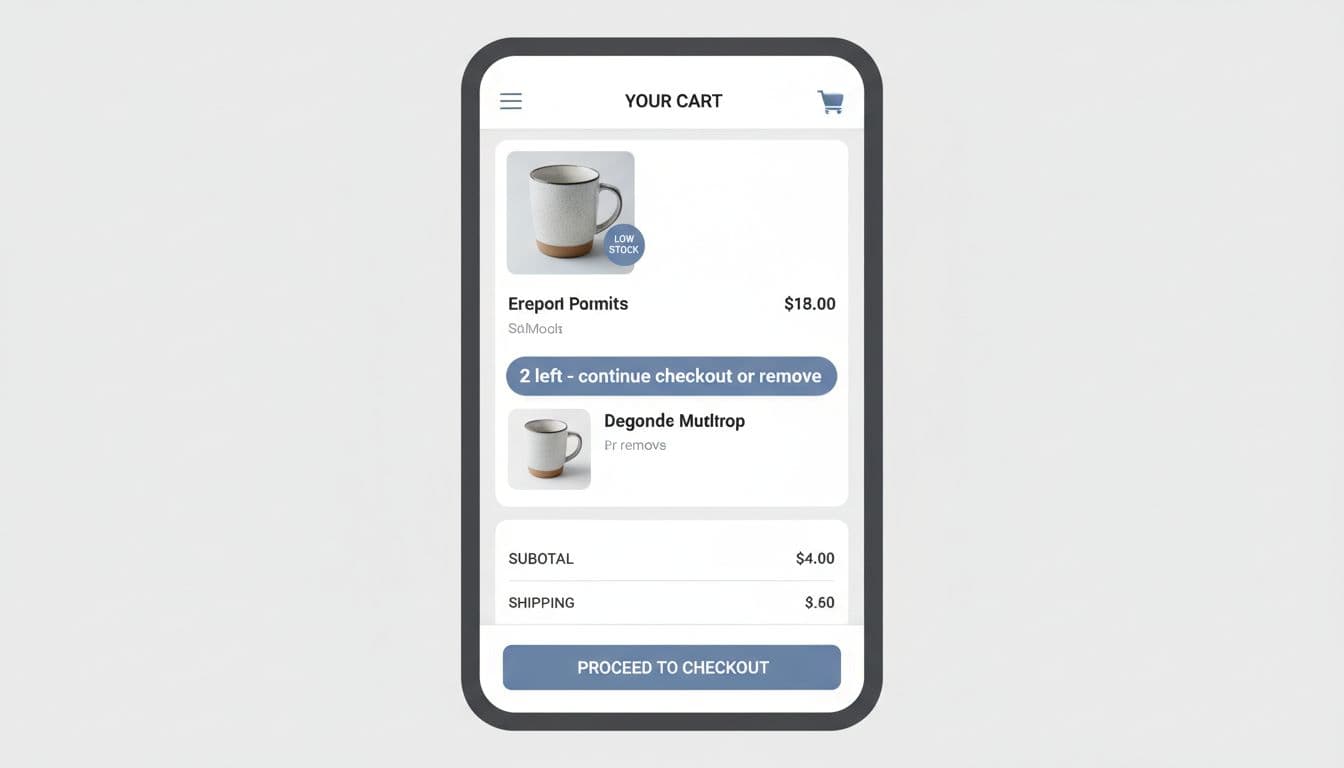
Checkout is the worst place for surprise drama. If stock changes there, explain it plainly and offer a next step, such as edit quantity, pick another variant, or remove the item. If the product is gone, don’t keep pushing scarcity. Shift to recovery with strong back in stock alert UX.
For ecommerce teams rolling this out, keep the setup simple:
- Define thresholds with ops, merchandising, and lifecycle teams.
- Pull from the same sellable inventory source that checkout uses.
- QA edge cases, variant swaps, bundles, split fulfillment, and fast restocks.
- Track more than clicks, including support tickets, cancellations, and stock complaints.
That last point matters. If add-to-cart goes up but frustration rises too, the pattern needs work.
Fake scarcity might win a tap, but it loses the next visit. The best low stock messaging turns a real limit into a clear decision, so shoppers act faster because they believe what they see.
Audit your top product pages this week. Remove any stock claim your team can’t defend, then tighten the ones that remain.
Trust is the part shoppers remember after the order.