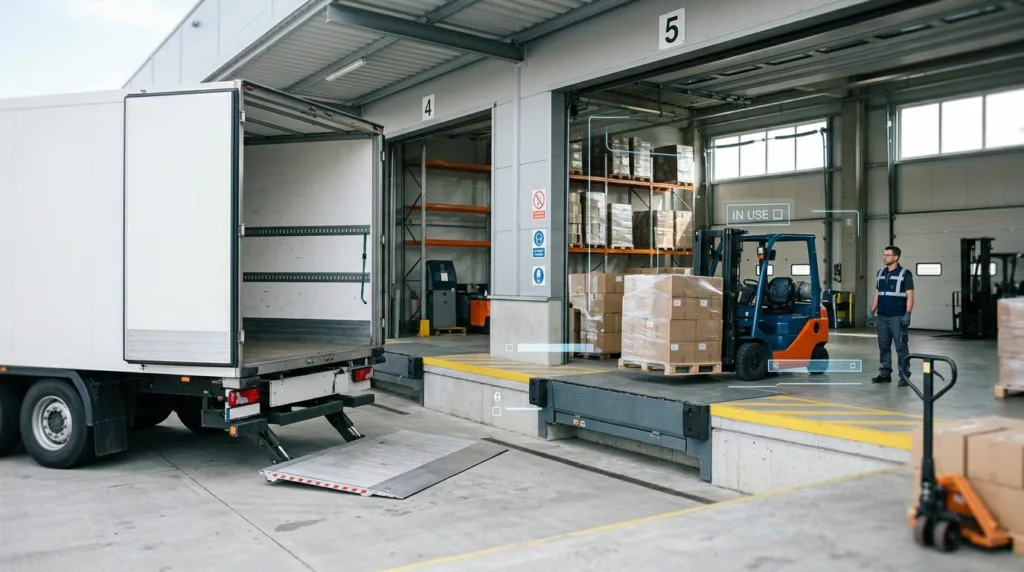
The smallest freight form field can trigger the biggest shipping mistake. If a buyer picks the wrong delivery setup, the order may need a rework, a fee, or a failed drop.
That is why freight checkout UX has to treat liftgate and loading dock choices as operational data, not decoration. When the form is clear, buyers move faster and your carrier quote stays closer to reality.
Why liftgate and dock choices affect quote accuracy
Liftgate and loading dock questions affect more than delivery instructions. They change the cost, the delivery method, and the risk of a failed handoff.
A liftgate is the truck equipment that lowers freight to the ground when there is no dock or forklift at the destination. A loading dock lets the carrier back into a raised bay so freight can move at truck height. If the buyer answers these questions wrong, the shipment can arrive with the wrong service level.
That can create avoidable problems. The carrier may add a liftgate charge later. The shipment may get reclassified at the dock. A receiver without dock access may refuse delivery altogether.
For a plain-language reference on when liftgate service is required, see liftgate delivery rules. The key point is simple, the form has to mirror the real delivery environment.
Your checkout should also match the rest of the freight flow. If the shipping step already asks for location type, freight class, or pallet details, keep the delivery access logic in the same place. A consistent pattern reduces second guessing and helps people complete the order with confidence. For a related example, look at freight shipping checkout best practices.
Use plain labels and helpful microcopy
A lot of freight forms fail because they sound like carrier paperwork. Buyers are trying to answer a practical question, so the wording should be practical too.
Use labels that describe the site, not the service. “Do you have a loading dock or forklift at this address?” is easier to process than “Select delivery access type.” The first question sounds human. The second sounds like a back office rule.
Good microcopy removes guesswork. It should tell the user what the answer changes, and what to do if they’re unsure. For example:
- Loading dock: “Choose this if the receiver can unload freight at dock height.”
- Liftgate service: “Choose this if the driver needs to lower freight to the ground.”
- Unsure: “Pick this if you don’t know the site’s unloading setup yet.”
A simple table can help your team compare the language options that work best.
| User situation | Field label | Helpful helper copy |
|---|---|---|
| Receiver has dock access | “Loading dock or forklift available?” | “Select yes if the freight can be unloaded at dock height.” |
| Receiver needs curbside drop | “Do you need liftgate service?” | “Choose yes if freight must be lowered to ground level.” |
| Buyer is unsure | “Not sure about dock access?” | “Choose ‘I’m not sure’ and we’ll confirm before shipment.” |
The best copy reduces the need for a support call. It also lowers the chance that someone makes a safe guess and creates an expensive mistake.
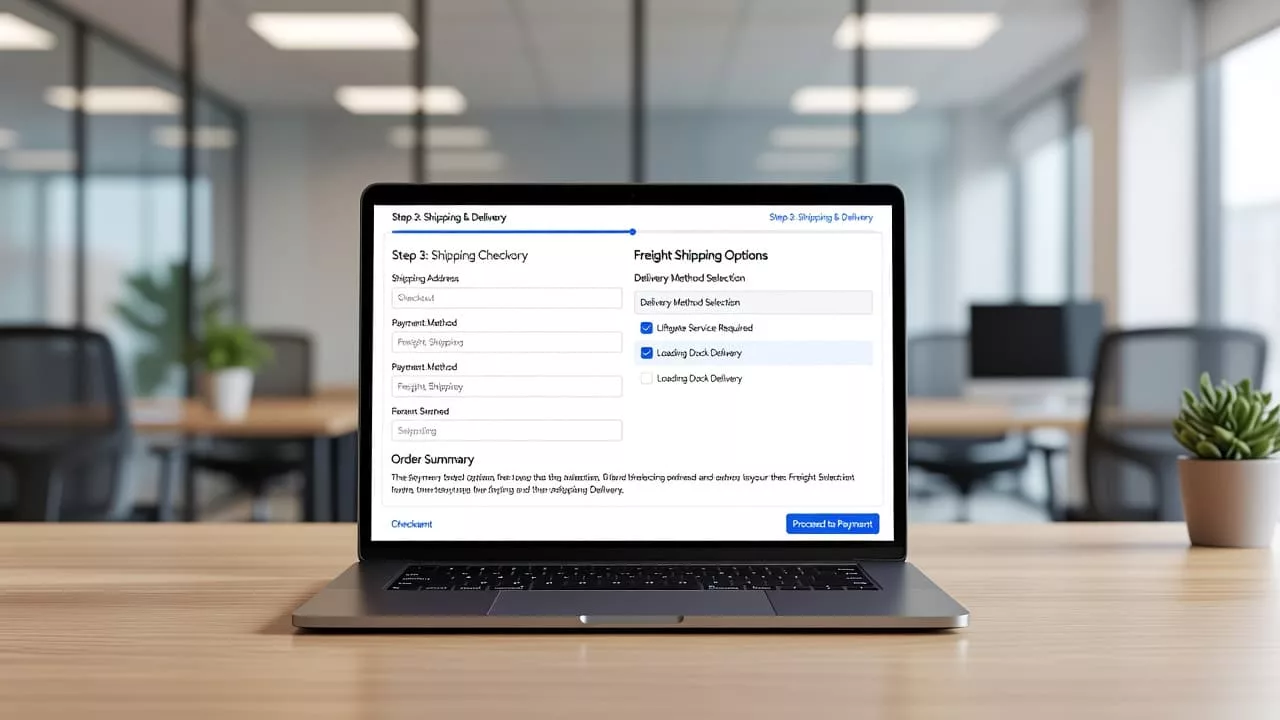
Build the form so people can answer fast
The form pattern matters as much as the words. In freight checkout, the safest pattern is usually a radio group with short explanations, not a free-text field.
Start with one clear question. Then show only the next fields that matter. If the user selects “loading dock,” you can hide liftgate-specific upsells unless another rule applies. If they select “no dock,” you can reveal liftgate service and any added price right away.
That conditional logic matters because freight users are often moving quickly. They may be quoting an order for a warehouse, a job site, or a branch office. They don’t want to read a long service manual just to place one shipment.
When the user changes an answer, recalculate the quote immediately or after a short inline save. Then show the reason for the change. A small message like “Liftgate added, +$75” gives context without noise.
For more on cost clarity in shipping flows, shipping calculator UX patterns are a useful reference. The same rule applies here, users trust numbers more when they understand where they came from.
Strong validation rules help too. Keep them visible and direct:
- If the buyer selects dock access but enters a residential address, show a warning.
- If the buyer says no dock access and no liftgate, flag the risk before checkout closes.
- If the address is commercial but the recipient is unsure, ask for a follow-up contact or dock note.
- If a delivery appointment is required for the carrier, state that before payment.
A blank selector feels harmless, but in freight checkout it often hides a costly mistake.
You can also reduce errors with smarter default states. Defaulting to “no liftgate needed” may look efficient, but it pushes the risk onto the buyer and your ops team. A neutral default, or no default at all, usually works better. It forces a real decision and avoids false confidence.
Mobile and accessibility details that matter
Freight checkout often happens on a phone, not a desk. A plant manager may be standing in a warehouse aisle. A buyer may be looking up an address during a sales call. In those moments, small UI choices matter.
Make tap targets large enough for quick use. Keep the selector labels short, and avoid placing critical instructions in tiny helper text. If the form uses radio buttons, stack them vertically on mobile so each option gets room.
Accessibility needs the same care. Every option should have a clear label, and every helper message should be tied to the field it describes. Screen readers should announce the question, the choices, and any error state in the right order. If the address lookup or quote refresh updates the page, announce the change without forcing the user to hunt for it.
Color alone should never carry the meaning. If an error warns that dock access is required, add text that says exactly what failed. That helps everyone, including users with low vision and anyone using a small screen in bright light.
Mobile copy should also stay short. Long paragraphs turn into walls of text on a phone. Keep the explanation close to the control, then let the user move on. The goal is speed with enough context, not a lesson in freight terminology.
Handle uncertainty before it turns into a failed delivery
Many buyers don’t know whether a site has a dock. Some don’t know if a forklift is available. Others are ordering for a customer site and only have part of the answer.
Your checkout needs a safe path for that uncertainty. Add an option like “I’m not sure” and pair it with a clear next step. The form can ask for a contact name, a site phone number, or a note about the receiving area. That gives operations a way to verify the delivery setup before the shipment leaves the dock.
If the order can still be quoted with uncertainty, say so. If it can’t, say that too. The worst outcome is a confident checkout that becomes a reconsignment two days later.
A simple rule helps here. When a user is unsure, don’t force a guess. Offer a fallback that protects the shipment and the customer relationship.
Use conditional logic to support that fallback. If the user chooses “I’m not sure,” hide any hard yes or no branch. Then show one lightweight path for review or confirmation. If you can enrich the order with an internal note or a follow-up task, do it at the same moment.
It also helps to connect the selector to the broader shipping context. If your checkout already explains delivery limits, special handling, or surcharges, keep the same tone here. That consistency makes the whole experience feel more honest and less like a trap.
Conclusion
Liftgate and loading dock selectors look small, but they carry real freight risk. When the labels are plain, the logic is clear, and the defaults avoid false certainty, the checkout becomes easier to trust.
The strongest freight checkout UX does three things at once. It reduces friction for the buyer, improves quote accuracy for your team, and prevents delivery problems before they start.
If the form answers the same questions your operations team asks, the shipment has a better chance of arriving on time, with the right service, and without surprise charges.