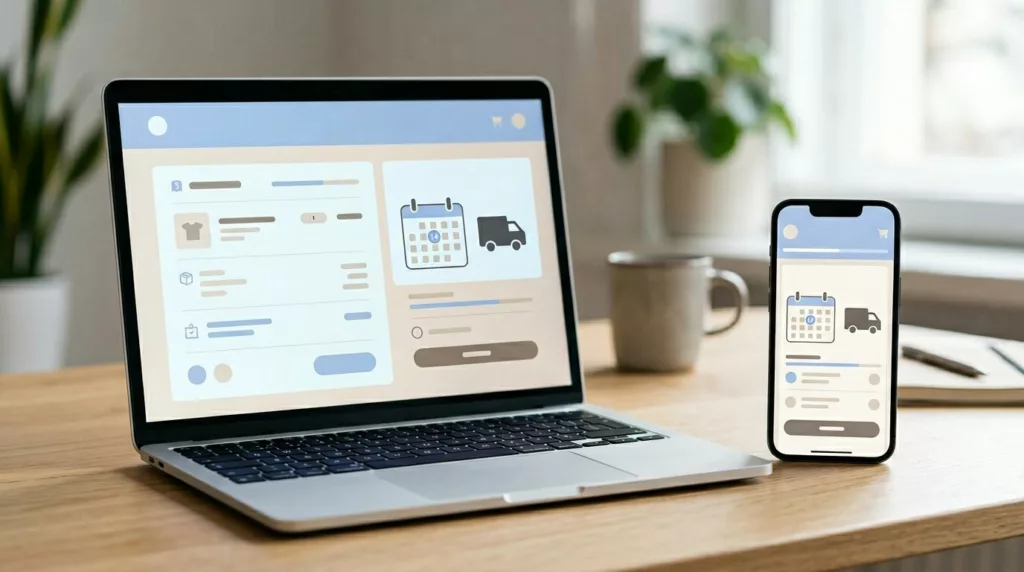
Why do shoppers quit when they’re already in checkout? Often, the price is fine, the product is right, and the blocker is simple: they don’t trust when the order will arrive.
Strong estimated delivery date ux removes that doubt before payment. In 2026, shoppers expect a believable delivery promise on every device, with updates that react to address, stock, and shipping speed. For designers, PMs, and CRO teams, the goal isn’t just showing a date. It’s reducing hesitation without creating promises ops can’t keep.
Put the delivery promise where commitment happens
A delivery date only helps if people can see it at the moment of choice. That means cart, shipping selection, and order review. If the estimate hides in a tooltip or policy page, it won’t calm anyone down.
The best pattern is one clear line near the shipping method, then extra detail on demand. For example, show “Arrives by Fri, Mar 20” next to Standard Shipping. Then let shoppers expand for cut-off time, carrier notes, or split-shipment detail.
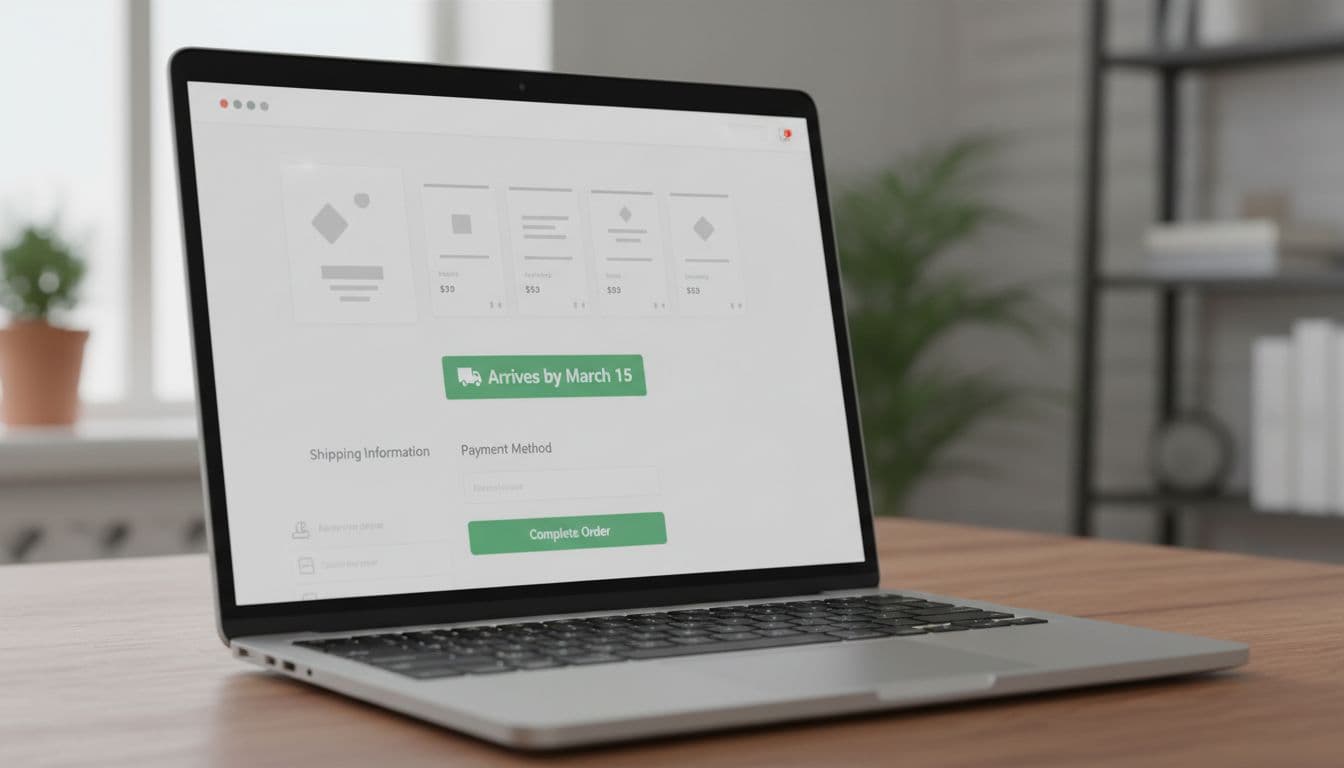
This quick reference table shows the pattern:
| Checkout state | What to show | Why it reduces friction |
|---|---|---|
| ZIP known, stock confirmed | Arrives by Fri, Mar 20 | Gives a clear reward for completing checkout |
| ZIP unknown | Enter ZIP to see delivery date | Sets the reason for missing info |
| Multiple fulfillment paths | Items may arrive Mar 20 to Mar 23 | Prevents surprise after payment |
Placement matters as much as wording. Put the estimate above the fold on mobile, close to the primary CTA, and repeat it in the order summary. That repetition isn’t clutter, it’s reassurance.
Consistency also matters. If the product page says “Arrives by Friday” and checkout suddenly says “5 to 8 business days,” trust drops fast. If you’re pairing ETAs with shipping incentives, the calmer style used in delivery ETA progress bars without pressure works better than loud promo language.
Write dates that feel believable, not optimistic
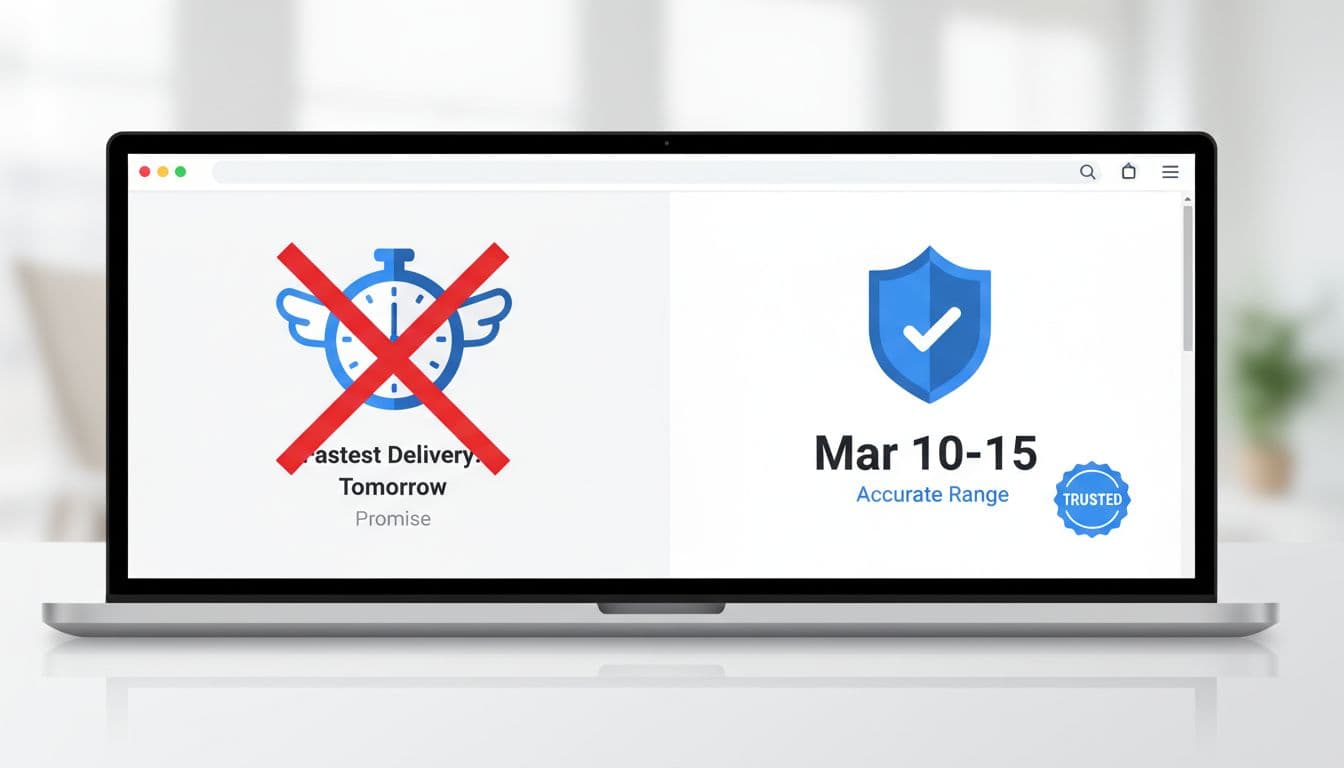
Many teams hurt conversion by chasing the fastest-looking promise. A date that sounds great but slips later creates more damage than a slightly slower date that holds.
Fast promises may win the tap, but accurate promises keep the order.
Use a single date only when confidence is high. That usually means inventory is allocated, the shopper’s location is known, and the cut-off window hasn’t passed. If confidence is lower, show a range.
Here’s the copy pattern that works:
- High confidence: “Arrives by Tue, Mar 24”
- Medium confidence: “Estimated Mar 24 to Mar 26”
- Cut-off missed: “Order in the next 1 hour for delivery by Tue, Mar 24”
- Uncertain handoff: “Delivery estimate updates after carrier pickup”
The tradeoff is simple. Speed sells, accuracy builds trust. When you can’t defend a date, use a range and say why. That makes the system feel honest, not weak.
Small details help. Use calendar dates, not vague phrases like “soon” or “typically ships fast.” Show local cut-off logic in the shopper’s time zone. If Saturday delivery is excluded, don’t hide that inside fine print.
For teams shaping the rules behind the UI, Shipium’s delivery promise playbook is useful because it frames the promise as both a merchandising tool and an ops commitment.
Update the estimate when shoppers change shipping, address, or cart contents
A static ETA is where many checkouts fall apart. Shoppers change ZIP codes, switch from standard to express, add pre-order items, or move from guest checkout to saved addresses. If the date doesn’t react, the interface feels broken.
Every change that affects delivery should trigger an immediate update. That update should also explain itself. Good microcopy looks like this:
“Updated to Mar 25 because your new ZIP code changes carrier service.”
“Express delivery unavailable for this item.”
“One item ships later, so your order may arrive in two packages.”
That last line matters. Split shipments are common now, but surprise split shipments still upset people. Tell them before payment.
On mobile, keep the ETA pinned near the selected shipping option. Don’t force shoppers to scroll back into the order summary to check what changed. If the estimate needs a second to refresh, use a compact loading state with a label like “Updating delivery date,” not a blank flicker.
If you’re implementing this on Shopify, this guide on displaying estimated delivery dates on Shopify covers common setup paths. The same principle holds on any stack: the estimate should feel live, explainable, and stable.
Measure the real impact: trust, conversion, and post-purchase fallout
Estimated delivery date UX should be treated like a conversion surface, not a decoration. Track checkout completion, shipping-option changes, delivery promise miss rate, and support contacts tied to late or unclear delivery.
A date can lift conversion and still hurt the business if it drives cancellations or “where is my order?” tickets. That’s why the best teams watch both checkout and post-purchase metrics. The checkout UX issues framework is a helpful way to prioritize these failure points by hesitation and breakdown risk.
Also, connect checkout promises to what customers see after purchase. If checkout says “Arrives by Mar 24,” the tracking page should repeat that story with clarity. Strong precise post-checkout delivery timelines reduce support load and protect the trust you earned in checkout.
The practical takeaway
When delivery timing feels fuzzy, checkout starts to feel risky. A clear ETA, shown in the right place, written with honest confidence, and updated in real time, reduces that risk.
The best estimated delivery date ux isn’t flashy. It’s calm, credible, and consistent from cart to tracking page. If shoppers can trust the promise, they’re far more likely to finish the order.