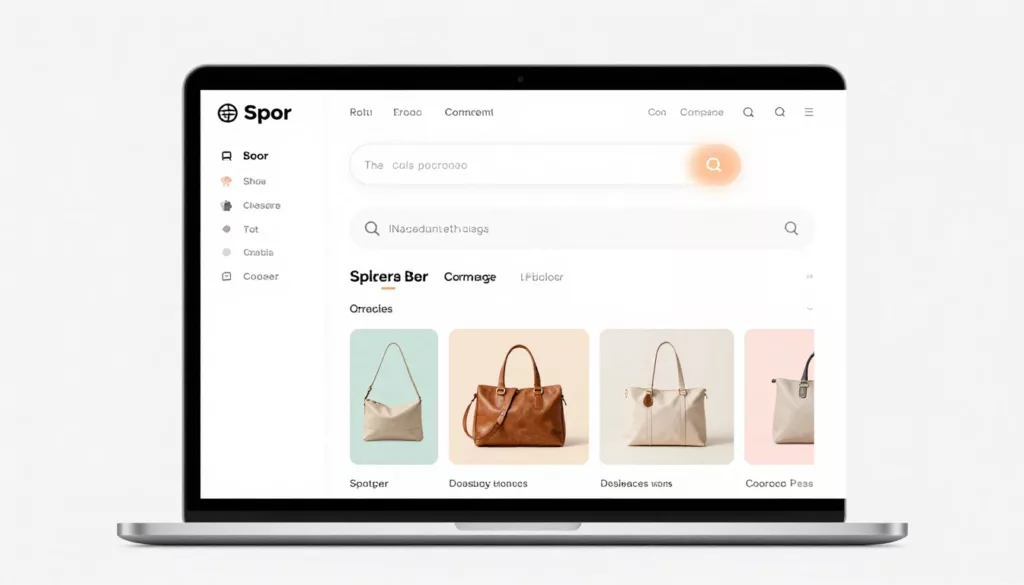

An empty shopping cart page can feel like a dead end. If it only says your cart is empty, you lose momentum while buying intent is still warm.
Good empty cart UX for online shopping turns that blank state into a route back to products. The best pages restore context, reduce effort, and give shoppers one clear move to make next.
Key Takeaways
- Prioritize clarity with a strong, contextual CTA like “Back to running shoes,” visible search, and category shortcuts to make the recovery path obvious and reduce effort.
- Use tight, relevant recommendations and recently viewed items to reconnect shoppers with their intent, placed below the main CTA on mobile and beside on desktop to avoid clutter.
- Design for mobile restraint, accessibility (keyboard focus, screen reader support), and speed (lazy-load extras) to match limited screen space and quick recovery needs.
- Eliminate distractions like auto-carousels, irrelevant promos, and heavy scripts; focus on helpful cues like free shipping to boost cart rebuild and session depth.
- Track metrics such as empty cart visits, CTA clicks, and cart rebuild rate to quantify UX improvements alongside broader abandonment recovery.
Make the next step feel obvious
When someone lands on an empty shopping cart’s empty state screen in the checkout flow, the first job is clarity. Explain what happened in one short line, then place a strong return-to-shopping CTA near the top. That button should lead somewhere useful, not a generic homepage.
CTA copy matters, too. “Continue shopping” is safe, but “Back to running shoes” is better when you know the shopper’s last category. If the cart cleared after a timeout, say so without blame. If the last item was removed, keep the path back visible.
On desktop, category shortcuts work well under the main CTA. On mobile, keep the user interface tighter for checkout optimization. One primary button, a visible search field, and three or four high-intent category links usually beat a crowded layout.
Search belongs on this page because some shoppers already know what they want. A search box with autocomplete can cut recovery time fast. A sign in link for signed-in users, saved carts, or saved-for-later items create another route back, especially when people switch from phone to laptop.
Usability research shows that if the empty cart page offers too many equal choices, recovery starts to feel like work.
A short note about free returns, shipping speed, or easy checkout can also calm hesitation. Keep it quiet and close to the CTA. As part of broader ecommerce optimisation tips to slash cart abandonment, this small state often lifts session depth and cart rebuild rate. The same friction logic shows up in LogRocket’s cart abandonment UX guide, because the next step is what keeps intent alive.
Use recommendations and memory cues, but keep them tight
Blank states, paired with an empty cart illustration, work better when they remember the shopper. Product recommendations, recently viewed items from their browsing history, and last-browsed categories can reconnect someone with the original goal on an empty shopping cart page.
Relevance is the whole game. Show four to six product recommendations and cross-sells, not twenty. Use machine learning to pull from the last category viewed, items close in price, or products tied to the removed item. That feels helpful. A random product wall feels pushy.

Recently viewed items are often stronger than generic recommendations. They revive memory and shorten the path back to consideration. That matters when a cart was cleared by mistake, lost after a login step, or dropped during device switching.
Placement affects performance. On desktop, recommendations can sit beside the empty state. On mobile, put them below the main CTA so they don’t block the fastest path. If you need both recently viewed and recommended items, lead with recently viewed and keep the rest compact.
Promotions can help as an incentive to the shopper, but only when they fit the moment. A free shipping reminder or category-specific offer can bring people back. Overloading with marketing material like a giant coupon banner, countdown, and modal stack usually does the opposite. Trust signals follow the same rule. A few calm cues, such as secure payment, easy returns, or delivery estimates, support confidence. A wall of badges adds noise.
Keep these clutter traps off the page:
- Auto-rotating carousels that steal attention
- Irrelevant recommendations with no browsing tie-in
- Promo bars that push the main CTA below the fold
- Chat widgets covering buttons on smaller screens
That balance affects conversion to sales. Helpful empty cart UX with smart user interface density creates more product views, deeper sessions, and better odds that a shopper rebuilds the cart. For a broader look at what drives abandonment, this cart abandonment playbook is a useful companion read.
Build empty cart UX for mobile, access, and speed
Mobile empty shopping cart pages need more restraint than desktop e-commerce websites. Mobile app design prioritizes limited screen space, thumb reach, and quick loading, so the main CTA, search, and category shortcuts should appear first, with secondary modules lower on the page.
A quick side-by-side view of these design patterns helps frame the right approach:
| Design Patterns | Mobile | Desktop |
|---|---|---|
| Main recovery path | One dominant CTA and quick search | CTA plus visible category links |
| Product memory | Short recently viewed row | Wider grid with more context |
| Extra content | Light promos, few trust cues like payment method selection | More room for support copy |
That doesn’t mean mobile gets less value. It gets less noise. If you already work on guest checkout UX for smoother mobile buys, the same principle applies here; reduce taps by minimizing form fields and account creation, and reduce doubt.
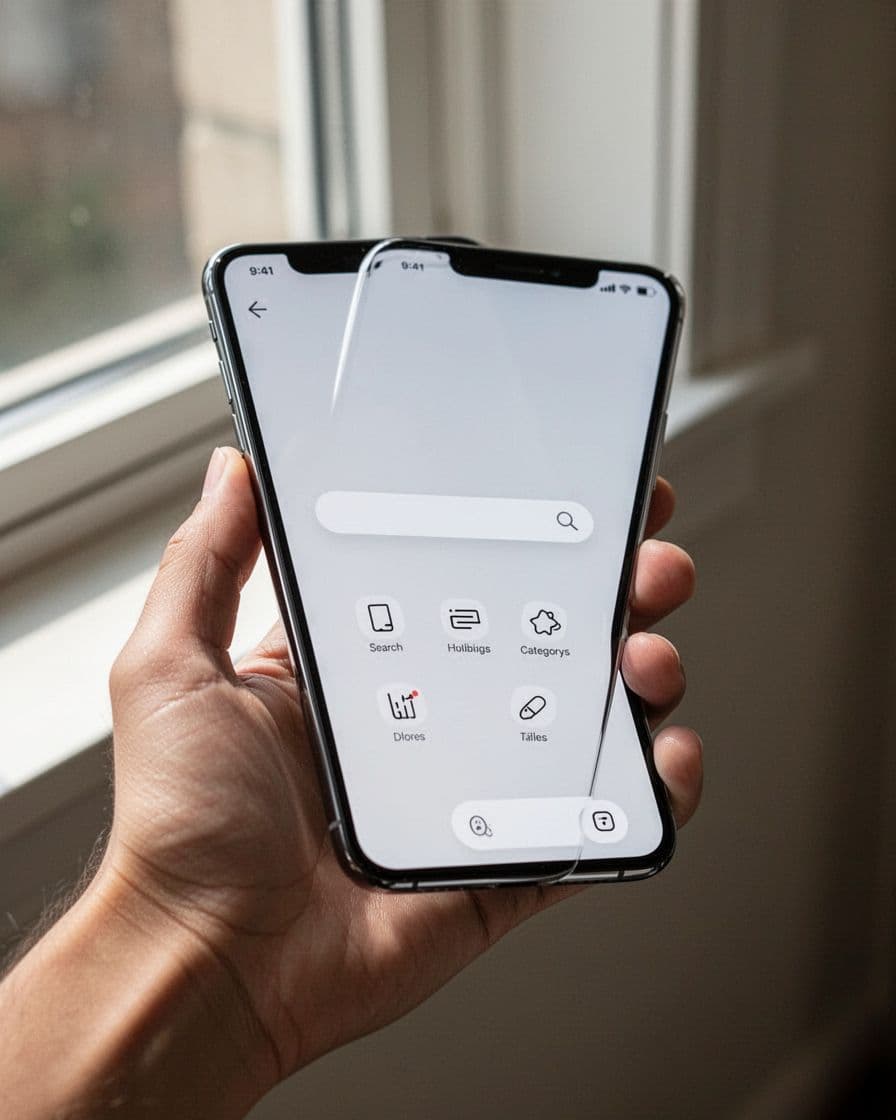
Accessibility matters at this moment, too. When a shopper removes the last item, move keyboard focus to the empty cart heading. Screen readers should hear that the cart state changed. Buttons need clear labels, contrast must stay strong, and product cards need alt text that names the item.
Speed has direct business impact on checkout flow. Render the empty state first, then lazy-load recommendations or saved items. Heavy carousels, oversized product images, and too many promo scripts can slow the page that should feel instant. That delay hurts recovery before the shopper even sees the path back.
Don’t hide this page inside general cart data. Track empty cart visits, return-to-shopping clicks, search starts, product clicks from recommendations, cart rebuild rate, and conversion rate by device through usability testing. Recovery work also fits broader abandoned cart recovery guidance, because prevention and recovery feed the same revenue goal.
Frequently Asked Questions
What is the primary goal of good empty cart UX?
The main job is to turn a blank state into a clear handoff back to shopping, restoring context and momentum when buying intent is still high. Use one dominant CTA, search, and memory cues to guide the next step without overwhelming the user. This lifts recovery rates and session depth in checkout flows.
How should recommendations be handled on empty cart pages?
Keep them relevant and compact: 4-6 items based on last category, price match, or recently viewed to jog memory effectively. Lead with recently viewed on mobile below the CTA, and avoid random or excessive grids that feel pushy. Relevance outperforms volume for rebuilding carts.
What differs between mobile and desktop empty cart designs?
Mobile needs tighter layouts with one CTA first, quick search, and short rows of recs to fit thumb reach and screen space. Desktop allows more category links and grids beside the CTA. Both prioritize speed and low noise, but mobile cuts extras to minimize taps.
Why avoid certain elements like carousels or promo bars?
They add clutter, steal focus, push CTAs below the fold, or slow loading, turning recovery into work. Usability research shows too many equal choices hurt engagement. Stick to calm trust signals and high-intent features for better product views and conversions.
How can you measure empty cart UX success?
Track visits to the page, CTA and search clicks, product interactions from recs, cart rebuild rate, and device-specific conversions. Pair with usability testing to audit distractions. These tie into overall cart abandonment metrics for revenue impact.
A better blank state pays for itself
An empty cart page shouldn’t feel empty, unlike the order confirmation page that celebrates a completed purchase. It should feel like a smart handoff back into shopping, with one clear CTA, one useful memory cue like past orders to help rebuild the cart, and no wasted motion.
Approach your audit as a shopping cart redesign project: audit your page on a phone first. Then remove one distraction before adding one new feature.
That’s where empty cart UX starts to pay off, not with more elements, but with better choices that lead shoppers back to the cart and on to checkout optimization.