
A “Delete account” button can remove a profile while personal data remains in marketing tools, fulfillment systems, and backups. Good ecommerce data deletion UX connects that action to a verified outcome.
Customers need a clear request path, realistic timing, and an honest explanation of how data privacy rules affect retained information. Teams need a workflow that handles retries, vendor delays, and conflicting order states, building customer trust through follow-through.
Start with the customer-facing journey, then connect every promise to an operational control.
Key Takeaways
- Make requests accessible to account holders and guest shoppers, without forcing registration.
- Separate legal response deadlines from internal targets, and explain extensions or partial refusals.
- Track deletion across systems and processors, including safeguards against restoring erased profiles.
- Keep only justified records, restrict their use, and retain minimal evidence of how each request was handled.
Make Ecommerce Data Deletion Requests Accessible

Offer routes for account holders and guests
Place the data deletion request link in account settings, your privacy policy, and your support center. Use a clear label such as “Request deletion of personal data.”
However, don’t require customers to create an account before submitting a privacy request. Guest orders also contain personal data, so an accessible route helps customers exercise consumer rights. Provide an assisted route for people who can’t access their original email address.
These UX recommendations support data privacy, but applicable laws determine required submission methods. Give support agents a shared intake process so emailed requests don’t disappear outside the privacy queue.
Make errors recoverable and confirmation useful
Use visible labels, keyboard-accessible controls, and field-specific error messages. After a failed submission, preserve valid entries and move focus predictably to the error summary.
Apply the same principles in the store’s ecommerce accessibility checklist. Announce submission results to screen readers, and never communicate status through color alone.
The confirmation page should show a request reference, the next step, and a support route to build customer trust. Explain verification before asking for additional evidence. Also distinguish data deletion, subscription cancellation, and marketing opt-out, without redirecting someone away from their original request.
Set Jurisdiction-Specific Deadlines and Status Updates
Legal deadlines aren’t universal. Identify the laws that apply before calculating a response date.
The European Commission’s guidance on handling individual requests explains the GDPR response window. California’s current CCPA request-handling rules set different timing obligations.
These rules establish distinct deadlines for covered requests.
| Framework | Initial communication | Response deadline | Possible extension |
|---|---|---|---|
| GDPR | Respond without undue delay | Within one month of receipt | Up to two further months when justified; explain within the initial month |
| California CCPA/CPRA | Confirm receipt within 10 business days | Within 45 calendar days of receipt | Up to 45 additional calendar days when necessary, with notice and reasons |
Configure jurisdiction-aware timers to support gdpr compliance and legal compliance, rather than treating each tracked data deletion request as a 30-day task. Set an internal target date before the legal deadline, and don’t automatically restart the response clock after verification.
Use clear customer-facing states, such as received, verification needed, processing, and completed. Timely, candid updates can build customer trust, but these status labels are UX choices, not legal requirements. Where necessary, distinguish completion with limited retention from refusal.
Show the internal target date and the next action required. If an extension applies, communicate it before the original deadline with a meaningful reason. A spinner or “pending” label gives customers little useful information.
Verify Identity Without Creating Another Data Collection Problem
Verification must reduce the risk of deleting someone else’s personal data. Yet collecting unnecessary evidence creates another privacy problem and increases the risk of a data breach.
For signed-in customers, use existing authentication and consider reauthentication before destructive actions. For guests, control of the purchase email can support verification. Apply data minimization by requesting only evidence needed to match the requester to the relevant account or order.
An order number alone may be too easy to obtain. Conversely, routinely requesting government identification can collect far more information than necessary. Payment-card security codes are sensitive authentication data and aren’t appropriate identity evidence. Use proportionate checks and an assisted escalation route for uncertain matches.
Explain why each additional field is needed. Store verification evidence separately using secure data storage and encryption at rest. Restrict access with role-based access controls, and define the evidence’s retention period. Keep uploaded documents and form contents out of analytics, session replay, and routine application logs.
Rate-limit attempts and avoid messages that reveal whether an email belongs to a customer. Request references must not grant access by themselves; protect status pages with authentication or secure, expiring tokens.
The customer should understand the verification result without seeing internal fraud rules or other people’s information.
Separate Account Deletion From Order Obligations
Define dependencies before deleting the profile
Map customer identifiers across orders, saved addresses, carts, loyalty records, support conversations, and payment references. Otherwise, deleting the profile can strand records or break refunds.
Explain account consequences before submission, including the loss of saved preferences and order history. Clarify that a deletion request doesn’t automatically cancel an open order or subscription.
An active return should trigger a record-level retention review, not a blanket refusal. Keep an assisted route open for legitimate order issues if account access ends.
Deleting a parent database row must not accidentally erase records that need to be retained through cascading relationships.
Retain only records with a justified purpose
Retention exceptions depend on jurisdiction. The GDPR’s right-to-erasure provisions include exceptions for legal obligations and claims; CCPA/CPRA retention rules also allow limited retention in certain circumstances.
Document each retained category in your data retention policy and retention schedule. Record its purpose, legal basis, access limits, and end point to support legal compliance. Explain the category and reason to the customer. “We retain data for compliance” is too vague.
Keep required transaction records separate from marketing profiles. Use a separate retention schedule for transaction records, and don’t keep personal data available for personalization simply because accounting needs it.
Payment security has separate rules. PCI DSS standards apply, and the PCI Security Standards Council prohibits retaining card verification codes after authorization. These codes are sensitive authentication data. Never store raw card details in cart records. A tax-record obligation doesn’t justify keeping every payment field, so apply data minimization and retain only necessary fields.
Coordinate Deletion Across Systems and Processors
Build a request ledger with system-level outcomes
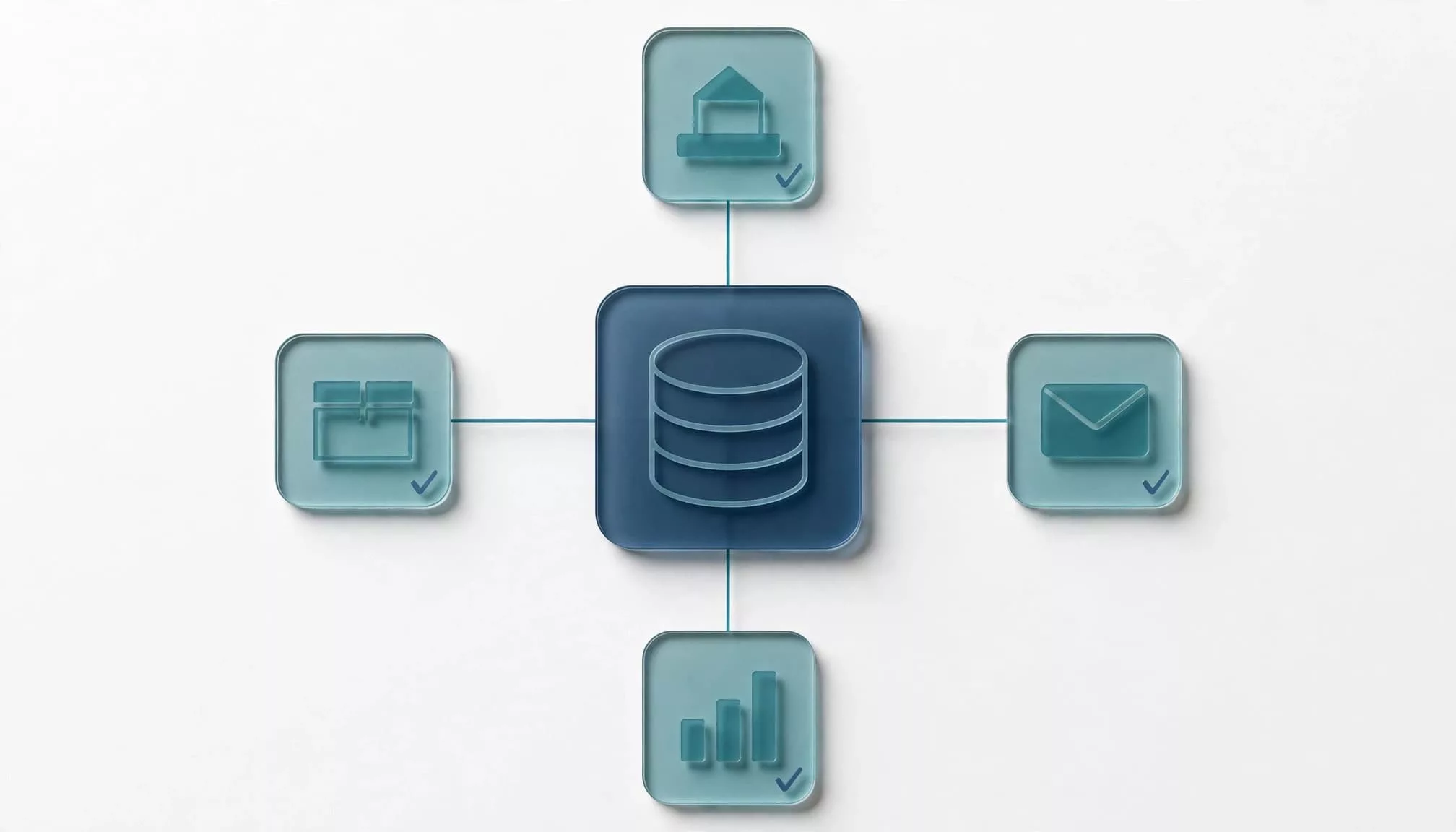
Start with a data inventory covering the storefront, CRM, email platform, warehouse tools, support system, analytics, exports, and any cloud storage solutions that hold relevant copies. Identify where personal data and customer identifiers travel, and which team owns deletion.
Give every request a stable ID. Record verification, scope, decisions, deadlines, and a separate task for each destination. Limit ledger access with role-based access controls.
Make workers idempotent, so repeated deliveries produce the same result without duplicating destructive actions. Use automated deletion workflows to coordinate system tasks, with bounded retries and an escalation queue for persistent failures.
Distinguish “queued,” “accepted,” and “completed” in the backend. Use audit logs to record task outcomes without storing unnecessary payloads. A successful API response may only mean that a vendor accepted the job.
Prevent integrations from recreating erased records
Deletion and synchronization can race. A delayed fulfillment update or older CRM export can recreate a profile after the storefront removes it.
Use a minimal deletion marker or equivalent control tied to stable identifiers. Check it before processing older events, and define how legitimate new activity is handled. A new purchase shouldn’t silently restore erased history.
Apply the relevant downstream notification duties, and track processor acknowledgments or documented outcomes. Contracts with third-party vendors should specify deletion mechanisms and escalation contacts.
Don’t close the request while unexplained failures remain. Use automated deletion workflows to retry and reconcile failed tasks. If information must remain, classify the reason and communicate the outcome rather than treating a failed job as an exception.
Keep Backups From Restoring Deleted Profiles
Backup handling needs its own data retention policy. Set a retention schedule that explains when backups expire, who can access them, and what happens during restoration.
Under applicable California rules, deletion from archived or backup systems may be delayed until restoration to active use or qualifying subsequent access or use. This doesn’t allow backup data to serve as an active customer database.
For ecommerce data deletion, keep a replayable record of approved erasures. After restoration, apply those instructions before releasing the recovered environment for normal operations. Test this sequence to ensure restoration doesn’t reintroduce erased personal data.
Cloud storage solutions may offer lifecycle policies that support expiration, but configuration determines their effect. Check snapshots, exports, replicas, and object versions rather than assuming one policy covers everything.
Where key scope and system design support it, cryptographic erasure may help render backed-up data inaccessible. But cryptographic erasure doesn’t automatically establish deletion from every copy or processor.
Deleting the live profile is incomplete if a restore or delayed integration can recreate it without applying the deletion decision.
Describe backup treatment honestly in the final response. Don’t promise immediate erasure from every copy unless your systems can deliver it.
Make Deletion Auditable and Test Failure Paths
Record decisions without retaining the original profile
Keep audit logs of each request decision, including receipt, verification, assessment, and action. Record system outcomes, approved exceptions, communications, and accountable owners.
An audit trail shouldn’t become a duplicate customer database. Apply data minimization: limit identifiers, avoid raw payloads, and set a retention schedule with a defined expiry for request records.
Use role-based access controls so support can see status without accessing unnecessary verification evidence. Protect sensitive records with encryption at rest and in transit. These are implementation safeguards, not substitutes for deletion.
Assign a privacy owner for policy decisions and an engineering owner for unresolved execution failures.
Test the whole journey, including reconciliation
Extend the store’s ecommerce usability testing plan to privacy requests. Test mobile controls, keyboard navigation, screen-reader announcements, expired links, and recovery after validation errors.
Then test automated deletion workflows against backend failures: duplicate submissions, vendor outages, delayed webhooks, shared household emails, and backup restoration. Where technically appropriate, test cryptographic erasure without treating it as proof that every copy is gone.
As with payment retries, reconcile current state before acting on an incoming event. Review audit logs during reconciliation to confirm accountability. An older message must not override a verified deletion outcome.
Measure overdue requests, verification abandonment, vendor failures, and records recreated after deletion. Review customer-facing messages against actual system states. A completion email should describe verified actions and justified retention, not merely say processing started. Aligned status updates and substantiated completion help protect customer trust.
Frequently Asked Questions
Does California’s DROP replace a retailer’s request flow?
For covered data brokers, CPPA requirements call for accessing the platform at least every 45 days beginning August 1, 2026, under the DROP requirements for data brokers. A retailer’s own request process may still apply under other relevant privacy rules. Assess whether your business also qualifies as a data broker.
Can customers recover deleted shopping history later?
Don’t promise recovery of information you no longer hold. Explain the difference between retained transaction records and deleted account features. If a customer returns, treat new account activity as new activity, with appropriate consent and retention controls. Avoid automatically reconnecting erased preferences.
Conclusion: Make the Outcome Match the Promise
Reliable ecommerce data deletion combines an accessible request flow with coordinated execution. Clear explanations of what was deleted or retained, alongside realistic timing, help build customer trust.
Your strongest control is verified completion across the systems that hold customer information. Keep the interface and operational record aligned, so a finished request reflects an outcome your team can substantiate.