

A support queue full of “Can I fix my address?” tickets is usually a product problem, not a customer problem. When shoppers can correct simple mistakes on their own, teams save time, customers feel in control, and fulfillment keeps moving.
That’s why order editing UX matters. The goal isn’t to let customers change anything at any time. It’s to give them the right edits, at the right moment, with clear rules that protect operations. Done well, self-serve editing lowers ticket volume, lifts satisfaction, and prevents costly manual work.
Design the edit path around real order tasks
Most order-change requests are predictable. People want to fix an address, swap a size, add one more item, or cancel before shipment. So the edit path should live where that intent appears, not in a help article or buried settings page.
Place edit entry points on the order confirmation page, in post-purchase emails, inside the account area, and on the order status page. If you’re already improving order tracking UX for self-service, add edit actions beside the order state when your rules allow it. That keeps customers from bouncing between support, email, and account pages.
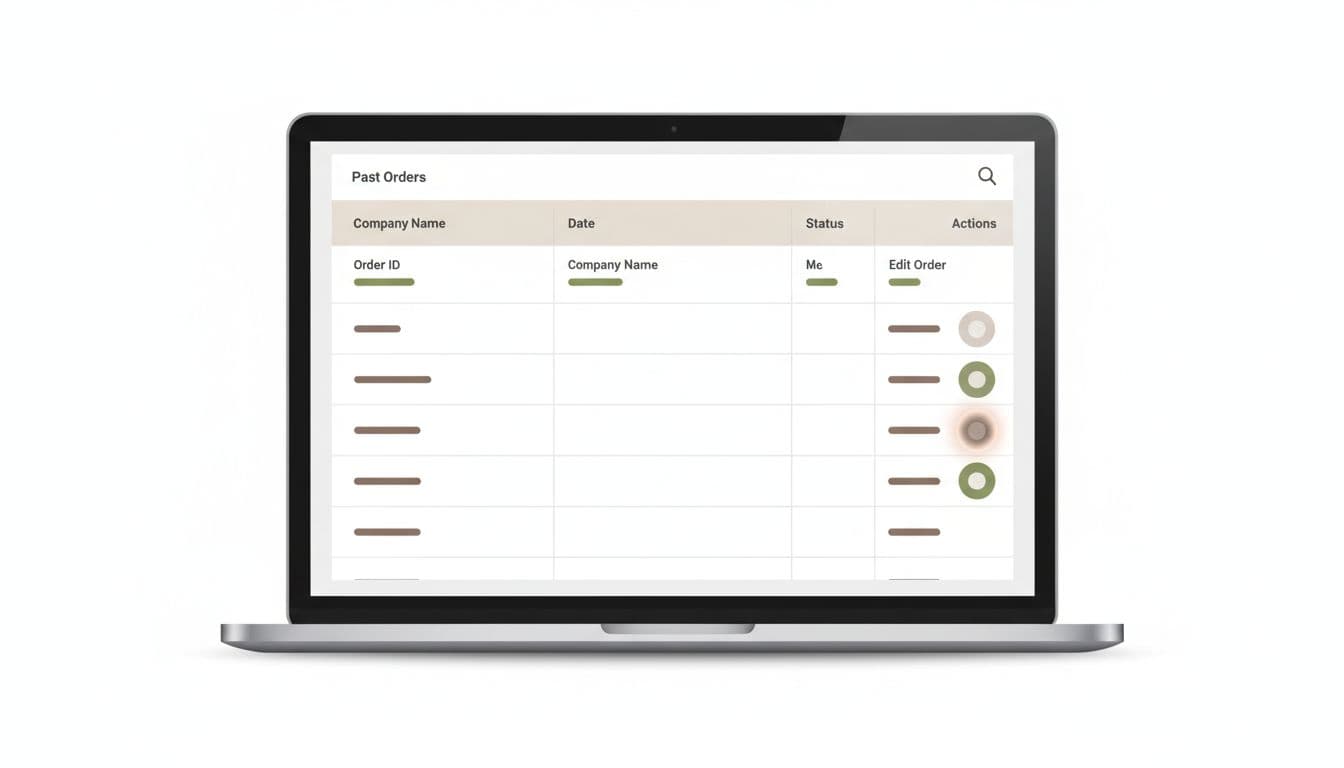
Visibility is only half the job. Good order editing UX also sets hard boundaries. Show what can change, what can’t, and when the window closes. A vague “Edit order” link creates false hope. A precise menu builds trust.
The core UI should do four jobs:
- Show the current order, with items, address, payment, and shipping method
- Offer only allowed actions for that order state
- Preview any price or delivery impact before confirmation
- Confirm the change with an updated receipt or status message
“You can edit this order for the next 18 minutes.”
“After packing starts, address changes close and returns open.”
That kind of microcopy cuts anxiety because it answers the real question: “What happens if I do this?” Also send a fresh confirmation after every approved change. If the customer edits quantity, they should see the new total, tax, and ship method right away. Think of it like a boarding pass update. Once details change, the system should issue a clean new version, not leave the traveler guessing.
Handle edge cases before they become angry tickets
The happy path is easy. Support volume rises when the customer hits a blocked path with no explanation. That’s why the best self-serve flows treat edge cases as product work, not exception handling.
Common trouble spots show up fast: the order is already picked, inventory changed, a discount no longer applies, the payment auth expired, or the order split across warehouses. In each case, the interface should explain the rule in plain language and offer the next best action.
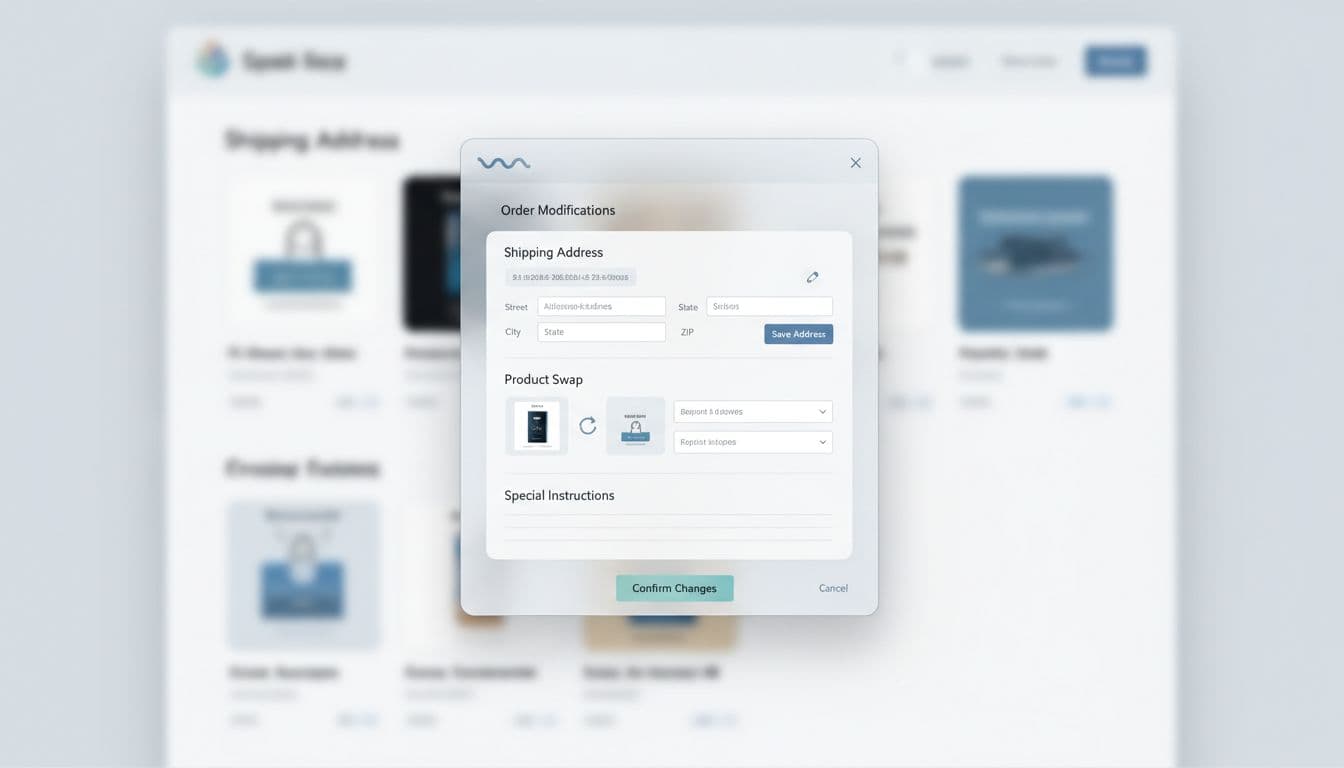
For example, if packing has started, don’t just disable the button. Say the order is already in fulfillment, then offer a return path after delivery or a support route for urgent issues. If an item swap raises the order total, show the new amount before confirmation. If the swap lowers the total, say when the partial refund will happen. Tools like EasyEdit Order Editing and Cleverific Order Editing reflect this same pattern, giving merchants controlled edit windows before shipment.
Behind the interface, teams need a rule matrix. Map edit permissions by order status, payment state, fulfillment stage, product type, and risk flag. A gift note may stay editable longer than a SKU swap. An address fix may be safe before label purchase, but risky after carrier handoff. In other words, the UI should expose business rules, not fight them.
If cancellations are a recurring pain point, reducing cancellations with self-service is a useful reminder that clarity often saves the order before support ever gets involved.
Measure ticket reduction without hurting fulfillment
Support deflection sounds great, but it can hide a bad trade. If edit usage rises while pick errors or manual reviews spike, the product just moved work downstream.
Deflection without guardrails isn’t a win. It’s a cost shift.

A short scorecard keeps teams honest:
| KPI | What it tells you | Simple formula |
|---|---|---|
| Self-serve edit usage | Are customers finding the feature? | edit starts / eligible orders |
| Edit completion rate | Is the flow clear enough to finish? | completed edits / edit starts |
| Change-order ticket rate | Are tickets actually dropping? | order-change tickets / eligible orders |
| Post-edit fulfillment error rate | Are ops problems rising? | edited orders with exceptions / edited orders |
Track the steps between those numbers, not just the outcome. Log edit_start, edit_blocked, edit_complete, edit_failed, and manual_override_required. Then segment by device, order state, edit type, and fulfillment node. Mobile address edits may perform well while item swaps fail after payment re-auth. That’s a product clue, not noise.
Also measure customer sentiment after the change. A quick CSAT prompt after a successful edit can reveal whether the experience felt trustworthy. Teams that already invest in a self-serve order management dashboard often find that edit adoption improves when order actions sit together in one post-purchase hub.
Make support the fallback, not the workflow
Self-serve editing works best when it respects both customer intent and warehouse reality. Show clear edit windows, explain blocked states, and confirm every approved change like a new receipt. Then watch the right metrics so lower tickets don’t come at the cost of messy fulfillment.
Start with your last 20 order-change tickets. If most follow the same rules, turn those rules into product. That’s how order editing UX stops being a nice feature and starts becoming an operational win.