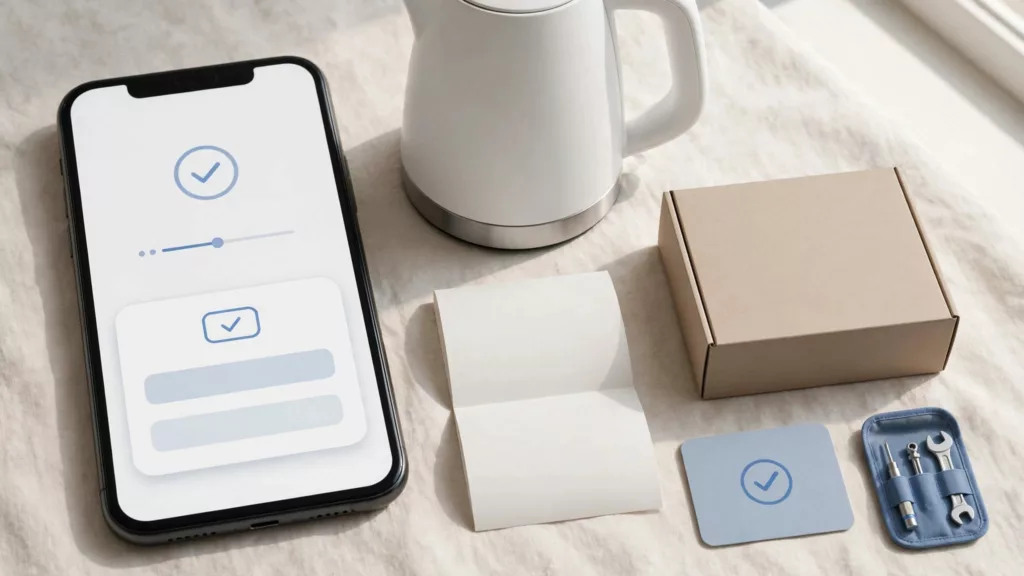
A customer who registered a product shouldn’t have to hunt for its product identifier again when it breaks. Good product registration UX improves the user experience by saving useful details at purchase and letting people fill gaps later. Those records should be easy to find when customers need help.
The challenge is collecting enough to support a claim without turning registration into another checkout. Start by deciding what the customer and support team will need months after the sale.
What product registration UX should do before a claim
Registration should connect a product, an owner, and any available purchase information. It can make a future claim faster to investigate, especially when a customer has lost the receipt or bought through a retailer. It shouldn’t be presented as a blanket condition of warranty coverage.
Separate registration from warranty rights
Explain the practical benefit: “Save your product details to make support requests easier.” Avoid warnings that an unregistered product has no warranty. The FTC’s guide to federal warranty law explains the framework for written consumer warranties in the United States; federal rules on warranty registration cards also address how registration conditions may be used. Your warranty team should review the actual terms and applicable consumer rights before approving form copy.
A missing registration record is a reason to offer another verification route, not proof that a customer has no warranty rights.
Keep account creation optional
Use a registration form for product onboarding, not a forced account sign up flow. Customers can register with an email address; verify it before showing records or allowing changes. Verified email can support passwordless login and record retrieval, while an optional account invitation can come later. Customers who choose an account should have a clear login experience, following the principles of post-purchase account creation.
Use “Register your product” for the product task. Reserve “Create an account” for account creation, and make clear that the two actions are separate.
Put registration where customers can find it
Start with the order confirmation page for direct buyers. Show the purchased model, then offer a clear “Register this product” action without asking for the order number again. An order email, account order history, or scannable code on the package can continue that user journey for people who may never revisit the store.
For a signed-in shopper, carry over the order ID, product variant, purchase date, and contact details when available. Let them correct mistakes. For a guest, offer order lookup using a small combination of details, such as order number and email address. Don’t expose a full order record based on an easily shared order number alone.
A customer who arrives directly at the registration form needs a visible choice: find a store order, enter a product code, or identify a product manually. These routes should draw on the same product catalog and lead to one saved record, rather than separate databases that support must reconcile later.
Ask for fields that have a job
Every required field should support product identification, a usable contact route, or a purchase check your process genuinely needs. Giving each field a clear purpose reduces cognitive load and helps customers avoid guessing when they can’t find an answer.
Distinguish required from optional information
The right form fields depend on what your order system already knows and where the item was bought. Keep the registration form focused on information you need.
| Information | Good default | Reason |
|---|---|---|
| Product model or identifier | Required if it can’t be found from an order | Identifies the item being registered |
| Email address | Required for an email-based record | Sends confirmation and supports retrieval |
| Serial number | Conditional | Identifies a particular unit when relevant and available |
| Receipt or proof of purchase | Optional at registration unless needed for a stated benefit | Can support a later claim without blocking registration |
Don’t ask for a postal address just because a repair might someday require shipping. Collect it when the customer requests that service. Mark optional fields clearly, and explain when a receipt or unit identifier will help.
Reveal extra questions only when needed
Progressive disclosure keeps the process relevant: a direct-store order lookup can fill in product details, while a retailer purchase may need a store name and approximate date. If a customer selects “I received this as a gift,” show an appropriate gift route instead of purchaser-focused questions.
Keep registration for one product short. For several products, let customers add another item without re-entering shared contact information. Show each item’s saved status separately so one failed entry doesn’t erase the rest. Use a multi step form only when stages clarify a longer task, not when they add friction.
Make product identification easy on mobile
A serial number may be under an appliance, on its box, or on a label that’s hard to read. A well-designed registration form should help customers find the right identifier before asking them to type it.
Offer scanning without making it mandatory
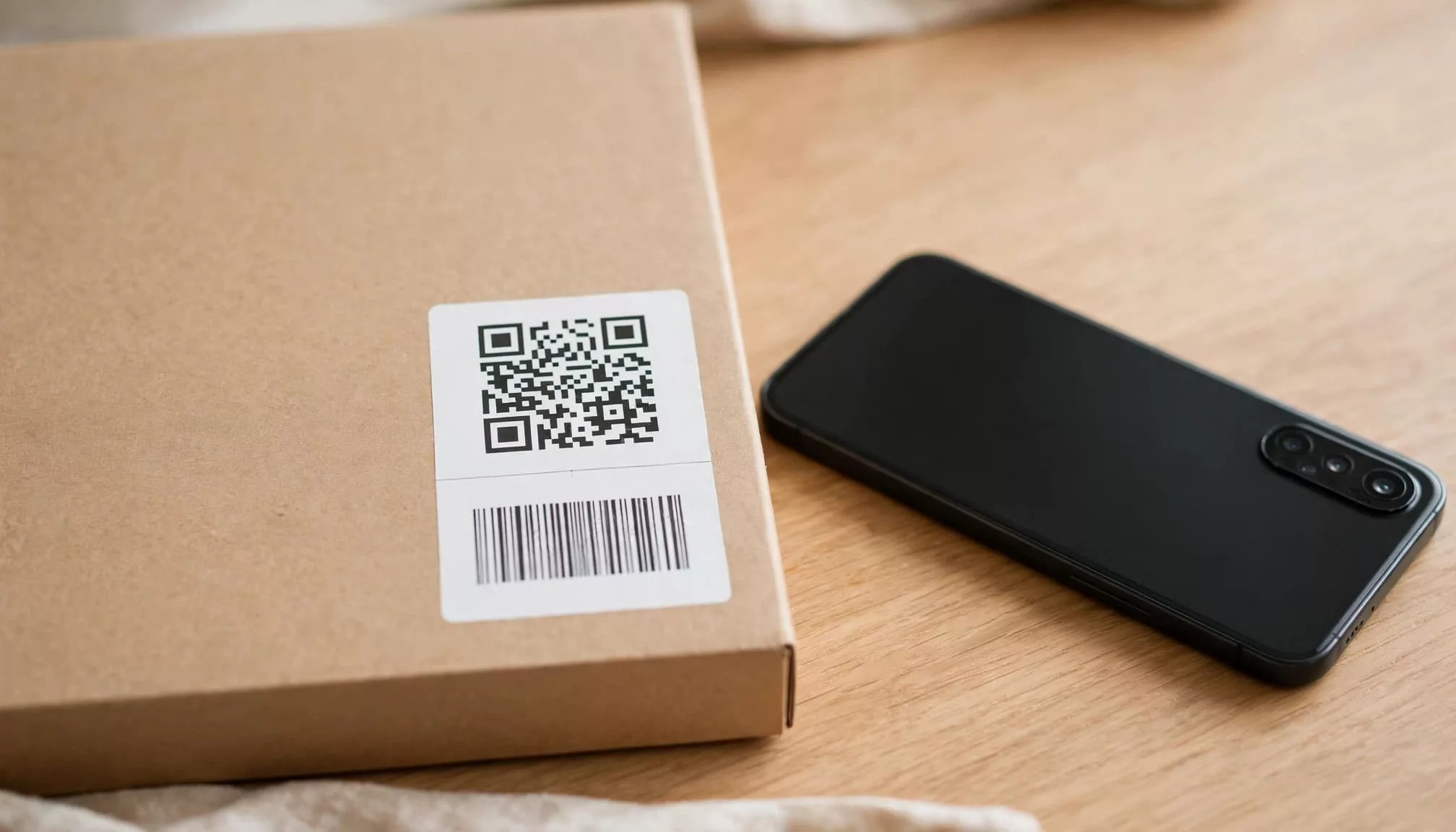
A QR code can take the customer to the correct product page. Where labels and systems support it, a phone camera can also capture a barcode or identifier. Show the value the scanner found and ask the customer to confirm it before saving.
Always provide manual entry. Camera access may be denied, a label may be damaged, or a code may identify a model rather than the individual unit. Don’t treat a successful scan as proof of purchase or proof that a seller was authorized.
Help people recover when lookup fails
Show a clear photo or diagram of the label location for each model family. Say whether the form wants a model number, SKU, or identifier, because those aren’t interchangeable. Accept pasted values and harmless spacing differences where possible.
If a code doesn’t match the product catalog, preserve it and offer a model search or assisted support route. “We couldn’t match that code. Check the label, or send us a photo” is more useful than “Invalid submission.” Use a mobile ecommerce optimization checklist to test mobile responsiveness, scanning, manual entry, keyboards, zoom, and slow connections.
Build accessible forms that recover from errors
A registration form that works on a designer’s phone can still fail for someone using a screen reader, voice control, or keyboard. Test form usability across the full registration path, including lookup failures and confirmation, on devices customers use.
Make fields understandable before entry
Keep visible labels when fields have values; placeholder text alone disappears as people type. Use helpful microcopy choices, including format instructions beside fields that need them, such as an identifier. The W3C’s form-label guidance explains why controls need identifiable labels or instructions and informs accessibility guidelines.
Use appropriate input types and autofill for email and name. Buttons need descriptive labels, such as “Find my order” and “Save this product.” Leave room for browser zoom and the mobile keyboard, and check that a sticky chat button doesn’t cover the form.
Treat errors as a repair task
Use error validation to check simple formats after a meaningful entry, not on every keystroke. If a multi step form submission fails, keep valid values, identify each problem in text, and move keyboard focus to an error summary when several fields need attention. The W3C’s error-identification guidance calls for errors to be identified in text.
Distinguish “order not found” from “order belongs to another email” only when doing so won’t expose customer information. An assisted route can resolve uncertain matches. The same recovery principles appear in guidance on fixing ecommerce form errors.
Handle gifts, retailer sales, and multiple owners
A direct-order flow is only one path. Let gift recipients complete the registration form with their own contact details, even if they don’t know the price, purchaser’s email, or order number. Explain what purchase documentation might be requested for a claim.
Make retailer purchases a first-class route
Allow customers to select a retailer or “Other retailer,” then provide an approximate purchase date if known. Offer receipt upload and a way to submit proof later.
If a customer can’t provide a receipt at registration, save the product record and explain how a future claim will be assessed. Registration alone can’t establish authenticity, purchase eligibility, or warranty coverage, so route disputed cases to trained support staff.
Give each product its own record
Customers may buy two identical units, receive a replacement, or transfer an item. Store the serial number separately when available, and let records share contact information. Link replacements to the original claim without overwriting the item’s history.
If ownership changes, provide a controlled update process for the unit identifier. Verify the person requesting access before revealing receipts, addresses, or past support conversations.
Confirm the record and connect it to support
Registration isn’t complete when the form disappears. Customers need proof that it worked and a dependable way back to their information.
Give customers a usable confirmation
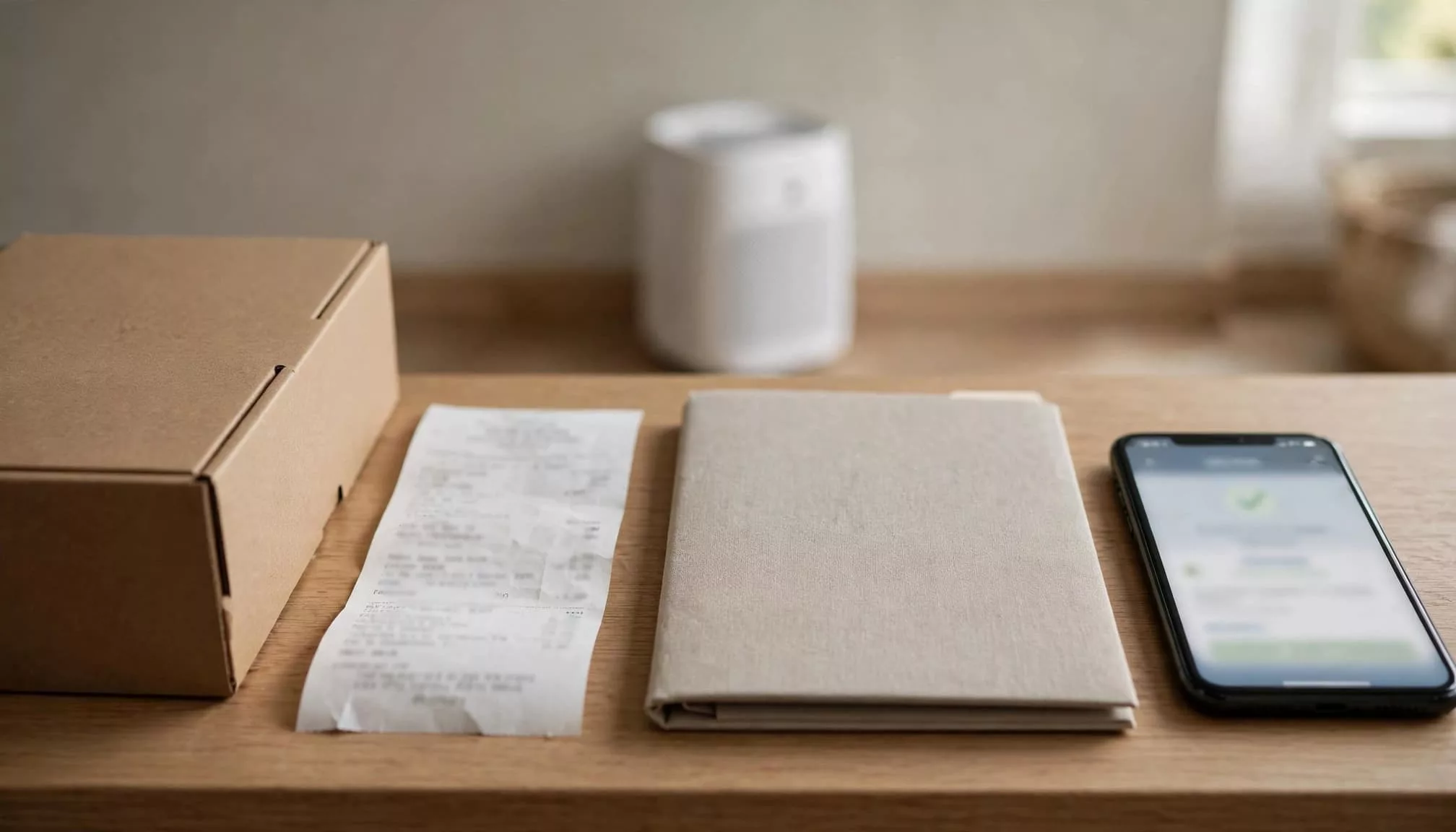
Show the product name, saved identifier, registration reference, and contact address on a confirmation page. Send an email receipt with a secure route to view or update the record. If a receipt or serial number is still missing, say so plainly rather than implying the record is complete.
Provide a “Find my registered products” route through verified email or an account. A customer shouldn’t need the original confirmation message to start a claim. This supports security and trust while keeping the record accessible. If processing takes time, give an expected window only when the team can meet it.
Connect registration to the claim workflow
Pass the product identifier, purchase evidence, consent status, and record history from the registration form to support or warranty systems. Agents should see whether details came from an order, a customer entry, or a scanned label. That distinction helps them check discrepancies without treating every field as verified.
At claim start, prefill known details and ask customers to confirm what’s still current. Keep warranty-service messages separate from promotional consent. Explain why each field is collected, link to the privacy information, and state how long records are retained under your actual policy. These details support security and trust. Collecting less also limits exposure if records are compromised.
Measure whether the flow helps at claim time
Track registration form starts, successful saves, failed lookups, and assisted-support handoffs by entry route. Use form usability reviews to understand mobile drop-off, failed lookups, and assisted handoffs. Conversion rate isn’t the only success measure. A saved record matters when customers can retrieve it later and spend less effort on a claim.
For claims, compare how often customers must re-enter product details, supply missing evidence, or contact support to locate a record. Review tickets for mismatched serial numbers and retailer purchases. Those cases reveal gaps that a registration completion dashboard won’t show.
Key takeaways
- Let customers identify a product through order lookup, scanning, or manual entry, with a recovery route for each.
- Require only details needed now. Offer receipt upload and account creation without making them unnecessary barriers.
- Keep warranty rights distinct from registration, and make saved records available to customers and support when a claim begins.
Frequently asked questions
Should a receipt be required to register a product?
Usually, let customers save the product first and add a receipt when they have it. If documentation is required for a particular benefit or claim, explain that requirement at the relevant step and provide another route for customers who bought through a retailer or received a gift.
Are passkeys needed for product registration?
No. Saving product information is the immediate task, so a forced account can add friction. Passkeys and biometrics are optional authentication methods; verified email can help retrieve records without a registration password.
Does scanning a serial number validate warranty coverage?
No. Scanning reduces typing and can help identify a unit. Purchase evidence, warranty terms, product history, and applicable consumer rights may still matter when a claim is assessed.
Conclusion
The test of a registration flow comes months later, when the customer needs help. A retrievable, accurate record saves them from repeating the same search and gives support a better starting point.
Keep the first step light, provide alternatives when information is missing, and make the saved details useful throughout the warranty claim.