
On mobile, checkout is a thumb test. Every extra field, scroll, and second of doubt cuts intent. Strong express checkout ux works because it removes the hardest part of phone checkout, typing and decision fatigue, without trapping shoppers in the wrong flow.
That matters more in 2026 than ever. Recent mobile commerce summaries put global checkout completion at 28.4%, while mobile cart abandonment still ranges from 79% to 85.65%. Wallets now handle a huge share of online payments, so the button itself often becomes the shortest path to revenue.
Why speed alone doesn’t lift completion
An express button is not magic. If it’s shown too early, too often, or to the wrong device, it becomes decoration. If it’s hidden below fields, it’s a missed shortcut.
The goal is simple: show the fastest valid payment option at the moment of highest intent. Research collected in mobile checkout best practices and a recent checkout optimization guide points to the same pattern. Mobile shoppers convert better when payment options fit the device, form load stays light, and the page keeps a clear fallback path.
In other words, express checkout ux should cut effort, not add one more thing to think about.
Where express checkout buttons belong on mobile
This quick view helps teams place wallet buttons without guessing.
| Page | Best use case | Why it works | Main risk |
|---|---|---|---|
| Product page | Simple products, low variant complexity, repeat buys | Captures high intent before cart | Skips key choices like size or shipping context |
| Cart page | Most stores, mixed carts, promo use | Best balance of speed and review | Too many wallet buttons can crowd the main CTA |
| Checkout page | Payment step, after shipping info when needed | Great fallback for shoppers ready to pay | Late placement reduces wallet usage |
For a replenishment brand, a product page Apple Pay or Google Pay button can work well. The shopper already knows the item, so the path is short. On the other hand, fashion, bundles, and made-to-order products usually do better with express buttons in cart. Shoppers still need to confirm variants, quantity, or delivery timing.
Wallet availability also shapes placement. Apple Pay, Google Pay, PayPal, and similar options don’t appear evenly across devices or browsers. Render only supported wallets, and don’t show a dead button. On cart and checkout, pair the express path with clear totals and trustworthy ETAs during mobile checkout so the fast path still feels safe.
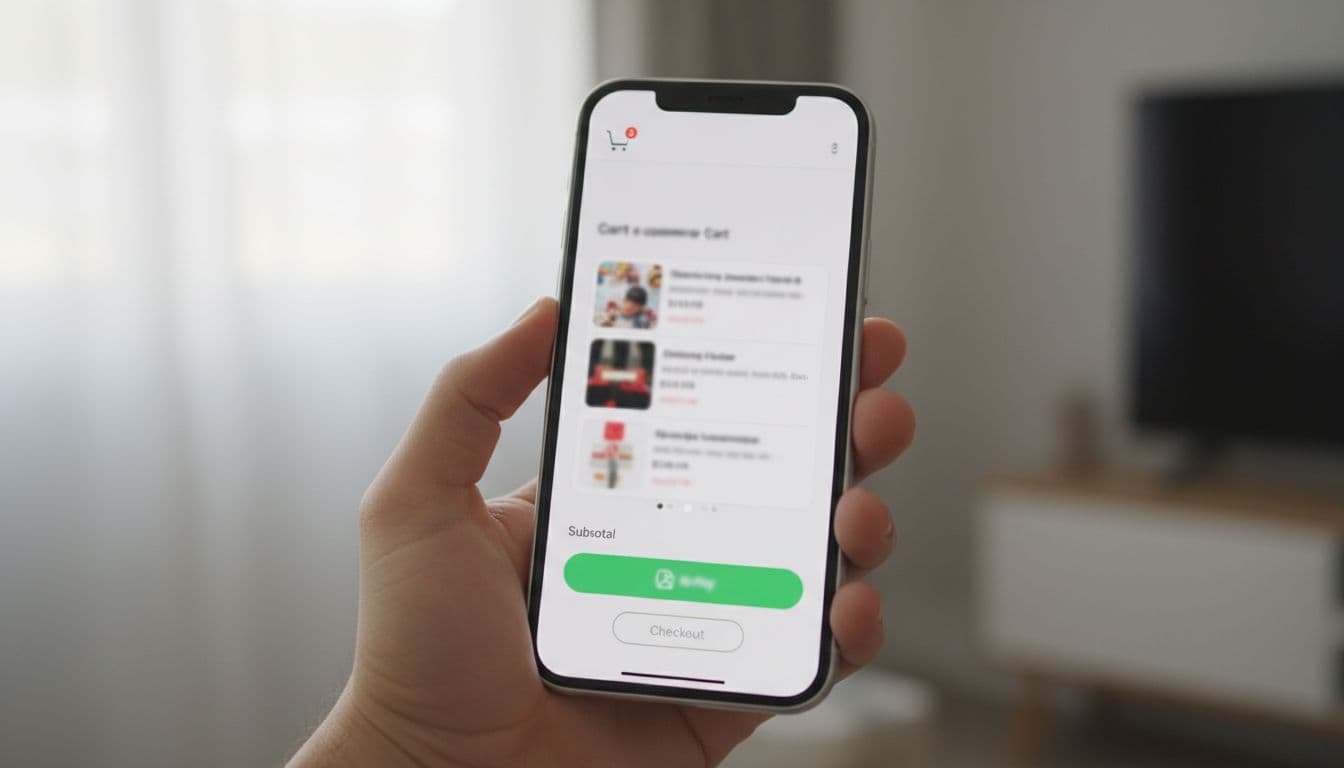
The cart page is the safest default for most brands. It gives shoppers one last review, keeps promo logic visible, and still lets wallets skip manual card entry. In checkout, place the supported wallet above card fields, not buried after them. If the wallet can return shipping data, show it early. If not, wait until the payment step.
Design the button to support the page, not dominate it
Most teams don’t fail on wallet access. They fail on hierarchy. A page with four wallet buttons, a large checkout button, a sticky cart CTA, a coupon box, and a chat bubble feels like a crowded till.
Start with one or two priority wallets. Rank them by device fit, past usage, and acceptance rate. Then keep the standard checkout button visible and close by. The shopper should never wonder, “If I don’t use this wallet, how do I buy?”
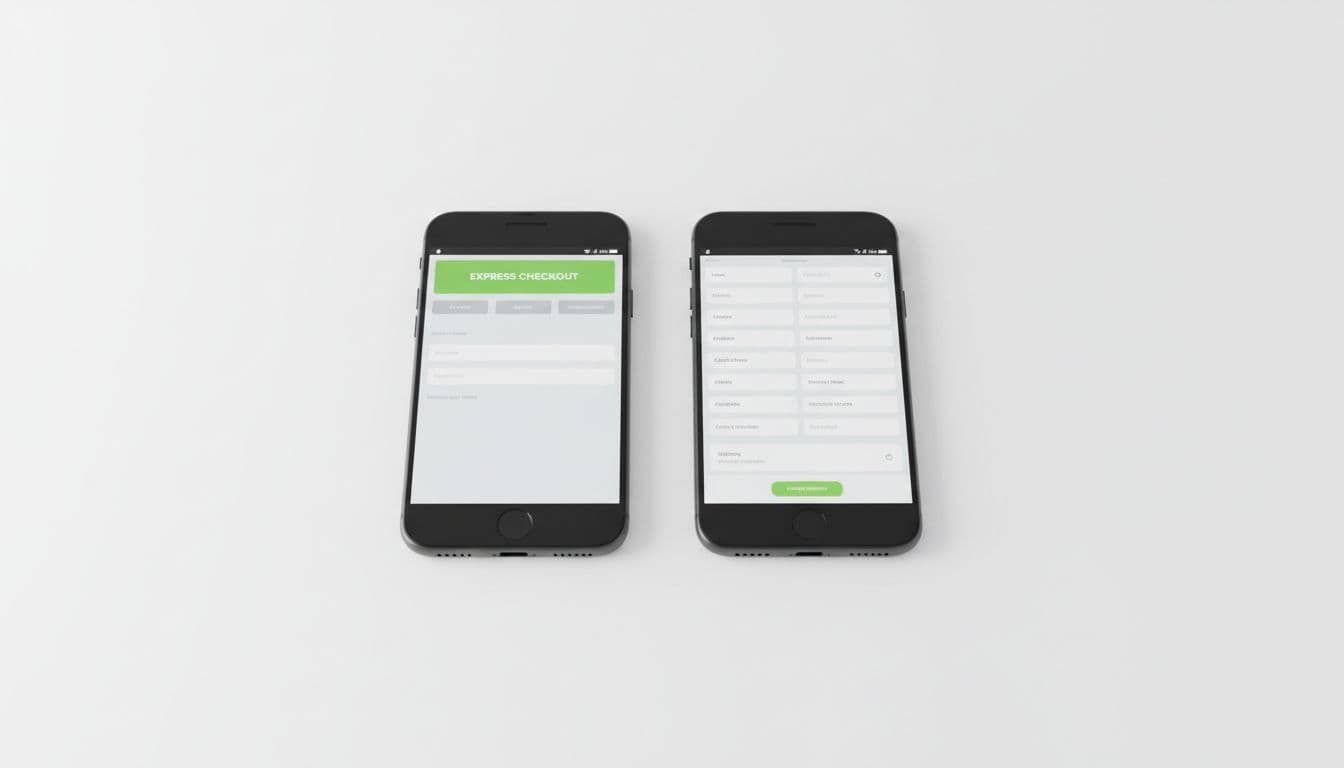
Guest checkout is another common conflict. Some stores treat a wallet as the guest path and then downplay the regular guest route. That’s a mistake. Wallet-ready shoppers are only one segment. Everyone else still needs a clear path, which is why these guest checkout UX patterns matter so much on phones.
An express button should remove effort, not remove choice.
A few small rules make a big difference. Keep the button large enough for thumb taps. Put it near the primary decision area. Match the label to the actual wallet. Preserve cart state if the wallet sheet fails or the user backs out. Most of all, avoid duplicate CTAs that compete for the same action.
A simple CRO test plan for express checkout ux
Don’t judge the feature by button clicks alone. A wallet can get more taps and still lower completed orders if it creates auth errors, hides guest checkout, or breaks on certain browsers.
Use a short test frame:
- Segment first: split results by iPhone vs Android, Safari vs Chrome, new vs returning, and product type.
- Test placement: compare product page, cart, and payment-step placement by category, not site-wide first.
- Measure full funnel: track wallet tap rate, checkout completion, payment failure rate, AOV, and support contacts.
- Watch conflicts: measure what happens to standard checkout and guest checkout share after launch.
- Audit edge cases: expired sessions, out-of-stock changes, coupon use, and unsupported wallets.
For teams building a test queue, this mobile checkout optimization guide is a useful companion. Start with cart page hierarchy, then test PDP use only where the product and fulfillment model make it safe.
The bottom line
The best express checkout ux feels almost invisible. It appears when the wallet is valid, shortens the path, and leaves a clear fallback for everyone else. If the button makes the page calmer, faster, and easier to trust, mobile completion usually follows.