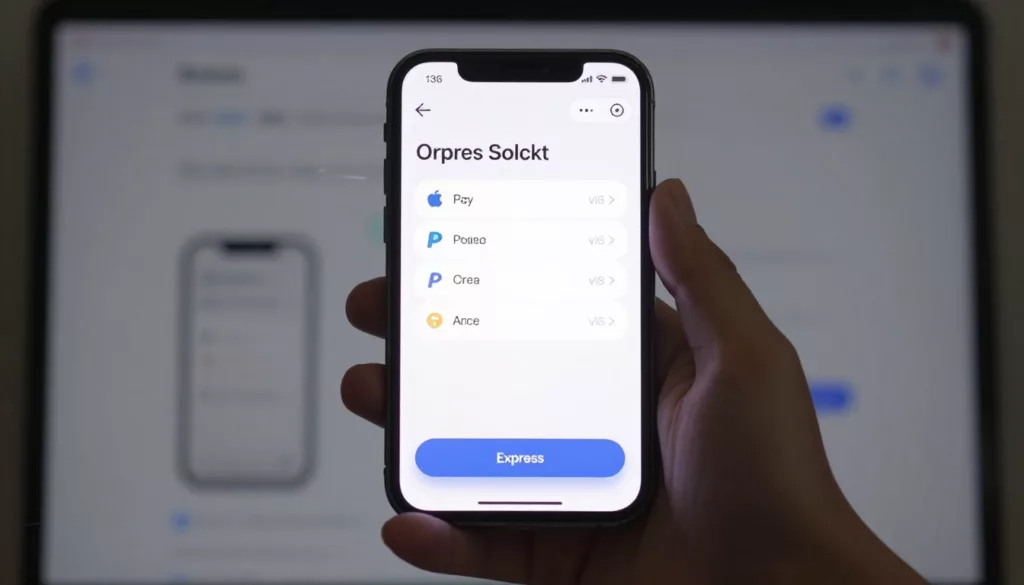

On mobile, checkout is a thumb test. If the fastest path is hard to spot, the sale slips away.
Good express checkout UX does more than add Apple Pay or PayPal. It puts the fast lane in plain view, explains what happens next, and cuts form work when a wallet can do it faster. That matters because mobile checkout abandonment still sits around 80 to 85 percent, while desktop is closer to 67 to 70 percent. Shoppers also leave when costs appear late, forms feel heavy, or sign-in gets in the way.
The best mobile flows balance speed, clarity, and trust on every screen.
Placement and clarity decide whether shoppers use the fast lane
Most shoppers won’t hunt for a wallet button. They scan the cart, check the subtotal, and look for the main action. So put express checkout directly below the order summary or cart total, before coupon fields or account prompts.
If the button sits too low, too many shoppers start typing instead. Once they begin a long form, they rarely go back to a faster option. A recent checkout optimization guide for 2026 points to the same pattern: when the whole path feels shorter and clearer, abandonment drops.
That fast path also needs context. Show shipping cost ranges early when possible. Keep returns, delivery timing, and taxes easy to spot. Mobile users already abandon when surprise costs appear, so a wallet button can’t carry the whole experience by itself.
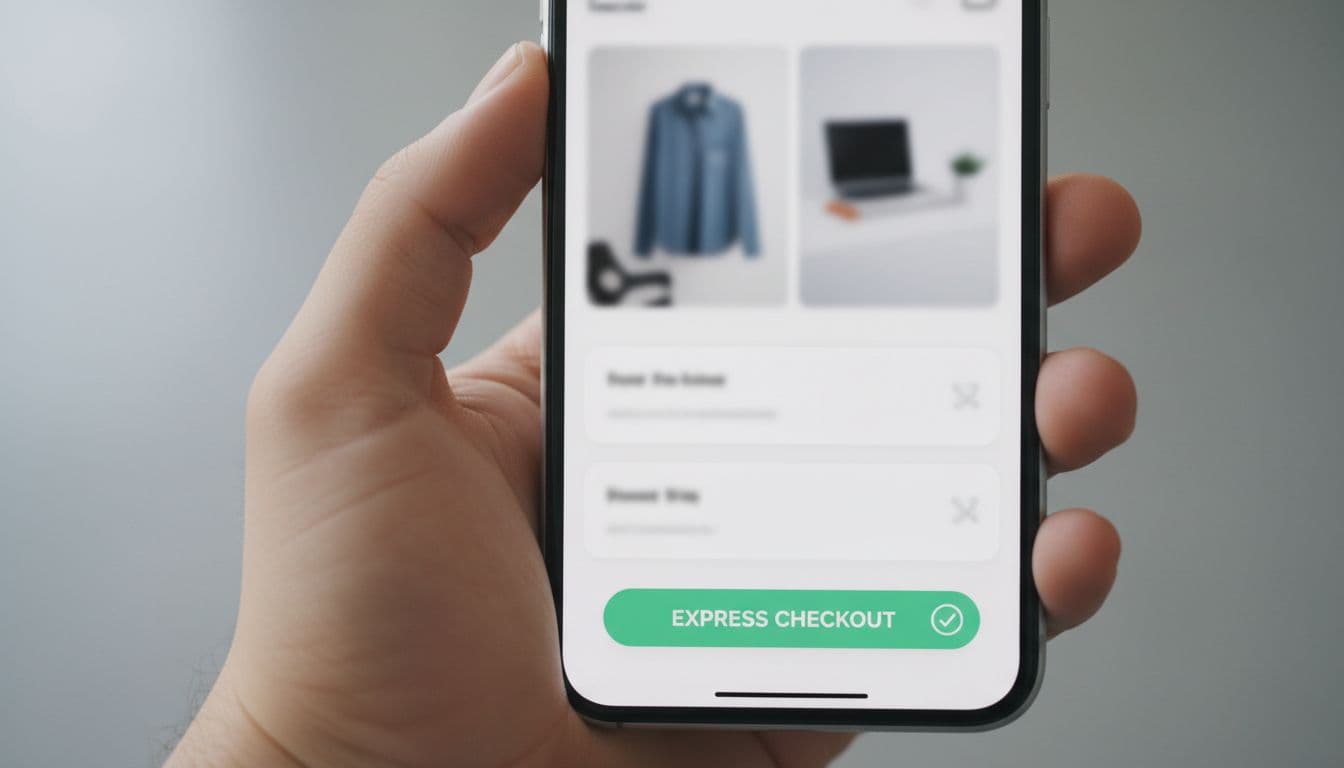
Treat standard checkout as a valid second path, not a hidden backup. Some shoppers want to review payment details first. Others don’t use a supported wallet. Place the normal checkout button right under the express option, with clear labels that explain the difference.
Above all, don’t pair express checkout with an account wall. If a new shopper hits login friction first, speed disappears. These guest checkout UX patterns for mobile friction reduction fit naturally beside wallet-first design because both reduce taps and doubt.
The best express button is the one shoppers see before they start typing.
Design wallet buttons for confidence, not just speed
Apple Pay, Google Pay, PayPal, and Shop Pay solve different problems. Apple Pay and Google Pay work best when the device already supports them. PayPal helps shoppers who want distance from card entry. Shop Pay is strongest with returning buyers who already trust the brand or the network.

Show only the methods that can work on that device and browser. Dead buttons create distrust fast. Keep the native button styles, give each at least a 44 by 44 tap area, and leave enough space so thumbs don’t hit the wrong option. Current mobile checkout best practices for smartphone users also stress designing for one-handed use, which matters most on the payment step.
This quick table shows where each option fits best:
| Option | Best fit on mobile | UX note |
|---|---|---|
| Apple Pay | iPhone and Safari users | Put it first when available |
| Google Pay | Android and Chrome users | Match native styling |
| PayPal | Cross-device shoppers | Explain return flow if it opens a new view |
| Shop Pay | Repeat buyers | Keep it close to standard checkout |
The takeaway is simple. Prioritize by device fit and likely intent, not by business politics.
After a shopper taps a wallet, remove any field the wallet can provide. Don’t ask again for name, billing address, or card data unless the payment flow truly needs it. Still, keep the order summary visible, including shipping and taxes, so speed never feels opaque.
If wallet auth fails, return people to card entry with their cart and address intact. Recovery matters as much as the first tap.
Test the points where mobile completion breaks
Teams often judge express checkout UX by button clicks. That misses the real question: did more people finish the order? Track wallet button views, taps, wallet authorization success, fallback-to-card rate, and completed orders by device and browser. New and returning shoppers should be split too, because their behavior differs.
Speed still plays a big role. Even a strong wallet flow feels weak if the cart or payment step stalls. This 2026 checkout speed guide is a useful reminder that a few seconds of delay can erase UX wins.
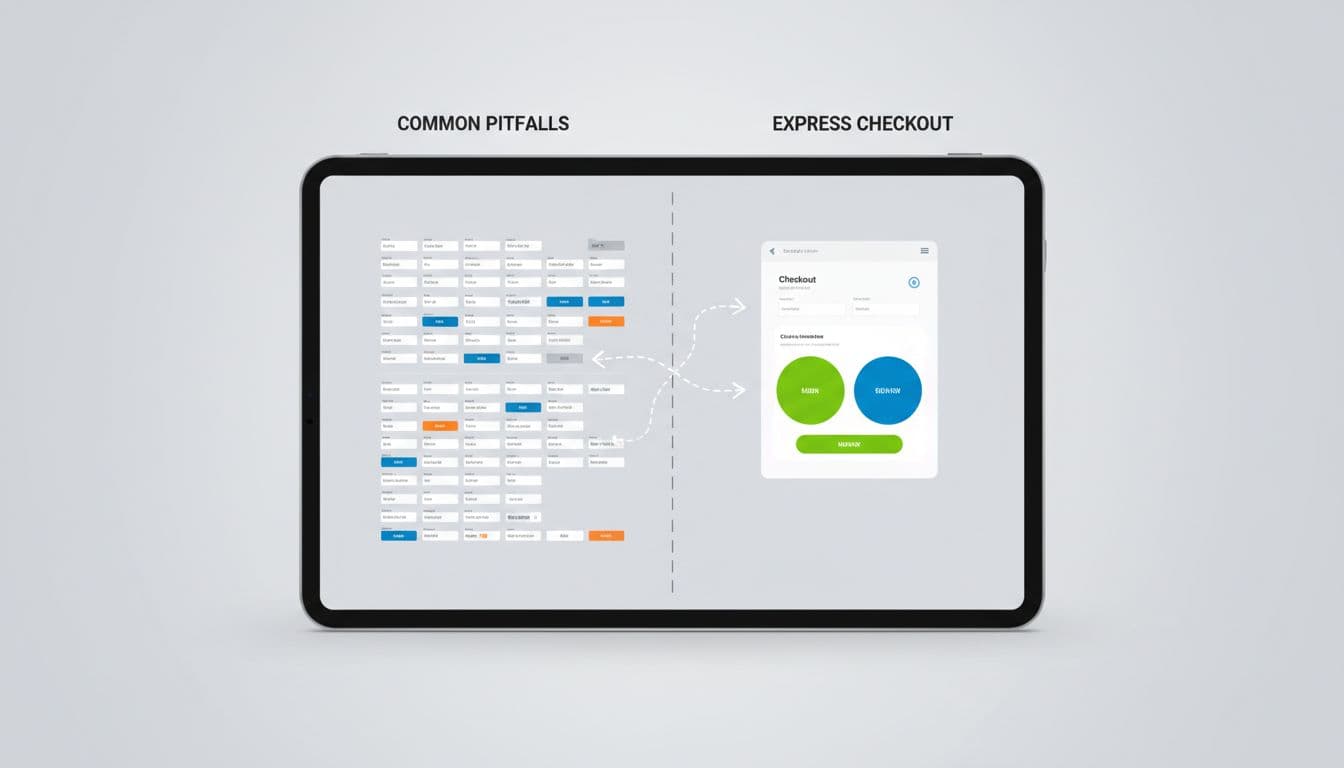
Start with small tests that isolate one change at a time:
- Button order: Compare wallet-first vs standard-first layouts on product, cart, and payment screens.
- Button density: Test one primary wallet against a full stack of options.
- Trust copy: Add brief shipping and return cues near the button, then measure lift.
- Recovery flow: Keep cart state after a wallet fail, then track saved orders.
Watch for common mistakes. Teams often bury express checkout below promo code fields, show every wallet to every shopper, or use tiny buttons that look secondary. Others add a wallet, then force manual shipping entry anyway. That’s not faster. It’s just a detour in nicer clothes.
Don’t judge a wallet test by taps alone. Judge it by completed orders.
Small UX choices drive mobile completion
Better express checkout UX comes from a series of small choices. Put the fast path where thumbs already go, show only relevant wallets, keep costs visible, and protect progress when something breaks. When speed and trust work together, mobile completion stops feeling like a fight. It starts feeling like the shortest path to yes.