

Broken links cost more than a pageview. They interrupt purchase intent, break trust, and send shoppers back to Google. A strong ecommerce 404 page does the opposite. It catches that intent, offers a fast next step, and keeps revenue in play.
In 2026, ecommerce bounce-rate benchmarks still land around 20 to 45 percent. Broken pages usually perform worse, especially on mobile and slower sites. So the job of a 404 page isn’t to be cute. It’s to help shoppers recover fast, browse again, and buy.
Why a 404 page affects UX, CRO, and SEO at the same time
When a shopper hits a missing page, the loss isn’t equal. Someone opening an old blog URL may leave without much value lost. Someone landing on a dead product page from email or paid search is high intent, and much more expensive to lose.
That is why the 404 page sits at the overlap of UX, CRO, and SEO.
Think about the same page through three lenses:
| Lens | Main question | Smart 404 move |
|---|---|---|
| UX | Can shoppers recover fast? | Search, plain-language message, clear category paths |
| CRO | Can the visit still produce revenue? | Recently viewed items, recommendations, offers |
| SEO | Should the URL stay dead, redirect, or be fixed? | Real 404 or 410 status, relevant 301s, internal-link cleanup |
The takeaway is simple. Good UX reduces frustration. Good CRO keeps product discovery moving. Good SEO helps search engines retire bad URLs without wasting crawl on junk.
A weak 404 page behaves like a locked door. A good one acts like a store associate who says, “That item is gone, but here’s the next best aisle.”
What a high-performing ecommerce 404 page should include
The best 404 pages recover intent in a few seconds. Recent e-commerce 404 examples show that humor can help, but only when useful recovery options are easy to spot.
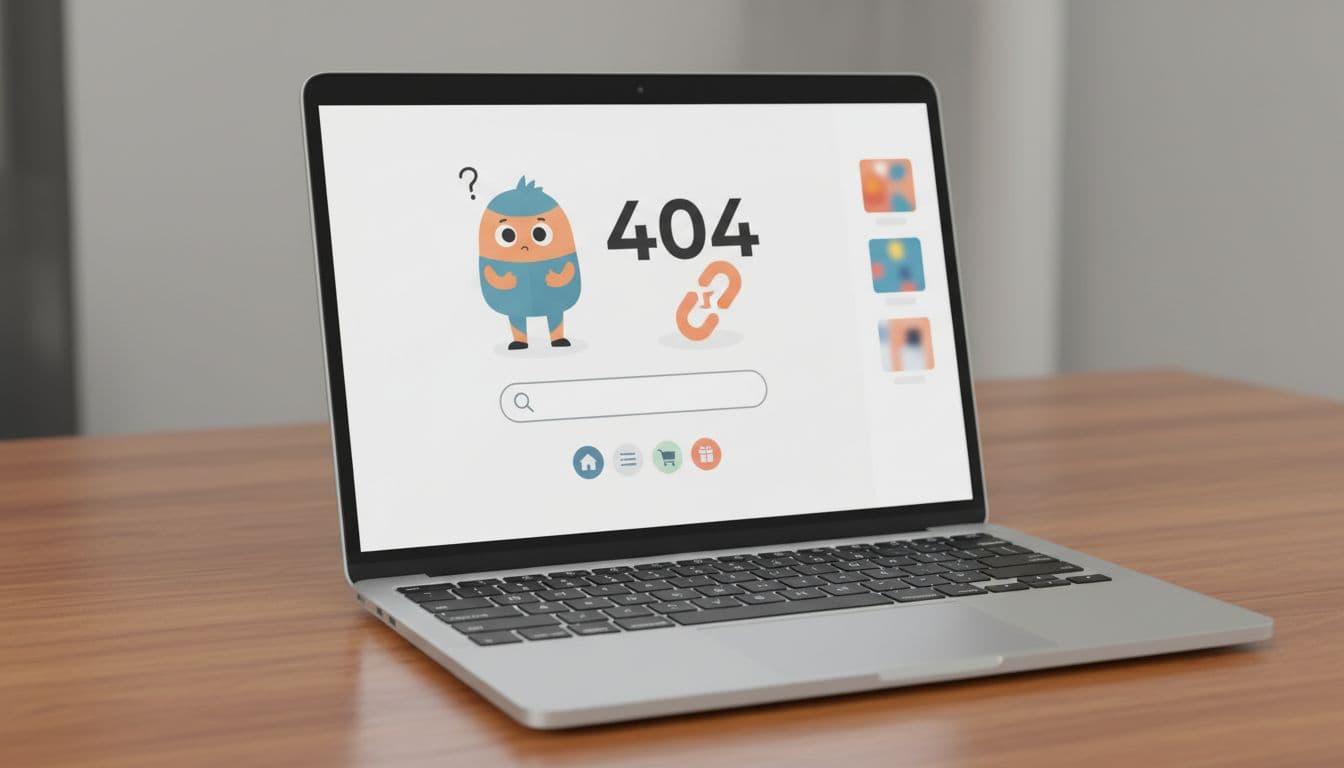
Treat the 404 page like a recovery page, not an apology page.
A revenue-focused setup usually includes these pieces:
- Search at the top: Put on-site search above the fold, especially on mobile. If your store supports predictive search, use it here.
- Popular category links: Show high-demand routes like new arrivals, best sellers, sale, and top-level categories.
- Recently viewed items: Help shoppers resume their path instead of starting over.
- Product recommendations: Show close substitutes, trending items, or items from the same brand or price band.
- A light promo or reassurance: A shipping perk or limited offer can help, but only if it fits the visit context.
- Support and error reporting: Give shoppers a quick path to chat, email, or report the broken link.
If search on the 404 page can still lead to an empty result, the recovery flow breaks twice. That is why the same thinking should carry into zero-result search states, as shown in this practical no-results page checklist.
Keep the page fast, too. Once load time drifts past three seconds, patience drops fast. The best layout won’t help if the page itself feels broken.
Use different recovery rules for products, collections, and discontinued items
Not every missing URL deserves the same treatment. The best stores set rules by page type.
Missing product pages
A product page 404 is often the most painful case because the shopper had clear intent. If a true successor exists, use a relevant 301 redirect. For example, last year’s sneaker model can point to the new version.
If no direct replacement exists, don’t dump the shopper on the homepage. Keep the custom 404 page, show similar products, surface recently viewed items, and link back to the parent category. That keeps discovery going without feeling like a bait-and-switch.
Missing collection pages
Collection and category URLs often break after replatforming, seasonal cleanup, or filter changes. In that case, send shoppers to the nearest live category, then highlight subcategories, best sellers, and key filters.
This matters for SEO as much as UX. If collection paths keep changing, broken internal links and filter clutter pile up. Magento teams dealing with that problem can use this Magento category page SEO audit checklist 2026 to clean up category structure and reduce future breakage.
Discontinued items
Some products should stay gone. If an item has no meaningful substitute, return a real 404 or 410 status and say the product is no longer available. Then offer alternatives by brand, use case, or price range.
That approach is better than a blanket redirect. Sending every dead SKU to the homepage confuses users and muddies signals for search engines. For the technical side, this guide to 404 error handling for SEO is a useful reference.
How to measure whether your 404 page recovers sales
Don’t judge the page by how polished it looks. Judge it by what shoppers do next.
Track bounce rate, internal search use, clicks on category links, product views after the error, add-to-cart rate, and revenue per 404 session. Also track which broken URLs appear most, and where that traffic came from. Email, paid search, affiliate links, and organic landers tell very different stories.
Behavior tools help here. With ecommerce heatmap and session replay tools for 2026, you can spot dead clicks, repeated back taps, and failed searches. That makes it easier to decide whether to move search higher, swap generic recommendations for recently viewed items, or add a support prompt.
Test one change at a time. Search placement, category-link order, recommendation logic, and promo treatment can all change recovery rate.
A bad 404 page ends the visit. A good one extends the journey.
Conclusion
A missing page doesn’t have to mean a lost shopper. When your ecommerce 404 page is built for recovery, it can lower bounce rate, improve product discovery, and win back sales that would have disappeared. Treat it like a real part of your funnel, measure it like one, and it will stop being a dead end.