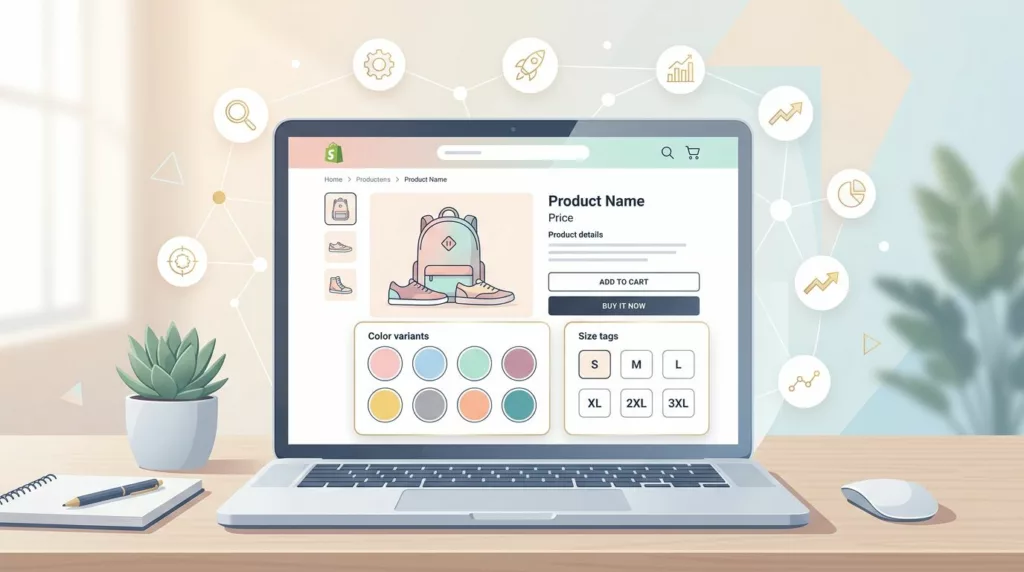

A Shopify combined listing can help you rank for a specific product variant through improved search engine optimization and help shoppers choose faster in your online store. It can also create crawl waste, duplicate PDPs, and messy canonicals if you wire it badly.
For 2026, the simple rule is this: shopify combined listings work best when each child page has a real reason to exist. If that reason is weak, keep the family on one parent product page and improve the picker instead.
Key Takeaways
- Shopify combined listings boost SEO and UX for product families with distinct variant demand, media, specs, or pricing—but only if each child PDP delivers unique value; otherwise, consolidate to one parent page with a strong picker.
- Target long-tail queries like “blue linen shirt” with child URLs, unique copy, structured data, and self-canonicals, while ensuring crawlable swatches and sitemap inclusion to avoid duplicate content risks.
- Use the decision table for PDP strategy: Keep variants on one page for broad queries and shared media; split into combined listings for variant-led intent and significant differences.
- Implement cleanly with GraphQL API, indexation rules, family cards in collections, and an audit checklist to match structure to shopper intent and prevent crawl waste or conversion dilution.
What combined listings change for search and product pages
On Shopify, combined listings connect separate product records so shoppers can move across colors, materials, or styles through color swatches. Each child product can keep its own URL, media, title, and description. That is different from standard variants, where one product details page carries every option, often hitting the 100-variant restriction.
As of 2026, Shopify’s native option still sits on Shopify Plus or Enterprise commerce, with a variant limit around 60 child products, three options, and 2,000 variants. Many merchants still use app-based or custom setups, and the setup pattern is similar to this guide for every Shopify plan.
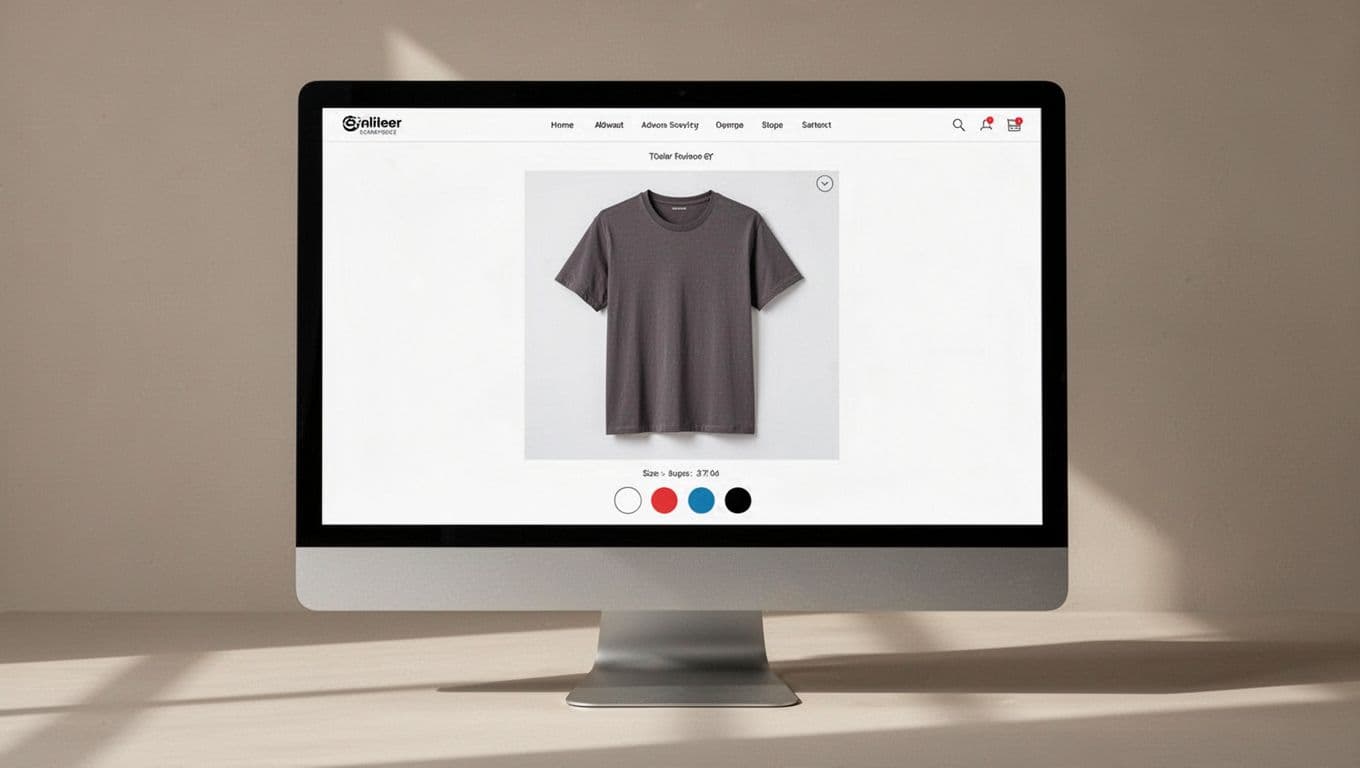
Each child product URL can target long-tail intent such as “blue linen shirt” or “oak coffee table” with its descriptive URL. That helps when the search demand, imagery, or specs differ by variant. A separate page can also carry its own structured data, price, availability, and gallery, which is why many teams prefer separate products versus variants for SEO.
However, every child page adds crawl demand. If swatches work only as JavaScript state changes, or child pages sit outside collections and sitemap flows, search engines may not find them well. If every child reuses the same copy with one color word swapped, you raise duplicate content risk and blur relevance signals.
Canonical handling is where many builds go wrong, with significant SEO impact. If a child page should rank, give it a self-referencing canonical URL. If you canonical every sibling back to one default URL, you tell Google the others don’t matter.
If a child URL should rank, treat it like a real PDP. If it shouldn’t, don’t publish it as one.
The UX side follows the same logic. Good combined listings keep shoppers in context, load the correct image carousel fast for storefront display, and reduce wrong-variant adds. Clear swatches and persistent selection state matter even more on phones, so mobile variant picker UX patterns belong in the same planning doc as your SEO rules.
When to consolidate products and when to keep separate PDPs
Use this rule set, similar to amazon combined listings, when you decide whether a product family deserves one PDP or a combined-listing cluster.
| Signal | Keep one PDP with variants | Use separate PDPs in a combined listing |
|---|---|---|
| Search demand | Queries are broad and product-led | Queries are variant-led, driven by specific option values such as color or material |
| Media | Same gallery works for all options | Each option needs distinct photos or video, or a rich media gallery |
| Specs and price | Differences are minor across product variations | Price, lead time, or specs change significantly by product variations |
| Reviews and trust | Shared reviews help more | Each child sells on its own merit with unique titles |
| Collection display | One card reduces clutter | Multiple cards help only when intent differs |
A good setup is a sofa sold in linen and leather. The images, price, feel, and search intent are different, so separate PDPs make sense. A bad setup is twelve candle colors with the same jar, same price, same copy, and almost identical photos. Splitting those into child PDPs often creates thin pages.
Collection visibility matters too. If every sibling card appears side by side, the grid starts to look like copy and paste. Most stores do better with one swatch-enabled family card in collections for product grouping of merchandise products, then let shoppers switch on the PDP. For nearby collection and filter rules, use this Shopify faceted navigation SEO checklist.
Conversion behavior is part of the decision. Separate PDPs can lift conversion when the landing page matches the query and imagery perfectly. On the other hand, they can split reviews, dilute sales history and conversion rates, and confuse repeat visitors if the child products links look like separate products with no obvious connection. That trade-off is why the best analysis of combined listings and SEO usually lands on “it depends on intent.”
How to implement combined listings without hurting crawlability or UX
Start with a search-demand map in the Shopify admin. Create child URLs only for variants with distinct demand, distinct media, or real commercial differences. Use the GraphQL Admin API with the productSet mutation or combinedListingUpdate for precise consolidation. If a variant cannot support unique copy, unique images, and a clear landing-page promise, keep it inside one PDP.
Next, build each child like a complete page. Titles, H1s, intro copy, image alt text, and availability data should match the child URL. Structured data should describe the current child product, not all siblings at once.
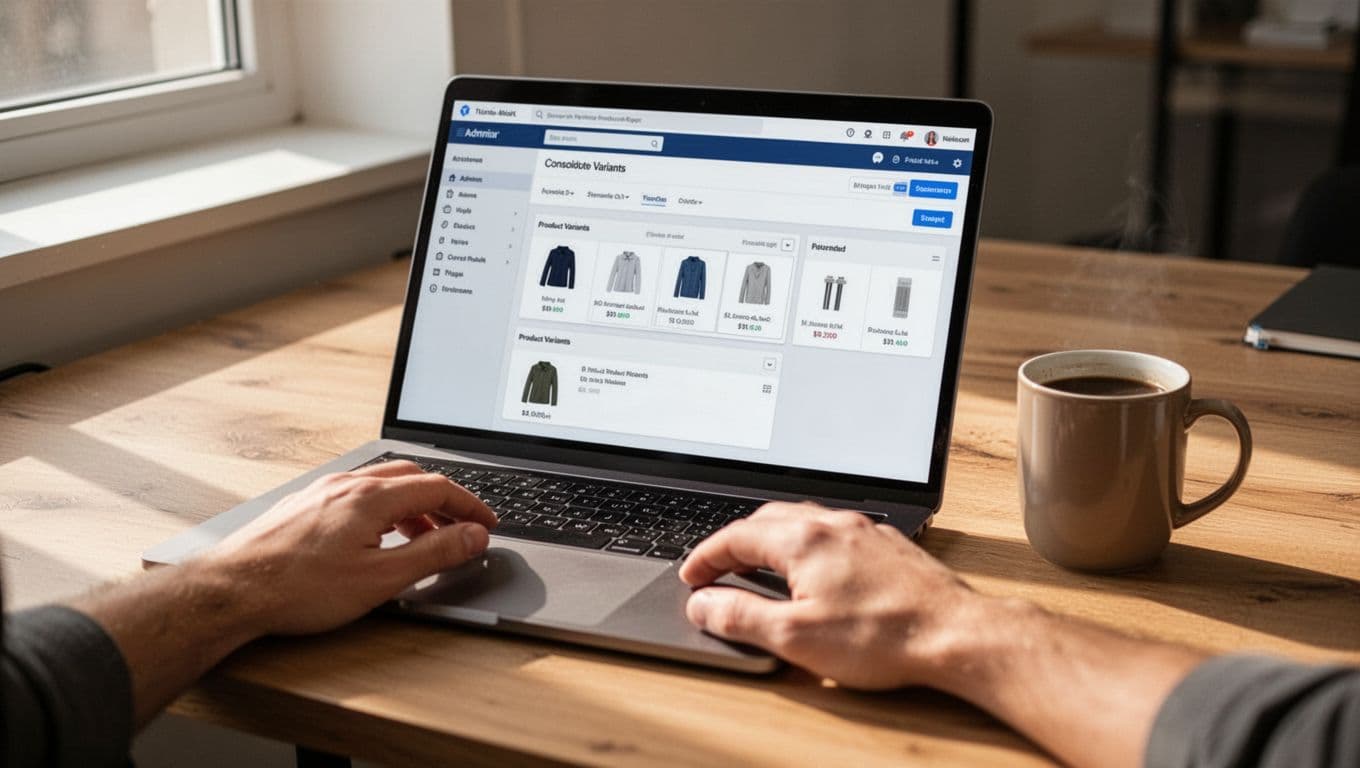
Then make the sibling links crawlable. Swatches should link to real child PDP URLs in HTML output, not rely only on scripts. Add those children to your sitemap, link them from relevant collections, and keep them reachable through breadcrumbs or related-product modules.
After that, set indexation rules in the Shopify admin. Indexable child pages get self canonicals. Retired or merged duplicates should 301 to the chosen live URL. Temporary overlap can use noindex, but don’t leave that in place on a page you want to rank.
Finally, merchandize the family cleanly. Show one family card in most collections, preserve the selected child on back button and revisit, and use crawlable pagination so deep products stay discoverable. This is where collection pagination UX for Shopify stores still matters.
A fast audit checklist helps catch most problems:
- One indexable URL should map to one real search intent.
- Every child meant to rank should have a self-referencing canonical.
- Child pages need more than a color-word swap in the copy.
- Swatches should point to crawlable URLs.
- Structured data, SKU, price, stock, and inventory management should match the landing child.
- Collections should avoid showing near-duplicate siblings by default.
- Old duplicates should redirect after consolidation.
- Use publishing controls to manage indexation and redirects properly.
Shopify combined listings work when structure matches shopper intent. The mistake is not choosing one model or the other. The mistake is publishing child products that add no new value.
Audit your top product families this week. If a child page can’t earn real search intent, unique media, and a better buying path, fold it back into one PDP. If it can, give it a full page and let search visibility and UX pull in the same direction.
Frequently Asked Questions
What are Shopify combined listings?
Shopify combined listings connect separate product records into a family, allowing each child (like colors or materials) to have its own URL, media, title, and description. This differs from standard variants, which share one PDP and hit limits around 100 options. They’re available natively on Plus/Enterprise or via apps/custom setups for all plans.
When should I use combined listings instead of one PDP with variants?
Opt for combined listings when variants have variant-led search demand (e.g., “oak coffee table”), distinct media galleries, varying prices/specs, or unique reviews. Stick to one PDP for broad queries, shared imagery, minor differences, and to avoid clutter or thin content. Always map search intent first—if a child lacks real value, fold it back into the parent.
How do combined listings impact SEO?
They enable long-tail ranking with descriptive child URLs and unique content, but poor setups create crawl waste, duplicates, and bad canonicals that dilute signals. Use self-canonicals for ranking children, crawlable swatches, sitemaps, and no thin pages with swapped color words. Match PDPs to intent for better relevance over consolidated pages.
What are common mistakes in combined listings setups?
Publishing weak children without unique copy/media, canonicalizing all to one URL when variants should rank, non-crawlable JS-only swatches, and showing duplicate cards in collections. This leads to thin content flags, split conversions, and ignored pages. Fix with audits: One intent per URL, proper redirects, and family merchandising.
How do I implement combined listings without hurting UX or crawlability?
Start with a demand map in admin, create complete child PDPs via GraphQL, link siblings crawlably, set self-canonicals/noindex/301s, and show one family card in collections. Preserve selection state, match structured data to the child, and audit for unique value. Test mobile pickers and pagination for seamless shopper flow.