

The hard part isn’t turning on a new checkout. It’s finding every quiet rule, script, and pixel that your store depended on. In 2026, that blind spot is where most migrations go wrong.
Shopify checkout extensibility is now the standard path for checkout changes. The old checkout.liquid setup is mostly gone, and the last legacy pieces on Thank You and Order Status pages shut down in late August 2026. If you want a calm rollout, treat this as a migration project, not a quick settings change.
What changed in 2026, and who still needs to migrate
By now, the Information, Shipping, and Payment pages no longer run legacy checkout code. For Shopify Plus stores that missed earlier deadlines, auto-upgrades started in January 2026. That removed the old surface, but it didn’t rebuild your custom logic for you.
That’s why some teams feel “migrated” while tracking is broken, payment rules are missing, or post-purchase content is gone. If your team still sees partial legacy behavior, this missed-migration breakdown mirrors what many stores ran into after those forced changes.
The risk also depends on your role. Merchants can lose discounts, trust badges, or analytics that shape revenue decisions. Developers can spend days copying old behavior that no longer fits Shopify’s supported model. Shopify Plus teams usually face the heaviest lift because B2B, Markets, custom discounts, and delivery logic often touch several checkout surfaces at once.
Standard Shopify stores need a reality check too. They can use checkout extensibility, but deeper custom code is limited. In practice, many non-Plus stores rely on supported apps, Shopify Pixels, and branding tools instead of fully custom checkout builds.
Think of this change like replacing wiring in an open store. The lights still need to stay on. So before you rebuild anything, map every existing customization to the right replacement.
How to map legacy checkout customizations to Shopify checkout extensibility
Most legacy setups had three buckets, visual edits in checkout.liquid, business logic in Shopify Scripts, and tracking in Additional Scripts. Each bucket now needs a different home.
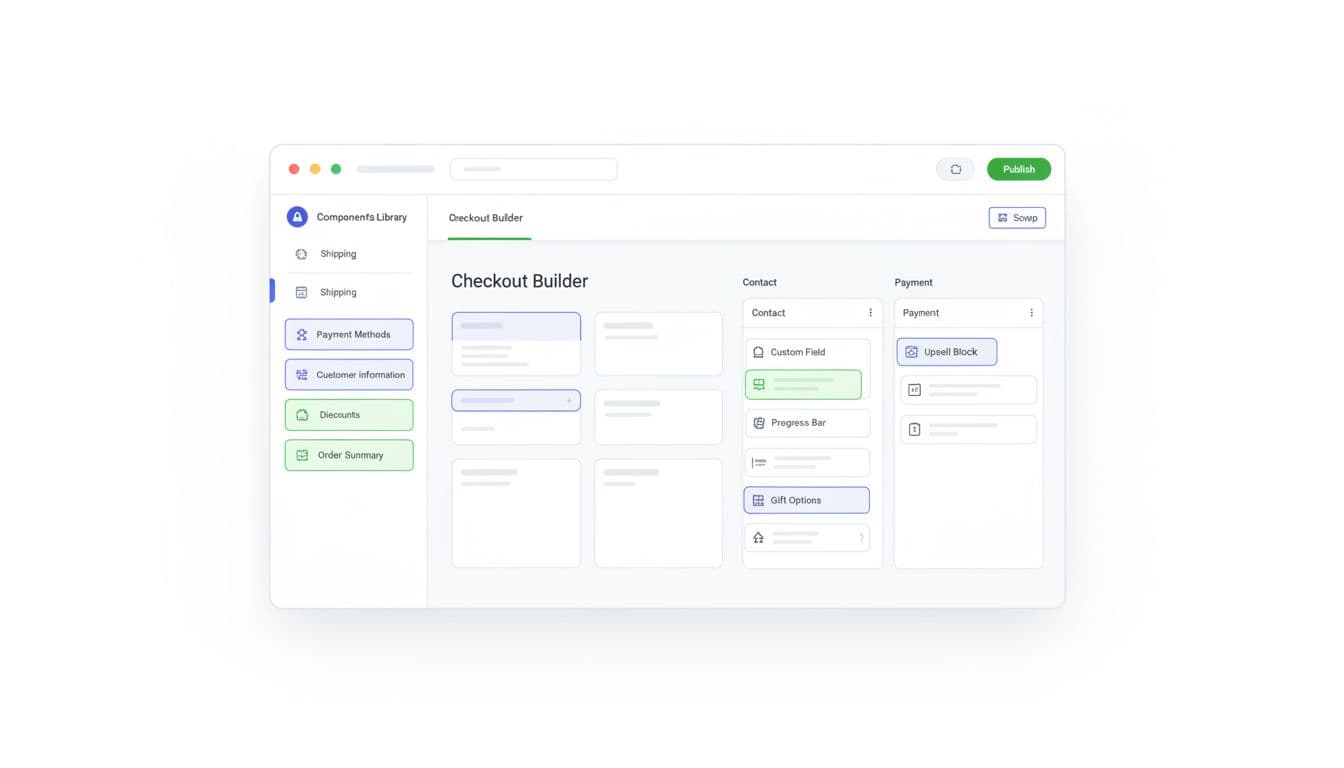
Use this quick map before your team starts rebuilding:
| Legacy method | New approach | Common example |
|---|---|---|
checkout.liquid UI edits | Checkout UI Extensions | Banners, delivery notes, trust content |
| Shopify Scripts | Shopify Functions | Discounts, payment rules, shipping logic |
| Additional Scripts | Shopify Pixels or supported apps | GA4, ad pixels, post-purchase events |
| Line-item hacks | Cart Transform | Bundles, free gifts, cart changes |
This is the part where many migrations drift off course. If an old feature depended on DOM selectors, injected jQuery, or hard-coded checkout elements, don’t port it line for line. Replace the outcome, not the hack. A helpful tool-by-tool migration path can help when you’re sorting Scripts, Functions, Pixels, and Cart Transform.
Don’t rebuild every old checkout hack. Rebuild the behavior shoppers and operators still need.
Tracking deserves extra care because it fails quietly. Legacy pixels often relied on old templates or script boxes, so they can stop firing without an obvious visual bug. Before launch, review auditing pixels and embeds in Shopify checkout and confirm data quality with a Shopify GA4 ecommerce audit checklist.
For Plus stores, this mapping usually includes custom Functions and more advanced extension work. For standard stores, it often means checking whether your apps already support the new checkout model.
A practical migration plan, from audit to launch
Most clean migrations follow the same order. Skip the order, and the work starts to sprawl.
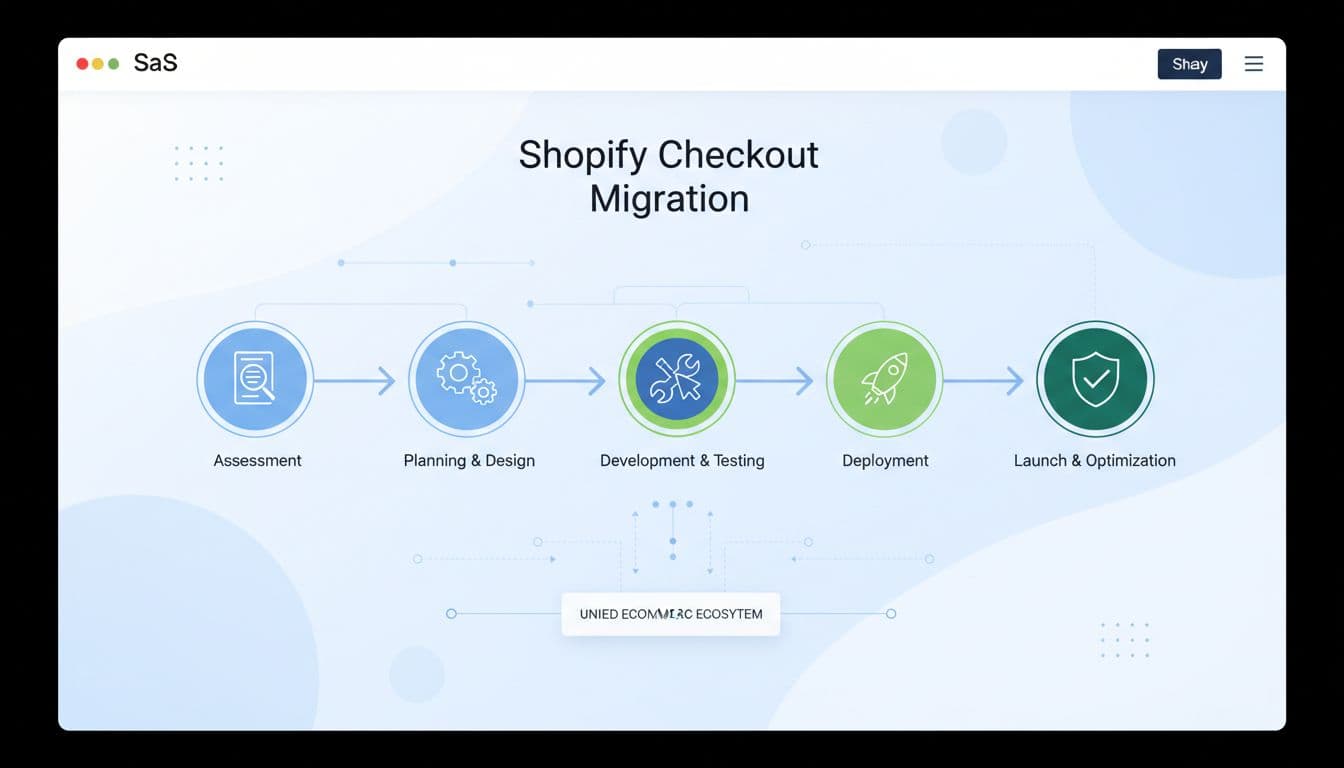
- Inventory every checkout change: List each customization, its purpose, where it appears, who owns it, and what breaks if it disappears. Include apps, scripts, pixels, discounts, and post-purchase edits.
- Cut dead weight early: Some checkout tweaks looked useful two years ago but no longer matter. Keep changes tied to conversion, compliance, support, or measurement.
- Assign the right replacement: Move UI changes to extensions, business rules to Functions, tracking to Pixels or apps, and cart changes to Cart Transform. If you’re on Plus, confirm whether custom Function work is needed before design review starts.
- Rebuild in a controlled environment: Use a duplicate theme, dev store, or test checkout setup. Freeze unrelated checkout app changes during this phase.
- Test integrations before polish: Subscriptions, fraud tools, loyalty apps, tax tools, and payment apps can block launch even when the checkout looks fine.
- Launch with monitoring and rollback: Pick a low-risk window. Then watch conversion rate, payment errors, checkout completion, and purchase events for at least 24 to 72 hours.
Simple stores can finish in 2 to 6 weeks. A typical store often needs 6 to 10 weeks. Complex Plus builds with Markets, B2B, or heavy app logic can take 10 to 16 weeks or more.
Ownership matters too. Merchants should approve what stays. Developers should control rebuilds and QA. Agency partners or technical leads should protect scope, because migration creep is the quickest way to miss dates.
Testing requirements and launch checks that catch costly breakage
A migrated checkout can look perfect and still fail under real traffic. So testing has to cover behavior, data, and edge cases.
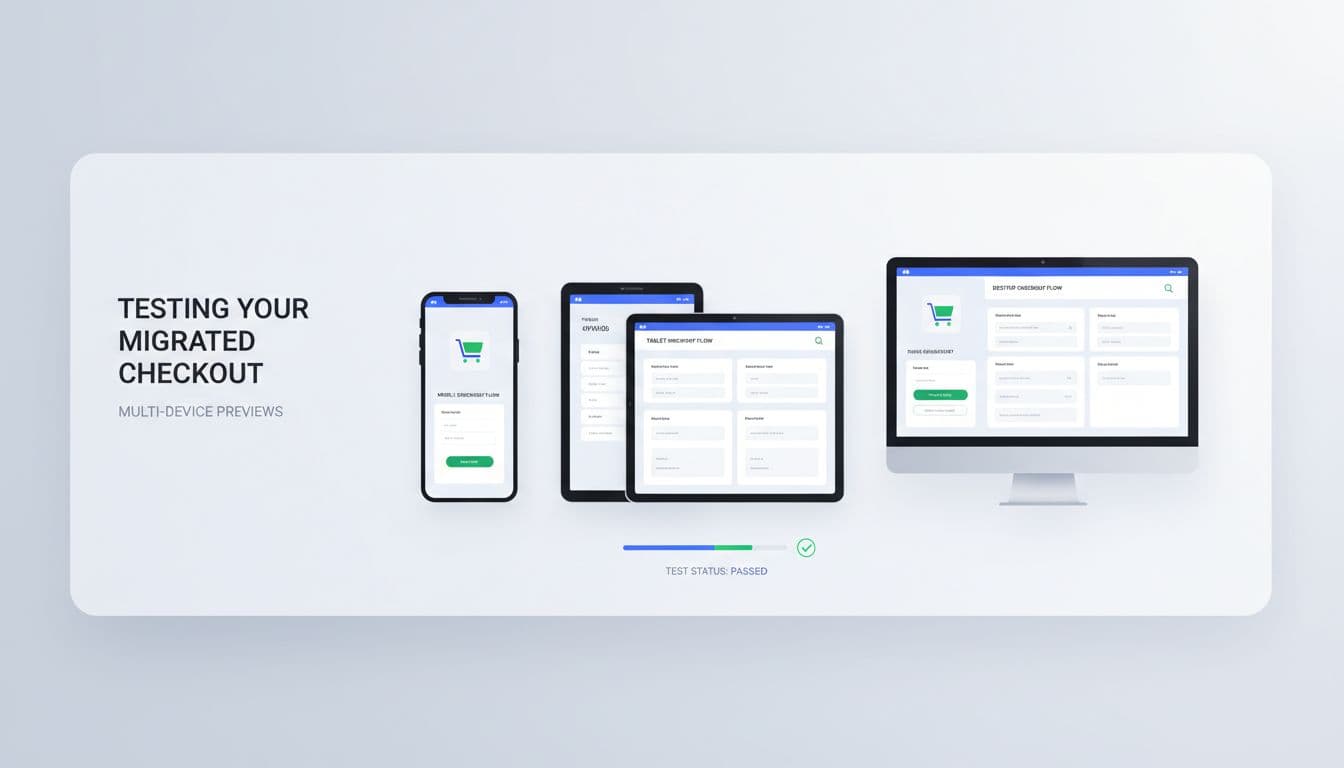
Auto-upgrade doesn’t equal finished migration. It only moves you off the old surface. Your logic, events, and post-purchase experience still need proof.
Before launch, confirm these checks:
- Order completion paths: Test mobile, desktop, Shop Pay, wallets, and card payments.
- Rule accuracy: Validate discount combinations, shipping hides, payment method rules, and gift logic.
- Store complexity: Check Markets, local currency, duties, subscriptions, and B2B company accounts if you use them.
- Post-purchase behavior: Review Thank You and Order Status extensions, customer messaging, and support handoffs.
- Data quality: Confirm pixels fire once, GA4 purchases dedupe correctly, and consent settings don’t suppress key events.
Compatibility issues often come from apps that still assume old checkout selectors or Additional Scripts. If an app vendor can’t explain its checkout extensibility support in plain terms, put that app in the risk log. The broader move away from legacy scripting is explained well in this guide to replacing Additional Scripts.
A successful migration isn’t about copying old checkout code. It’s about keeping the few behaviors that matter, moving them to supported tools, and proving they work under live conditions.
If you haven’t finished yet, start with the audit this week. Supported checkout customizations last longer, break less often, and leave your team with fewer surprises the next time Shopify changes the platform.