
Seven out of ten carts die before checkout. Recent 2026 benchmarks put average cart abandonment at 70.22%, and mobile climbs past 80%.
Most of those shoppers aren’t rejecting the product. They’re pausing, comparing, waiting for payday, or getting pulled away. Save for later UX gives that pause a path instead of a dead end.
When the pattern keeps context and invites an easy return, it can recover sales without pushing too hard. Here’s where it works, and where it often fails.
Why save for later works better than a passive cart
Save for later works because it matches real user intent. Many shoppers want to reduce commitment, not erase interest. A saved item says, “hold my place,” which feels lighter than leaving a full cart open. That small choice makes the customer experience feel forgiving, not harsh.
That makes it different from a wishlist. A wishlist usually supports browsing, gift ideas, and longer-term planning. Save for later sits closer to checkout. It should remember the chosen size, color, quantity, and current price state, then offer a fast route back to purchase.
It also differs from cart persistence. Persistent carts quietly keep items across sessions, and that helps. Still, they don’t help much when a shopper wants to tidy the cart, shop on a shared device, or separate “buy now” from “maybe later.” If you’re mapping both flows, wishlist UX patterns for higher AOV show where longer-term saving belongs.
The best pattern supports guests and signed-in users. Let guests save locally, then offer an email handoff or account save after the click. For platform examples, these save cart for buy later examples show how merchants keep that state recoverable.
Treat saved items like delayed checkout, not a forgotten list.
The UI patterns that turn saved items back into carts
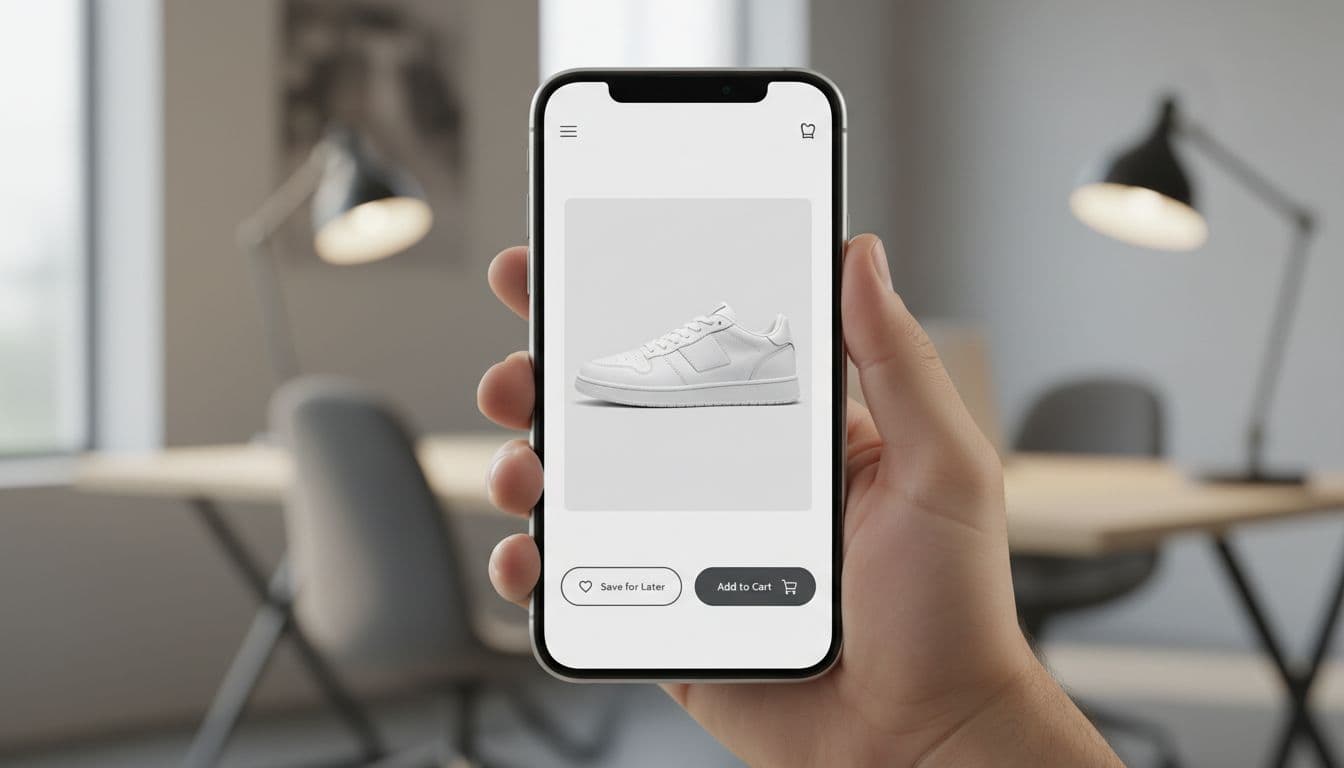
Placement decides whether the pattern gets used. On product pages, keep “Save for later” as a secondary action near the main CTA. In the cart, place it on each line item, not inside an overflow menu. If the shopper has to hunt for it, the moment is gone.
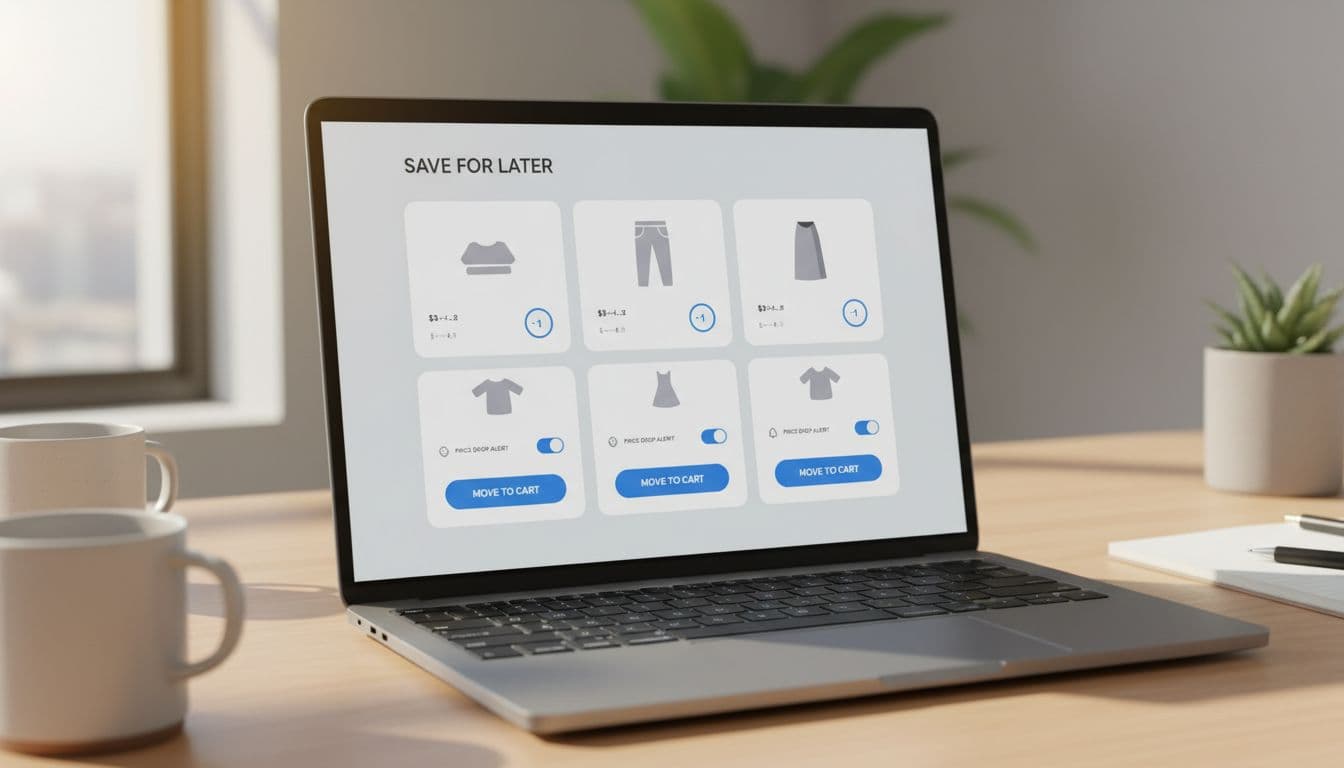
Good save-for-later UX keeps the saved list action-ready. Show the product image, selected variant, current price, stock state, delivery cue, and a clear “Move to cart” button. If price or stock changed, say so in plain language. “Price dropped since you saved this” works better than a vague badge.
Four UI elements do most of the work:
- Selected variant and quantity, so people don’t redo choices.
- Move to cart CTA, because “view item” adds a weak extra step.
- Inline edits, so size or color changes don’t force a PDP visit.
- Undo and remove controls, so the list stays clean and low stress.
Messaging matters, too. Label the action with intent. “Save for later” belongs in the cart. “Move to cart” belongs in the saved list. Plain verbs reduce doubt, especially on mobile. If you’re tightening CTA hierarchy, these mobile add-to-cart button patterns pair well with save actions.
Accessibility needs the same care as checkout UI. Keep tap targets large, give buttons visible focus states, and announce save and restore actions with screen reader feedback. Also, don’t rely on a heart icon alone. A saved cart item is a functional state, not a decorative favorite.
Reminders, recovery flows, and the metrics that matter
Saved items only recover carts when the return path stays alive. Account-based reminders help because they sit inside the shopper’s own history. Show a saved-items count in the header, surface recent saves after sign-in, and sync across devices so the experience doesn’t reset their memory.
Then use outbound reminders with care. Email works well for broad follow-up, and recent benchmarks show abandoned cart emails still earn strong open rates, around 50.5%. Lead with the saved product, not the coupon. A subject like “Your saved items are still in stock” feels timely without sounding desperate.
SMS should stay reserved for real urgency, such as low stock or a meaningful price drop, and only after clear consent. Push notifications work best for restocks or back-in-stock variants. For a wider look at recovery flows, these cart abandonment recovery ideas and recent cart abandonment tactics complement saved-item programs.
Track a small set of metrics so the feature earns its place.
| Metric | What it shows | Good signal |
|---|---|---|
| Saved-item engagement | Are shoppers opening or editing saved items? | Open, edit, alert opt-in |
| Return-to-cart rate | Are saved products moving back to cart? | “Move to cart” clicks |
| Recovered conversion rate | Do saved items end in orders? | Order within 7 or 30 days |
| Time to purchase after save | Is delayed intent turning into revenue? | Shorter lag after reminders |
Watch the tradeoff, though. If save for later looks too prominent, it can steal clicks from Add to Cart. Test visual weight, placement, and timing. Also remember the bigger problem: unexpected costs still drive 48% of abandonment. A saved list won’t fix a weak checkout.
A saved cart should feel like progress
Most abandoned carts aren’t hard no’s. They’re pauses. Save for later UX works when it protects that intent, keeps the saved list ready for action, and reconnects through the right channel.
Start small. Ship one clear save action, one action-ready saved list, and one reminder flow. Then measure return-to-cart rate, saved-item engagement, and recovered conversion.