

Rich results don’t happen because your store “has schema.” They happen when your product schema matches what shoppers see, and when Google can trust every detail.
In 2026, that trust is the whole game. Prices change, variants sell out, return rules vary by region, and Google’s merchant features keep getting stricter about accuracy. If your markup drifts from the page, rich results can disappear overnight.
This guide shows what to mark up, how to mark it up, and how to debug it fast, with copy-paste JSON-LD you can ship today.
What Google rewards in 2026 (and what breaks eligibility)
Think of structured data like a receipt stapled to your product page. If the receipt says “$49,” but the shelf tag says “$59,” nobody believes the receipt. Google treats mismatches the same way.
Here’s what consistently separates pages that keep rich results from pages that lose them:
1) Page-visible consistency beats “more fields.”
Your name, image, price, currency, availability, and shipping and return details must match the visible page content for that selected product or variant. If you show “Out of stock” in the UI, don’t mark InStock.
2) Merchants need merchant-ready details.
In 2026, shipping and returns data matters more because Google surfaces it in merchant experiences. That’s why shippingDetails and hasMerchantReturnPolicy are no longer “nice to have” on competitive SERPs.
3) Variants need a real strategy.
If users can pick color and size, your markup must represent either a single default offer or the selected variant. Otherwise, Google sees conflicting prices and availability.
For deeper implementation context and validation examples, this Product schema markup guide for e-commerce rich results is a helpful reference to compare your output against common patterns.
If your product feed, PDP UI, and JSON-LD are generated from different sources, drift is guaranteed. Tie them to the same data model, then render consistently.
Minimum viable product schema (the snippet that should always work)
Minimum viable markup should be boring. That’s the point. It gives Google a clean, consistent product with a single offer.

Copy-paste this and replace placeholders:
{
  "@context": "https://schema.org",
  "@type": "Product",
  "@id": "https://example.com/products/PRODUCT_SLUG#product",
  "name": "PRODUCT NAME",
  "description": "Short, user-visible product description.",
  "image": [
    "https://example.com/images/product-main.jpg"
  ],
  "sku": "SKU-OR-INTERNAL-ID",
  "brand": {
    "@type": "Brand",
    "name": "BRAND NAME"
  },
  "offers": {
    "@type": "Offer",
    "url": "https://example.com/products/PRODUCT_SLUG",
    "priceCurrency": "USD",
    "price": "49.95",
    "priceValidUntil": "2026-12-31",
    "availability": "https://schema.org/InStock",
    "itemCondition": "https://schema.org/NewCondition"
  }
}
A few property-level rules that prevent headaches later:
sku: Use your internal SKU if it’s stable. If it changes, Google treats it like a different item.brand: Don’t fake it. If you sell unbranded goods, use the manufacturer or store brand only if it’s shown on-page.priceValidUntil: Set it if you run promos, but keep it realistic. Don’t push it 10 years out.
If you’re aligning structured data with broader page quality signals, this internal breakdown of the March 2025 core update effects on online stores is a good reminder that “helpful, consistent pages” win across the board, not just in schema.
Ideal product schema for Merchant listings (shipping, returns, IDs, variants)
Once minimum markup is stable, the “ideal” version is about merchant clarity. You want Google to understand who sells it, what it costs today, how it ships, and how returns work.
Copy-paste this “ideal markup” template:
{
  "@context": "https://schema.org",
  "@type": "Product",
  "@id": "https://example.com/products/PRODUCT_SLUG#product",
  "name": "PRODUCT NAME",
  "image": [
    "https://example.com/images/product-main.jpg",
    "https://example.com/images/product-alt-1.jpg"
  ],
  "description": "Short, user-visible product description.",
  "sku": "SKU-OR-INTERNAL-ID",
  "gtin13": "0123456789012",
  "mpn": "MANUFACTURER_PART_NUMBER",
  "brand": {
    "@type": "Brand",
    "name": "BRAND NAME"
  },
  "offers": {
    "@type": "Offer",
    "url": "https://example.com/products/PRODUCT_SLUG",
    "priceCurrency": "USD",
    "price": "49.95",
    "priceValidUntil": "2026-12-31",
    "availability": "https://schema.org/InStock",
    "itemCondition": "https://schema.org/NewCondition",
    "seller": {
      "@type": "Organization",
      "name": "STORE NAME"
    },
    "shippingDetails": {
      "@type": "OfferShippingDetails",
      "shippingDestination": {
        "@type": "DefinedRegion",
        "addressCountry": "US"
      },
      "shippingRate": {
        "@type": "MonetaryAmount",
        "value": "5.99",
        "currency": "USD"
      },
      "deliveryTime": {
        "@type": "ShippingDeliveryTime",
        "handlingTime": {
          "@type": "QuantitativeValue",
          "minValue": 0,
          "maxValue": 1,
          "unitCode": "DAY"
        },
        "transitTime": {
          "@type": "QuantitativeValue",
          "minValue": 2,
          "maxValue": 5,
          "unitCode": "DAY"
        }
      }
    },
    "hasMerchantReturnPolicy": {
      "@type": "MerchantReturnPolicy",
      "applicableCountry": "US",
      "returnPolicyCategory": "https://schema.org/MerchantReturnFiniteReturnWindow",
      "merchantReturnDays": 30,
      "returnMethod": "https://schema.org/ReturnByMail",
      "returnFees": "https://schema.org/FreeReturn"
    }
  },
  "aggregateRating": {
    "@type": "AggregateRating",
    "ratingValue": "4.6",
    "reviewCount": 128
  }
}
When to use identifiers (and when not to):
- Use
gtin(gtin13,gtin14,gtin12,gtin8) when the product has a real barcode. One is enough, pick the right length. - Use
mpnwhen the manufacturer has a part number and you show it on the page or in specs. - Always use
skuif it is stable, even if you also have GTIN.
Only include aggregateRating if ratings are visible to users on that product page, and reflect real review counts.
For more platform-specific notes (especially Shopify theme output gaps), see Shopify schema markup fixes for rich results.
Variant strategies that don’t create markup conflicts
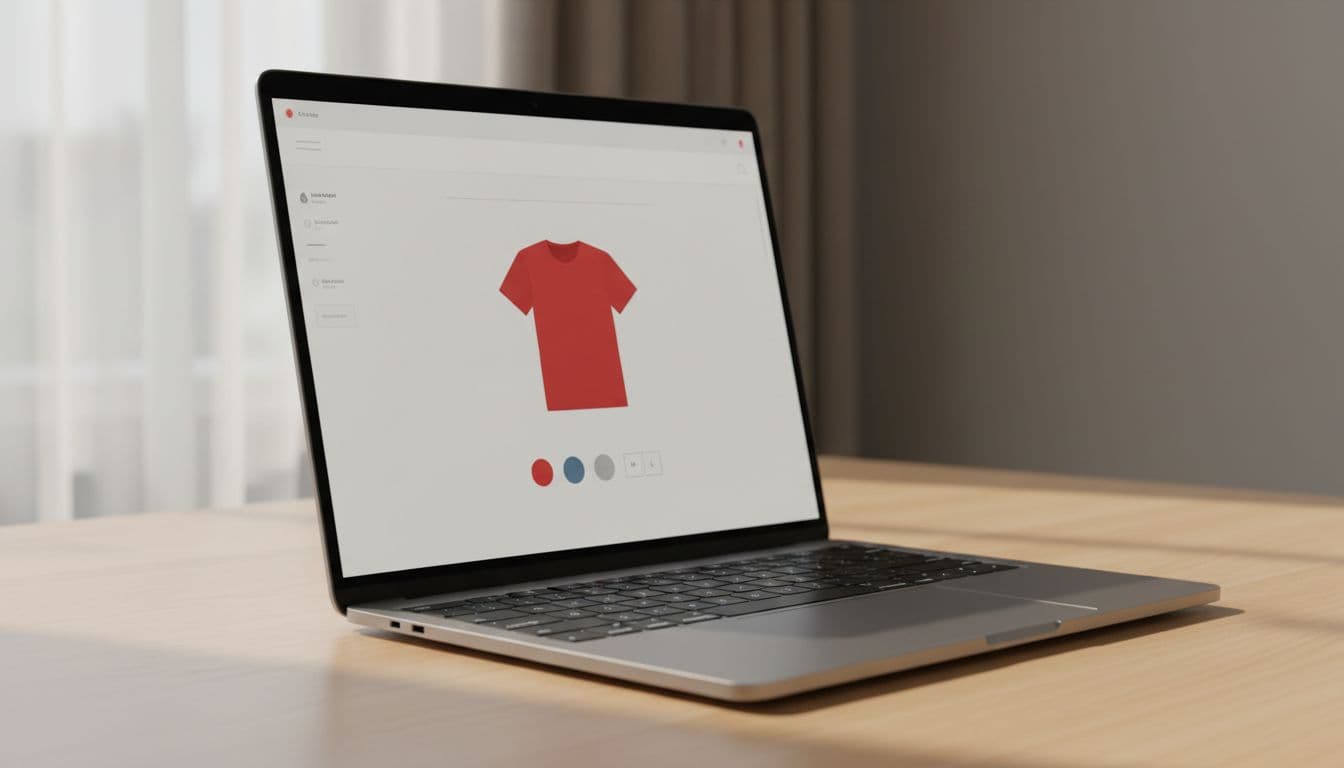
Option A: One product URL, multiple offers (common on Shopify and WooCommerce).
Use one Product, then represent the range with AggregateOffer when variants have different prices.
{
  "@context": "https://schema.org",
  "@type": "Product",
  "@id": "https://example.com/products/PRODUCT_SLUG#product",
  "name": "PRODUCT NAME",
  "offers": {
    "@type": "AggregateOffer",
    "priceCurrency": "USD",
    "lowPrice": "39.95",
    "highPrice": "59.95",
    "offerCount": 12,
    "availability": "https://schema.org/InStock"
  }
}
Option B: One URL per variant (best when variants rank and stock differs a lot).
Each variant page gets its own Product, and you connect it to the parent with isVariantOf.
{
  "@context": "https://schema.org",
  "@type": "Product",
  "@id": "https://example.com/products/PRODUCT_SLUG?variant=123#product",
  "name": "PRODUCT NAME, Color Red, Size M",
  "sku": "SKU-RED-M",
  "isVariantOf": {
    "@type": "Product",
    "@id": "https://example.com/products/PRODUCT_SLUG#product"
  },
  "offers": {
    "@type": "Offer",
    "priceCurrency": "USD",
    "price": "49.95",
    "availability": "https://schema.org/OutOfStock",
    "url": "https://example.com/products/PRODUCT_SLUG?variant=123"
  }
}
Pick one approach and stick to it site-wide. Mixed patterns are where “wrong price in SERP” complaints come from.
Troubleshooting errors and launching with confidence
This table maps common Search Console and Rich Results Test issues to fixes.
| Error or warning | What it usually means | Fast fix |
|---|---|---|
Missing field offers | Google can’t find an offer on the Product | Add offers with at least price, priceCurrency, availability, and url. |
Missing field price (in offers) | Price not provided, or injected by JS after load | Render price in JSON-LD server-side, and match the visible price. |
Invalid value in availability | Using InStock without full URL, or wrong enum | Use full Schema.org URL, for example https://schema.org/InStock. |
| Price/availability mismatch | Markup doesn’t match selected variant or UI state | Bind JSON-LD to the same variant data used by the PDP. |
aggregateRating not eligible | Ratings not shown to users, or shown site-wide not per product | Only mark ratings that appear on that exact product page. |
| Shipping/returns not picked up | Missing merchant policy fields, or inconsistent by country | Add shippingDetails and hasMerchantReturnPolicy per target region, keep it consistent with your policy pages. |
If parameter URLs and filters cause duplicate product-like pages, fix that before you blame schema. This Magento category page SEO audit checklist has practical guidance on controlling index bloat that often confuses structured data signals too.
Launch checklist (QA plus ongoing monitoring)
- Confirm one canonical product URL per indexable PDP.
- Validate JSON-LD renders on first load (view-source, not only DOM).
- Match
price,currency, andavailabilityto what users see. - Verify identifiers:
skualways,gtinandmpnonly when real. - Add shipping and return policy markup if you show those details on-site.
- Test 5 to 10 products across templates (simple, sale, out-of-stock, variants).
- Run Rich Results Test and re-check after theme or app updates.
- Monitor Search Console Enhancements for new errors weekly.
- Spot-check SERPs monthly for stale prices after promotions.
Conclusion
Rich results in 2026 come from boring consistency, not clever tricks. Start with a stable minimum snippet, then add shipping, returns, and identifiers once your data stays accurate. Most importantly, keep your product schema tied to the same source as your PDP UI so it doesn’t drift. When you treat structured data like customer-facing truth, Google usually follows.