
“How do I track my order?” is rarely the real question. Customers usually mean, “Can I trust what I’m seeing, and can I fix problems without waiting?” These concerns directly tie to customer satisfaction.
In 2026, order tracking page UX, a core component of the broader post-purchase experience, is one of the fastest ways to reduce WISMO tickets (Where Is My Order) and ease ecommerce support burdens. When tracking is vague, customers open a ticket “just in case.” When it’s clear, specific, and action-ready, many never need support.
This guide breaks down the page modules for real-time tracking, microcopy, and KPIs that consistently cut WISMO volume, while staying mobile-first, privacy-safe, and accessible.
Why WISMO tickets happen (and why tracking UX is the fix)
Most WISMO tickets don’t come from late deliveries. They come from customer anxiety fueled by uncertainty. A status like “Shipped” can mean five different things, depending on shipping carrier, handoff timing, and scan delays.
Customers also bounce between broken tracking links in email, SMS, shipping carrier sites, and your help center. Every extra hop adds friction, increases WISMO tickets, drives up support volume, and strains ecommerce support.
Baymard’s research highlights that many sites still don’t keep all tracking info and events inside the branded tracking page, which creates needless confusion (see Baymard’s guidance on integrating tracking info). Keeping the story in one place is a direct WISMO reducer that enables call deflection.
If customers can’t tell what’s happening in 10 seconds, they’ll ask a human.
The goal is simple: reduce “interpretation work.” Your tracking page should explain what the system knows, what it doesn’t know yet, and what the customer can do next to enable self-service tracking and enhance the post-purchase experience.
The 2026 order status page UI: modules that earn trust and reduce WISMO tickets
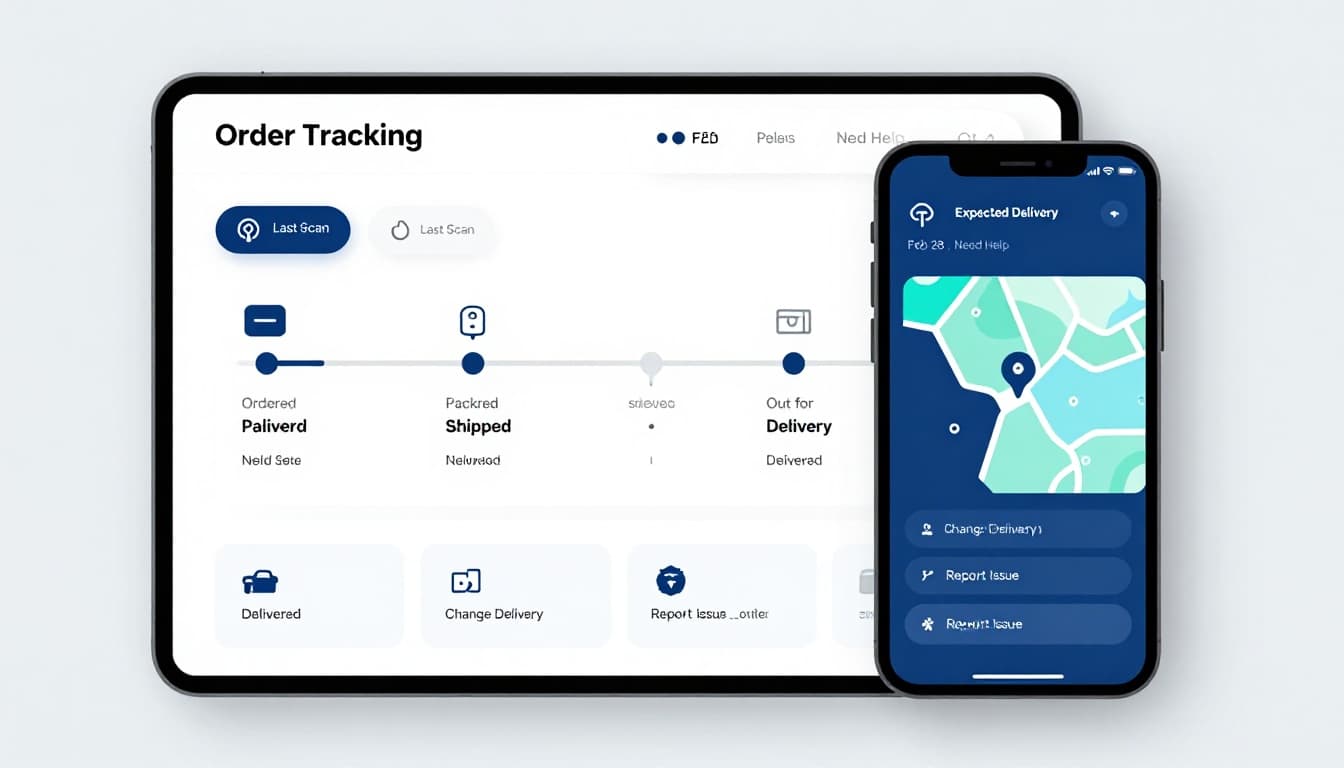
In 2026, real-time tracking defines high-performing order status pages that shape the post-purchase experience and maximize ROI of AI. A well-designed order status page reads like a clear timeline, not a mystery novel. Start with the essentials, then progressively disclose detail.
1) A status timeline that matches carrier reality
Use plain-language stages (Ordered, Packed, Shipped, Out for delivery, Delivered), but tie them to scan-confirmed events from the shipping carrier. If you’re between scans, say so.
Helpful microcopy:
- “Shipped (label created)”: “The shipping carrier has the package details, but hasn’t scanned it yet.”
- “In transit”: “Last scan: Phoenix, AZ, 2:14 PM local time.”
- “Out for delivery”: “Driver en route, expected shortly.”
2) An “Expected delivery” range (not a single date)
Customers understand ranges better than false precision. Add context when confidence changes.
Example:
- “Expected delivery: Feb 28 to Mar 1”
- “Updated 3 hours ago based on carrier scans”
3) A scan log that answers “what changed?”
Keep the last 3 to 6 events visible, with a “View all updates” expander. Also explain stale data.
Example:
- “No new scans in 24 hours. This can happen during linehaul moves.”
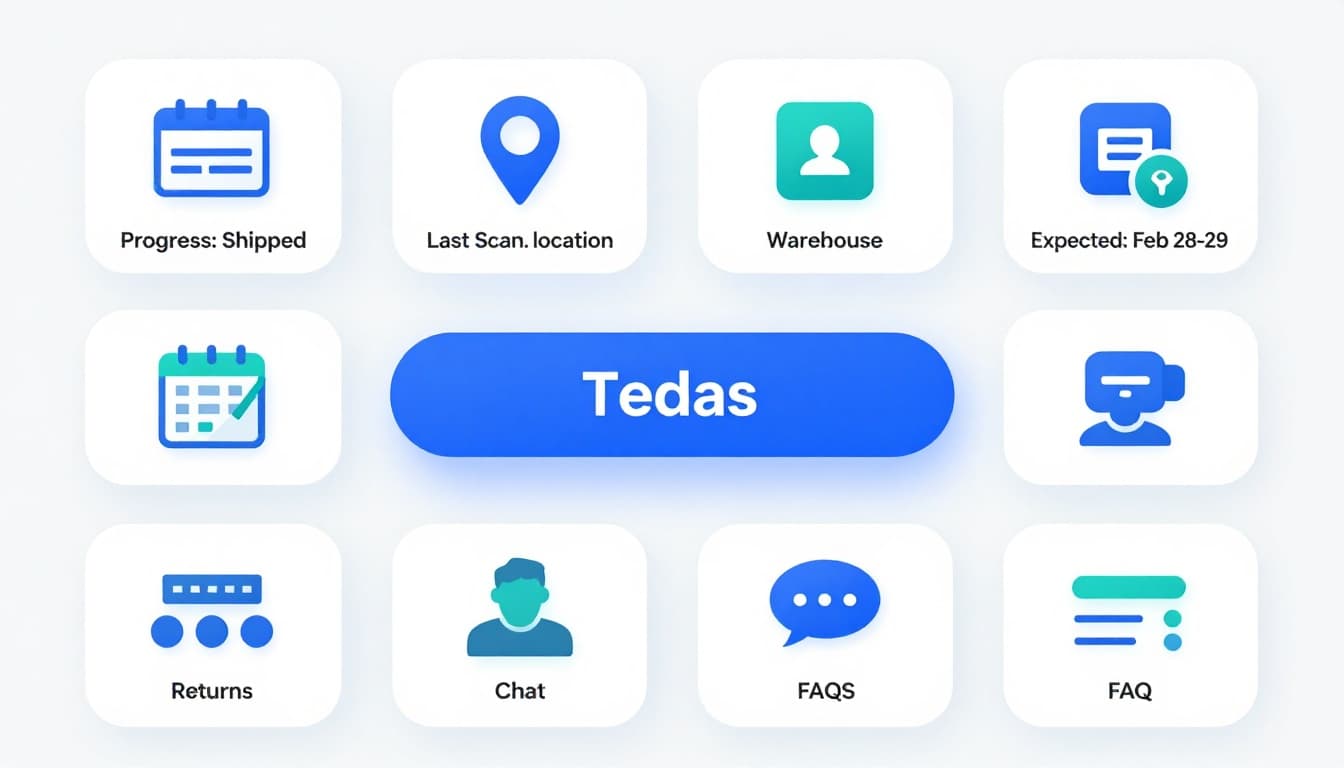
4) Self-service tracking actions that remove the need to contact support
Put actions beside the status, not buried under FAQs. Common high-deflection actions include AI chatbots for quick resolutions:
- Change delivery date or location (when supported)
- Update address (before final-mile)
- Start a claim / report an issue
- Start a return (post-delivery)
Loop’s guidance on tracking design aligns with this “action-first” approach (see Loop’s order tracking page design best practices).
5) Mobile-first and accessible by default
In 2026, most real-time tracking checks happen on a phone, often from a notification. Prioritize a branded tracking page with:
- Large tap targets and sticky “Need help?” entry
- High-contrast status colors plus icons (don’t rely on color alone)
- Keyboard focus states and readable headings for screen readers
- Reduced-motion support for animated timelines
6) Marketing and Retention
Extend the order status page’s value with upsell opportunities. Recommend related products, loyalty perks, or subscription options tied to the customer’s order history. This transforms a routine check into a powerful retention tool.
Delivery Exceptions UX: design the “something went wrong” paths
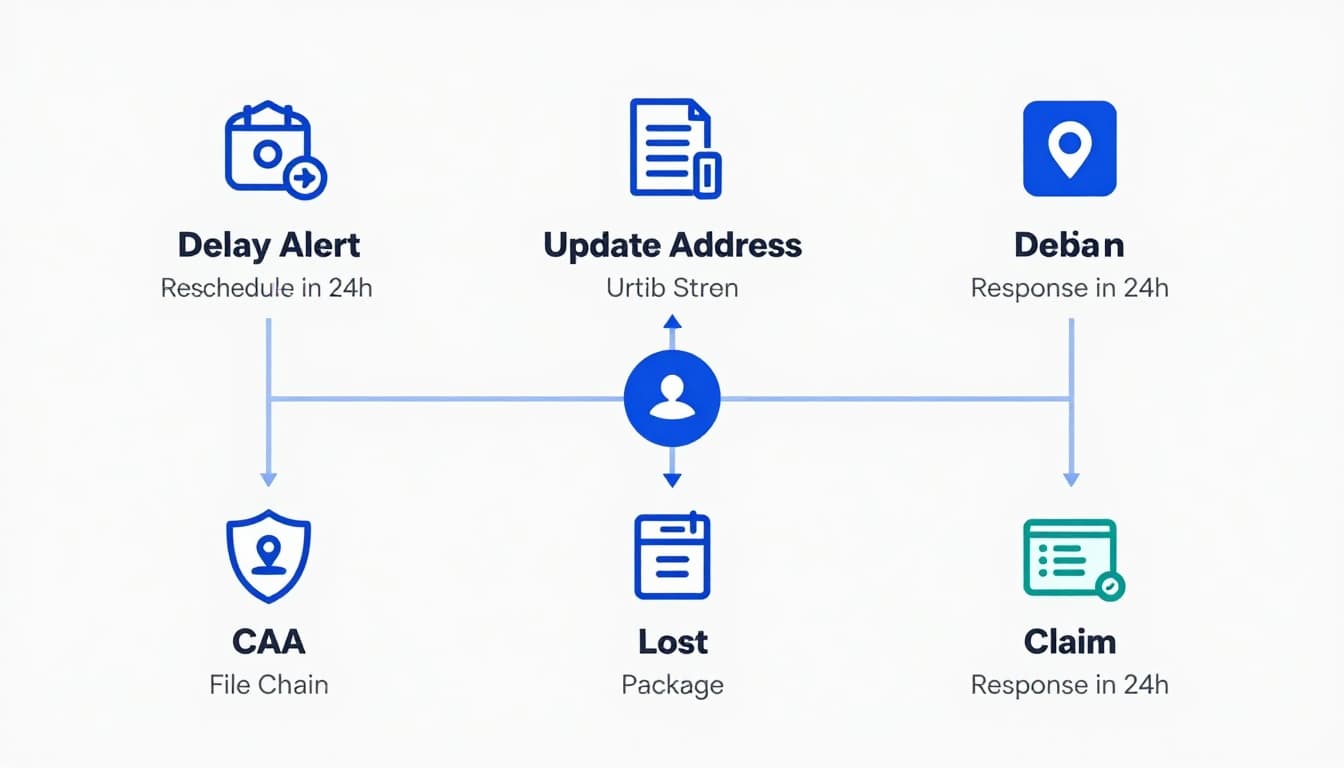
If your tracking page only works when everything goes right, it won’t cut WISMO tickets. Delivery exceptions drive the highest contact spikes, so design them like a product flow, not a support afterthought, boosting customer loyalty in the long run. Managing multiple vendors requires robust multi-carrier logic to handle these delivery exceptions correctly.
Delayed shipment: acknowledge, explain, and set expectations
Show a visible “Delay detected” state when your rules trigger (for example, missed delivery window, no scans for X hours, or carrier exception codes).
Microcopy that reduces panic:
- “We’re seeing a delay from the carrier. Your package is still moving.”
- “Next update expected within 24 hours.”
- “If there’s no update by tomorrow 6 PM, you can request help here.”
AI chatbots can deliver these proactive notifications instantly to ensure call deflection via automated notifications. Add a clear next step:
- “Get notified on WhatsApp alerts or SMS notifications”
- “Request a delivery change” (only if actually possible)
- “Contact support” only after a threshold, or for high-value orders
Address issue: protect privacy while enabling a fix
Don’t expose full addresses on a shared screen. Instead, confirm identity and allow edits safely.
Pattern that works:
- Ask for order number + shipping ZIP (or email OTP)
- Show a masked address (“12 Market St, Apt 4, San F…”)
- Provide “Fix address” with guardrails (cutoff time, fees, carrier limits)
Lost package: explain the process like a receipt
Customers fear being stuck. Replace anxiety with a short, concrete pathway as part of post-purchase orchestration:
- “We’ll investigate with the carrier (1 to 2 business days).”
- “If confirmed lost, we’ll replace or refund.”
Also show what you need upfront to avoid back-and-forth:
- “Confirm delivery address”
- “Check safe places (lobby, mailroom, neighbor)”
- “File claim”
In 2026, many teams add AI chatbots for these flows, but the UX still matters. WISMOlabs’ post-purchase guide argues that a large share of interactions will resolve without an agent when a self-service portal powered by AI chatbots is designed well, reducing WISMO tickets (see AI-driven post-purchase support guidance).
Measure what matters: KPIs that prove WISMO reduction
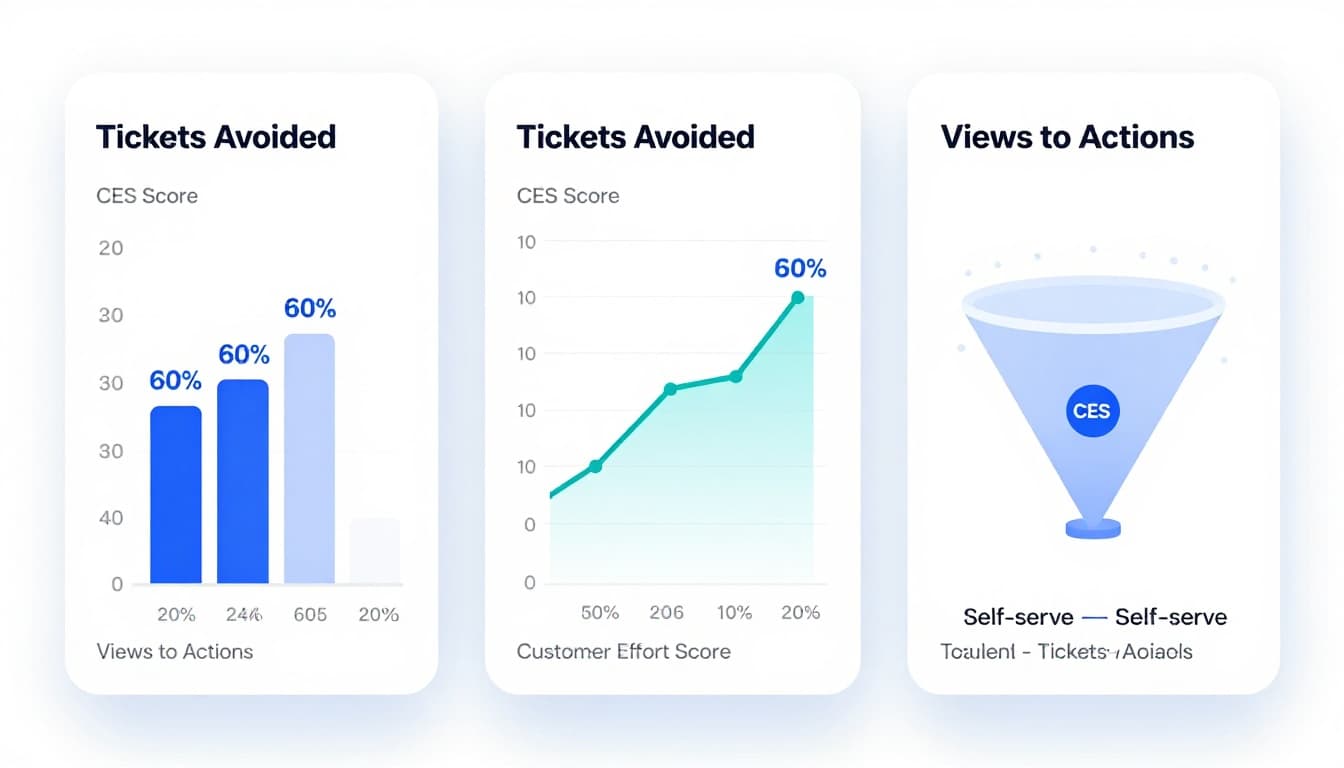
To keep improvements honest and prove the ROI of AI (such as AI chatbots) and UX investments, connect tracking UX to support outcomes. Instrument the page like a product surface, not a static receipt.
Here’s a practical KPI set to align CX, ops, and product:
| KPI | What it tells you | How to compute |
|---|---|---|
| WISMO rate | How many customers ask “where is it”, affecting operational costs | WISMO tickets ÷ orders shipped, to track operational costs |
| Contact rate per order | Support volume | All contacts including WISMO tickets ÷ orders |
| Tracking page deflection | Whether the page prevents contacts | Helpdesk integration required: tracking visits with no contact within 24h ÷ tracking visits (via helpdesk integration) |
| Self-serve success rate | Whether self-service portal actions resolve issues | Completed self-serve flows ÷ self-serve starts |
| CES (Customer Effort Score) | How hard it feels (companion: Customer satisfaction (CSAT)) | Post-task survey on tracking page |
| Time to resolution | Ops and CX efficiency | Ticket open to solved (exceptions only) |
The takeaway: deflection without trust is fragile. Track CES and repeat contacts, not only ticket volume, to boost ecommerce support efficiency.
Also review the content that drives visits. Parcel Perform’s overview of tracking features is a useful cross-check for engagement-focused modules (see order tracking page optimization features).
Team checklist: order tracking UX that reduces WISMO
- Timeline clarity: Self-service tracking ensures status labels match carrier reality, including “label created” and scan gaps. Include tracking links sent via email for easy, immediate access.
- Delivery window: Show a range plus “last updated” context.
- Scan log: Last events visible, with local time zone and plain-language meanings.
- Exception states: Delay, address issue, and lost package each have next actions and clear SLAs.
- Self-service first: Change delivery, update address (guarded), report issue, start return.
- Proactive notifications: Offer automated notifications via SMS notifications, WhatsApp alerts, and email opt-ins, and don’t spam duplicates.
- Privacy: Mask addresses, avoid exposing PII, use OTP or ZIP verification for lookups.
- Accessibility: Contrast, focus states, tap targets, and reduced-motion support.
- Measurement: Track deflection, CES, repeat contacts, and self-serve completion, then A/B test copy and modules.
- Self-service tracking: Build a branded tracking page where the order status page serves as the central hub, summarizing with an action-first approach, integrating proactive notifications to empower customers and minimize support needs.
Conclusion
A good tracking page, powered by a self-service portal, doesn’t just report shipment status; it reduces uncertainty, gives customers control, and builds customer loyalty. When order tracking page UX combines clear scan-based updates, delivery exceptions, self-service tracking, and safe self-service actions with proactive notifications and automated notifications, WISMO drops and effort scores improve. These UX improvements through post-purchase orchestration are especially critical during peak season to prevent ecommerce support backlogs. Pick two friction points this week, then measure call deflection and repeat contacts for 30 days. Reducing WISMO tickets shows when customers stop asking “Where is my order?”; it’s not luck, it’s design. Order Tracking Page UX That Cuts WISMO Tickets In 2026.