

If GA4 shows traffic but revenue looks wrong, it’s like counting people who walked into a store while ignoring the receipts. In 2026, GA4 ecommerce tracking is still very doable on Shopify, but only if you plan for the parts Shopify doesn’t “just handle” (checkout behavior, consent, apps, and duplicate purchase events).
This guide gives you a practical tracking blueprint you can hand to an analyst, agency, or dev. You’ll get an event map, a deployment plan, and a go-live checklist that fits real Shopify setups.
What “good” GA4 ecommerce tracking looks like on Shopify in 2026
A solid Shopify setup captures the full shopper journey in GA4: product views, cart actions, checkout steps, purchases, and (when possible) refunds. It also keeps your data clean enough to trust for channel reporting and Google Ads optimization.
In 2026, there are a few realities to design around:
- Enhanced Measurement helps, but it’s not ecommerce tracking. It can track things like scrolls and outbound clicks, yet it won’t reliably create events like
add_to_cartorpurchasefor you. - Checkout tracking depends on your checkout type. Shopify’s checkout behavior varies by plan, settings, and whether you use accelerated checkouts or apps. Some merchants can place tags deeper into checkout than others.
- Consent and signal loss are part of the baseline. In the EU/EEA you may need Consent Mode v2 behavior, and even in the US you’ll see gaps from browser limits. That means you should expect modeled data and align GA4 with Shopify order data for final numbers.
- Apps can duplicate events. It’s common to see two
purchaseevents per order when both the Shopify integration and GTM-based tags fire.
If you’re starting from scratch, it helps to compare approaches and common pitfalls in a recent Shopify-specific setup guide like GA4 for Shopify setup guide (2026). Use it as context, then build your plan around your own theme and app stack.
Clean attribution starts with one rule: one order equals one purchase event in GA4.
Core GA4 ecommerce events blueprint (Shopify-ready)
Your blueprint should follow Google’s recommended GA4 ecommerce event names. That keeps GA4 reports, funnels, and audiences working as expected. The triggers below assume you’re sending events from the storefront (theme) and, where allowed, from checkout.
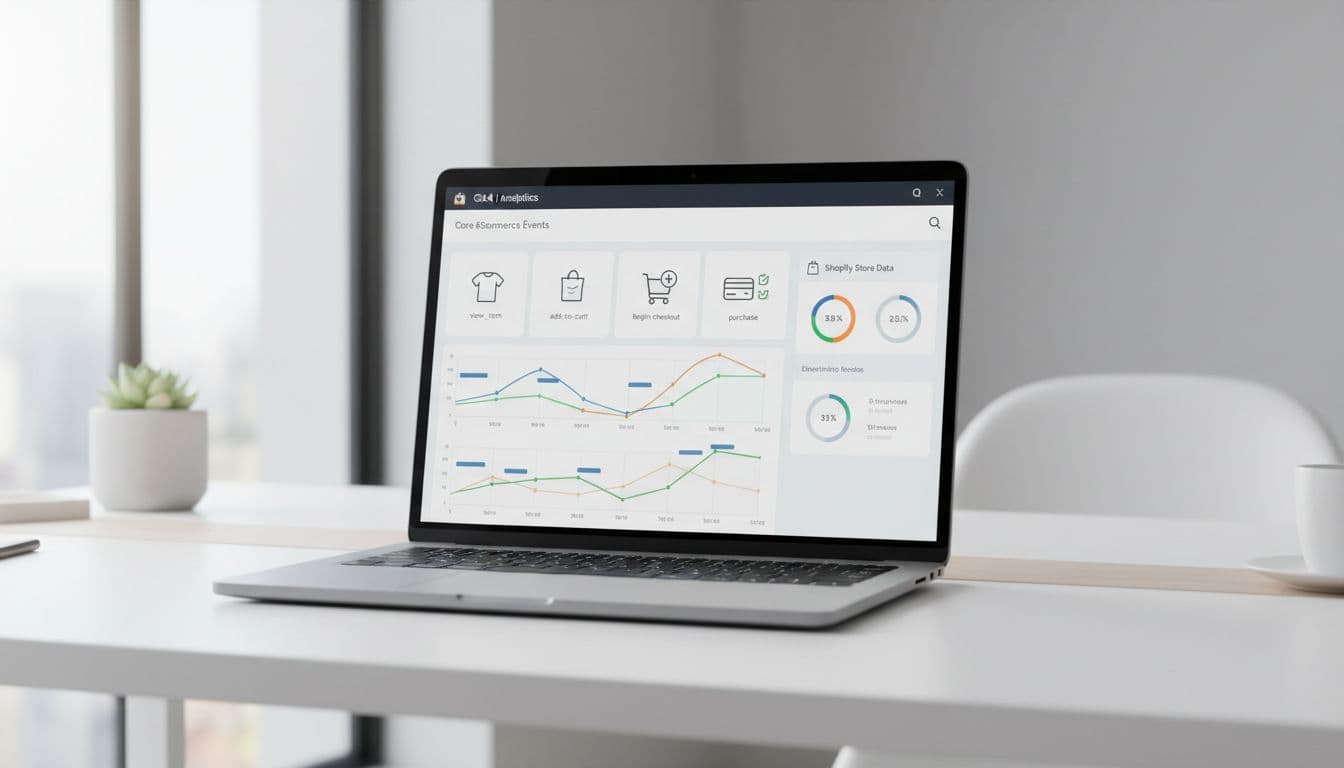
Before the table, one Shopify-specific callout: use variant IDs consistently. In GA4, item_id should match the ID you’ll also use in feeds and ads where possible. On Shopify, that usually means variant ID (not product handle), because price and availability live at the variant level.
Here’s a practical event blueprint you can implement via Shopify customer events, GTM, or a custom pixel:
| GA4 event | Shopify trigger (typical) | Required parameters | Optional parameters (recommended) | Shopify notes |
|---|---|---|---|---|
view_item_list | Collection page render, search results render | items | item_list_id, item_list_name | Keep list names stable (for example, collection/sale). |
select_item | Click on product card in list | items | item_list_id, item_list_name | Send the clicked item only, not the whole list. |
view_item | Product detail page render | items | currency, value | value should match the viewed item price. |
add_to_cart | Add to cart button success | items | currency, value | Fire after the cart confirms, not on button click. |
view_cart | Cart page render, cart drawer open | items | currency, value | Useful for cart funnels, but avoid firing repeatedly on quantity changes. |
remove_from_cart | Remove item action success | items | currency, value | If your theme uses AJAX, watch for double fires. |
begin_checkout | Checkout button click success | items | currency, value, coupon | If you can’t access checkout steps, at least capture this. |
add_shipping_info | Shipping method selected | items | shipping_tier, currency, value | Availability varies by checkout type and apps. |
add_payment_info | Payment method selected | items | payment_type, currency, value | Don’t send full card data, only method type. |
purchase | Order confirmation (thank you) | transaction_id, currency, value, items | tax, shipping, coupon, affiliation | Use Shopify order ID (or order number) as transaction_id, and enforce uniqueness. |
refund | Refund created (server-side or admin event) | transaction_id, currency, value, items | tax, shipping | Many stores skip this in GA4; if you include it, reconcile with Shopify reporting. |
Refunds are where many Shopify setups break down. If your GA4 revenue doesn’t match Shopify because of refunds or duplicate purchases, the discussion in reporting Shopify purchases and refunds in GA4 can help you pressure-test your approach.
Step-by-step deployment plan (phases, owners, tools)
You’ll get better results if you treat GA4 ecommerce tracking as a small rollout, not a one-click install. The goal is to ship fast, validate hard, and only then expand into advanced tracking.

Use this deployment plan as a baseline:
| Phase | What ships | Owner | Tools | Output |
|---|---|---|---|---|
| Phase 1: Foundation | GA4 property, data stream, basic tag, consent settings | Analyst or agency | GA4 Admin, Shopify settings | Page views, Enhanced Measurement, clean source data |
| Phase 2: Core ecommerce | Events from the blueprint through purchase | Analyst + theme dev | Shopify customer events or GTM | Working funnels and revenue in GA4 |
| Phase 3: Checkout depth | Shipping and payment step events (if supported) | Dev + Shopify admin | Checkout settings, apps, GTM | Better checkout drop-off data |
| Phase 4: Marketing alignment | Google Ads linking, conversions, audiences | Marketer + analyst | GA4, Google Ads | Stable conversion reporting |
| Phase 5: Data warehouse (optional) | BigQuery export and QA queries | Analyst | GA4 to BigQuery | Auditability and better joins with Shopify data |
Tool choice depends on your stack:
- If you want speed and fewer moving parts, many brands start with Shopify’s Google-related integrations, then add GTM for gaps.
- If you need strict control (deduping, custom attribution rules, server-side tagging), GTM-based setups are easier to govern long term. For implementation patterns and tag logic, GA4 ecommerce tracking via GTM is a useful reference.
Also plan for variation. Theme code, cart type (drawer vs page), checkout configuration, and subscription apps can all change where you can trigger events and what data is available.
For another end-to-end perspective on Shopify pitfalls (especially around missing revenue), see complete ecommerce tracking for Shopify in GA4.
Validation steps, BigQuery checks, and a go-live checklist
Validation is where most teams save their future selves. Don’t trust a “tag fired” message alone. Instead, confirm the right event, with the right parameters, once.
Validation workflow that catches real issues
First, validate event firing and payloads:
- Tag Assistant: Confirm your GA4 config tag loads once and on the right domains.
- GA4 DebugView: Trigger actions (view item, add to cart, purchase) and inspect parameters, especially
items,value,currency, andtransaction_id. - GA4 Realtime: Confirm events appear outside debug mode too, because some setups only work in preview.
Next, validate business reality:
- Compare GA4 purchases and revenue to Shopify orders for the same time window.
- Test at least one accelerated checkout path (Shop Pay, Apple Pay, PayPal) because the flow can change.
- Place two orders with the same product but different variants, then confirm
item_idchanges.
If you export to BigQuery, add quick checks:
- Confirm
purchaseevents have one uniquetransaction_idper order. - Look for duplicates by grouping on
transaction_id. - Spot missing
itemsarrays (often caused by theme changes or blocked scripts).
If purchases look doubled, don’t “fix” GA4 reports. Fix the source, then re-test with a clean order.
Final go-live checklist
- One GA4 config tag loads per page (no duplicates across Shopify and GTM).
- Core events fire once:
view_item,add_to_cart,begin_checkout,purchase. purchaseincludestransaction_id,currency,value, and a fullitemsarray.- Refund strategy is defined (track
refundor reconcile outside GA4). - Consent behavior is confirmed with your CMP (especially for EU traffic).
- Cross-domain settings are reviewed if you use multiple domains.
- A monitoring plan exists (weekly spot checks, alerts for drops in purchases).
Conclusion
A 2026-ready Shopify setup isn’t about tracking everything. It’s about tracking the right events, once, with complete parameters. When your GA4 ecommerce tracking follows a clear blueprint, you can trust funnels, attribution, and revenue by channel again. If you want one next step, start by validating purchase and transaction_id, because that’s where clean reporting begins.