Breadcrumb navigation is the quiet signage system of e-commerce websites. When it’s done well, it enhances user experience so shoppers understand where they are, what sits “above” them, and what else is nearby. When it’s done poorly, it becomes tiny clutter nobody trusts.
Category discovery and findability is where breadcrumbs, as a navigational aid, pay off most. They help people back out of dead ends, compare sibling categories, and keep shopping without starting over. At the same time, a clean breadcrumb trail reinforces site hierarchy for crawlers and AI systems that try to map your catalog.
Pick breadcrumb patterns that match how your categories work
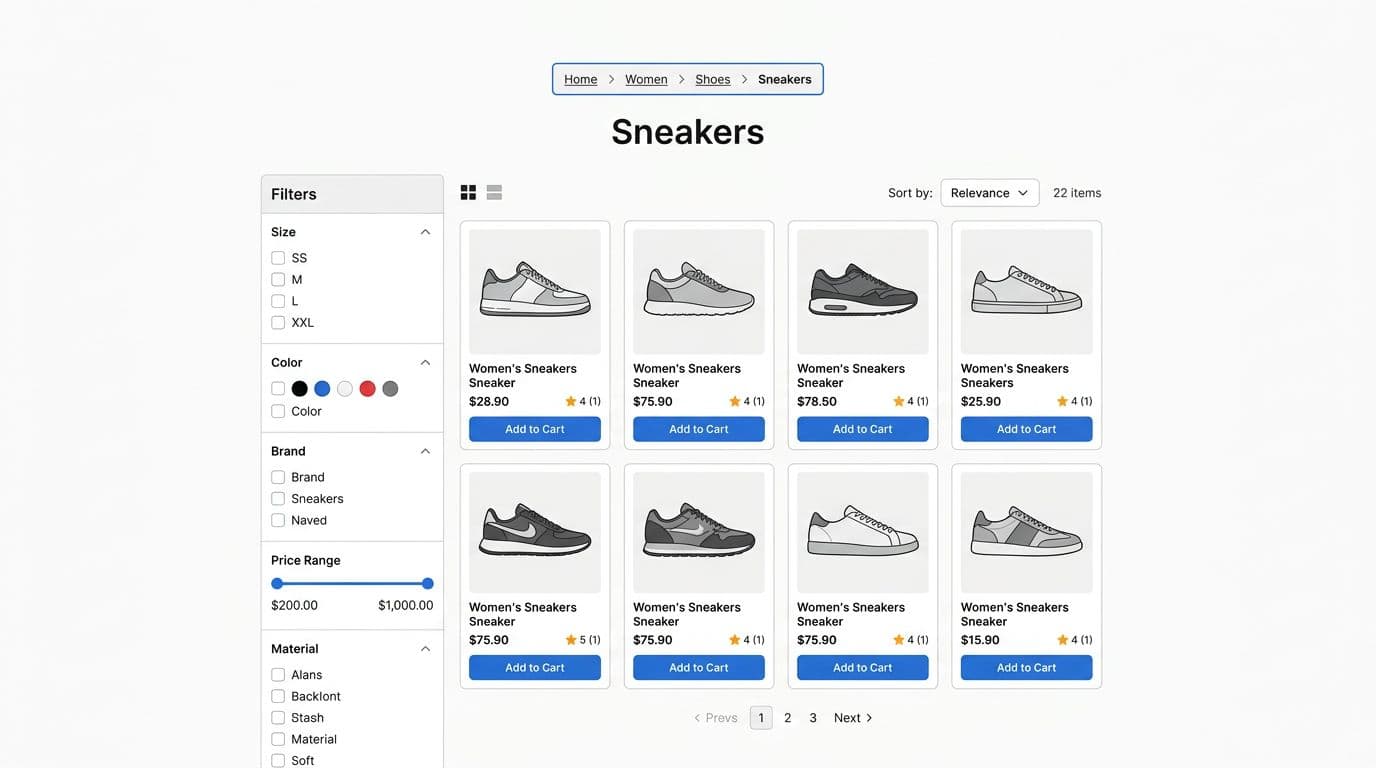
For eCommerce, the safest default is location-based breadcrumbs, like home page > Women > Shoes > Sneakers. This pattern stays consistent, even when users arrive from search, an ad, or a saved link. Consistency is the whole point, because it builds confidence that clicking “Shoes” won’t do something weird.
Path-based breadcrumbs (like “Back to results”) can help in apps, but they don’t explain your website structure. Attribute-based breadcrumbs (like “Black > Size 10”) can be useful as UI chips, but they shouldn’t replace the main hierarchy trail. Filters change fast, and you don’t want your structure to look different on every visit.
If your team is debating details like separators, truncation, or when to show breadcrumbs at all, Eleken’s guide on breadcrumb UX patterns and examples is a helpful reference point for modern design decisions.
Use this do and don’t table as a quick UI design decision filter:
| Breadcrumb choice | Do | Don’t |
|---|---|---|
| Model | Use location-based breadcrumbs for categories and products | Use path-based breadcrumbs as the primary breadcrumb on web |
| Click targets | Link every ancestor level, keep the current page unlinked | Link the current page to itself |
| Taxonomy | Show only real, browsable category levels | Include “empty” levels that lead to thin pages |
| Filters | Show filters as removable chips near the grid | Turn filters into breadcrumb steps |
A breadcrumb trail should feel like a map legend, not a second primary navigation bar competing for attention.
Make breadcrumb navigation easy to scan, tap, and trust on mobile
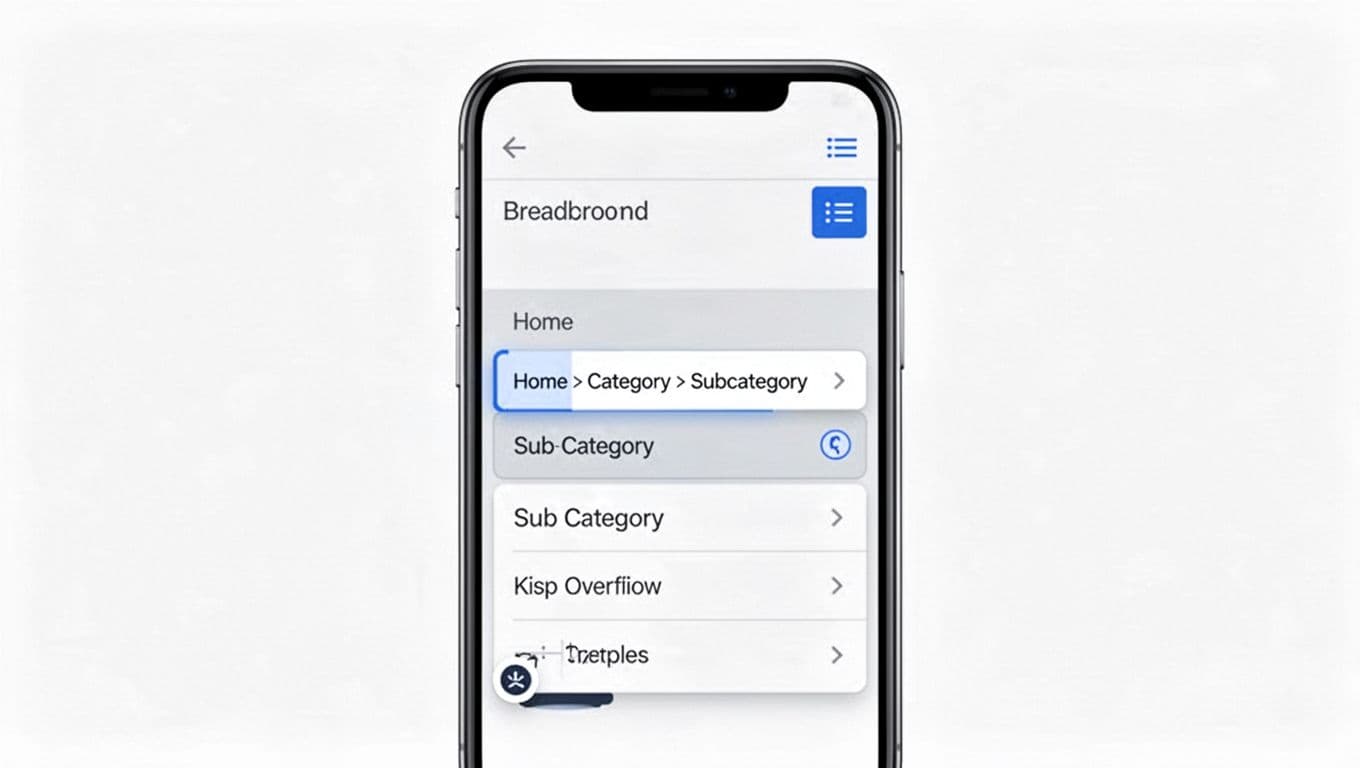
Desktop breadcrumbs fail on phones for a simple reason; they assume there’s endless horizontal space. Once the breadcrumb trail wraps onto two lines, it harms user experience and site usability, and becomes hard to parse and even harder to tap without mistakes.
Start with placement. On category pages, breadcrumbs usually work best above the H1, then followed by key controls like sorting and filters. That order tells users, “Here’s where you are,” then, “Here’s how to refine.”
Next, keep the visual weight low. Breadcrumbs should be quiet, using smaller type, clear separators, and enough spacing to avoid accidental taps.
Responsive implementation notes (patterns that hold up)
Use one of these patterns based on depth and device width:
- Collapsed middle:
Home > … > Sneakerswith the ellipsis opening a popover or menu of intermediate levels. - Horizontal scroll: keep the trail one line, allow sideways scroll, and preserve readable tap targets.
- Short back-to-parent: show
Shoesas a single “up” link when the trail would be too long.
Also, design for touch, not for mouse precision, with web accessibility in mind. Keep tap targets at least 44 × 44 CSS px, and don’t rely on tiny chevrons as the only clickable area.
Optimizing mobile breadcrumbs this way supports a smoother user journey and helps reduce bounce rates. If you’re aligning breadcrumb behavior with broader navigation and category UX, these research-backed eCommerce design best practices can help you keep patterns consistent across menus, search, and filters.
Here’s a quick do and don’t table for mobile:
| Mobile breadcrumb UX | Do | Don’t |
|---|---|---|
| Truncation | Prefer collapsed middle or horizontal scroll | Let the breadcrumb wrap into multiple lines |
| Taps | Make the full crumb label clickable | Make only the separator clickable |
| Density | Use spacing so each crumb feels distinct | Pack crumbs tightly to “save space” |
| Focus | Keep breadcrumbs visually secondary | Style breadcrumbs like primary navigation |
Use breadcrumbs to reinforce indexable category structure (and structured data)
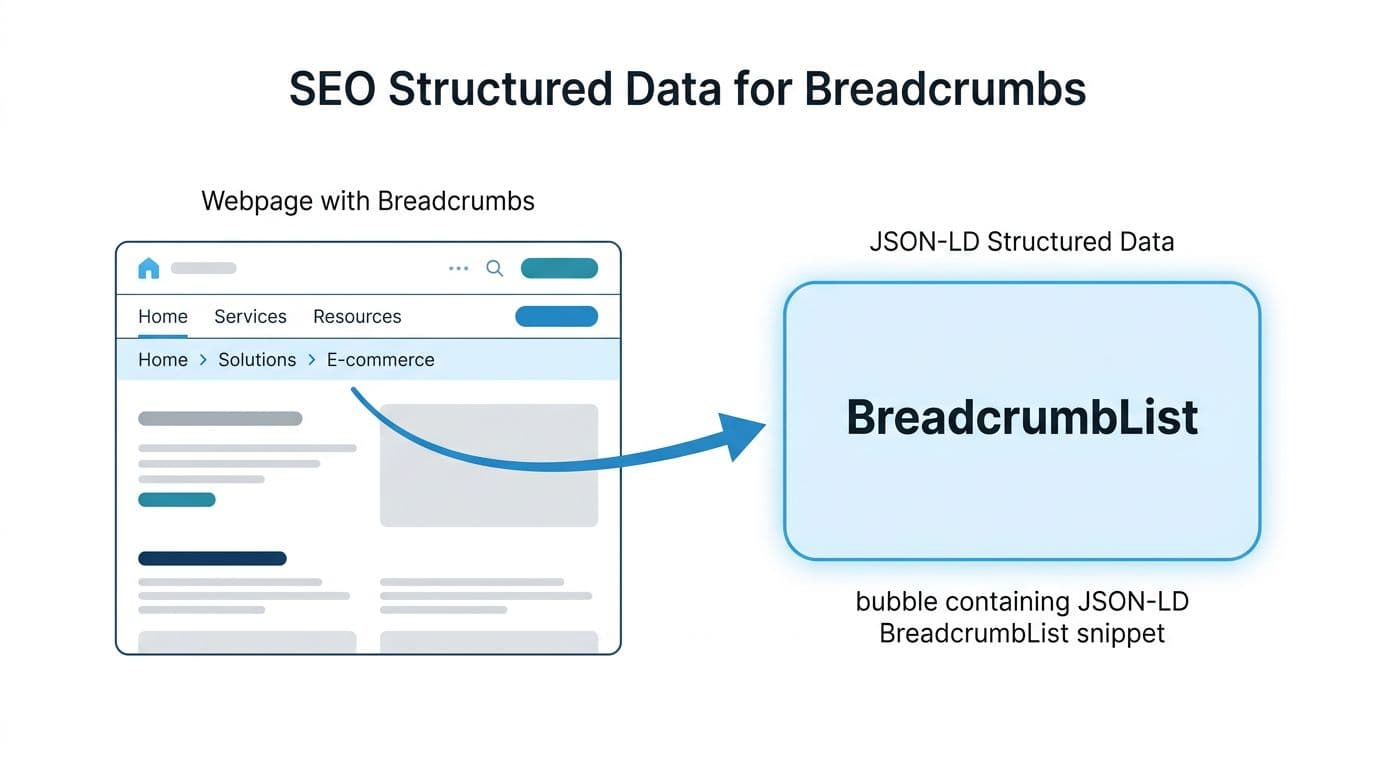
Breadcrumbs help SEO in two practical ways. First, they provide consistent internal linking from deep pages back to categories, reinforcing your internal linking structure for better crawler navigation. Second, they clarify your hierarchy when paired with structured data.
That second part matters more now that search systems often infer intent and relationships. Schema markup takes this further by enabling rich snippets in search engine results. When your breadcrumb trail matches your information architecture, you reduce ambiguity. When it doesn’t, you create mixed signals (especially on large catalogs with similar category names).
For a deeper look at category page pitfalls that often collide with breadcrumb design (thin category pages, filter URL sprawl, and cannibalization), use this Magento category page SEO audit checklist as a practical QA companion, even if you’re not on Magento.
JSON-LD BreadcrumbList snippet (example)
{"@context":"https://schema.org","@type":"BreadcrumbList","itemListElement":[{"@type":"ListItem","position":1,"name":"Home","item":"https://example.com/"},{"@type":"ListItem","position":2,"name":"Women","item":"https://example.com/women/"},{"@type":"ListItem","position":3,"name":"Shoes","item":"https://example.com/women/shoes/"},{"@type":"ListItem","position":4,"name":"Sneakers","item":"https://example.com/women/shoes/sneakers/"}]}
Implementation note: generate the JSON-LD structured data from the same source as your on-page breadcrumbs, ensuring the BreadcrumbList and its ListItem elements align perfectly. If those two drift apart, you invite indexing confusion and QA churn.
Performance still matters, too. Breadcrumbs are small, but they often sit in shared templates. If your templates are heavy or slow, everything suffers, including category discovery. Monitor performance in Search Console to improve click-through rate, and check DebugBear’s eCommerce SEO guide for 2026 for a solid overview of how UX and performance connect to search visibility.
SEO do and don’t table for breadcrumbs
| Breadcrumb SEO | Do | Don’t |
|---|---|---|
| URL targets | Link to canonical, indexable category URLs | Point crumbs to parameter and sort URLs |
| Consistency | Keep one primary hierarchy per page | Show different trails based on session path |
| Labels | Use plain category names people recognize | Stuff labels with extra modifiers |
| Index control | Treat high-value facets as separate landing pages | Let every filter combo become a breadcrumb step |
Final UX + SEO QA checklist (ship-ready)
- Breadcrumb navigation appears on category and product templates consistently.
- All ancestor crumbs link to useful category pages, not thin placeholders.
- Current page crumb is present but not a link.
- Mobile behavior avoids multi-line wrapping, taps feel safe and predictable.
- Breadcrumb trail matches the page’s canonical category, primary URL, and website structure.
- Filter and sort parameters do not appear in breadcrumb links.
- BreadcrumbList structured data matches the visible breadcrumb order and names.
- Analytics show breadcrumbs get clicks (especially on deep categories), not just impressions.
Conclusion
Breadcrumb navigation works best when it acts like a reliable “you are here” sign. Keep it consistent, keep it tappable, and tie it to your real site hierarchy. When the breadcrumb trail and the structured data tell the same story, both shoppers and crawlers move with less friction. Treat breadcrumbs as part of your secondary navigation in the larger website structure, not a decorative afterthought, and category discovery gets noticeably easier; search engine results will reflect the improved clarity.